
Pierre Basson
Oct 31, 2026
AI-generated conceptual illustration for the October 19–25 edition. |
A calmer Sunday handoff Hello, church leaders and volunteers! A smoother week often starts with one small handoff that everyone understands. This edition focuses on practical tests your team can try before Sunday, using sample files and a test sheet rather than sensitive attendee information.
Read on for the step-by-step ideas, brief tips and team trivia. The shared Lanier forecast is included for local planning; confirm current conditions and your own team’s arrangements before the weekend. |
This week’s team trivia |
Which Google Sheets feature can warn about edits or restrict who can change a formula cell? |
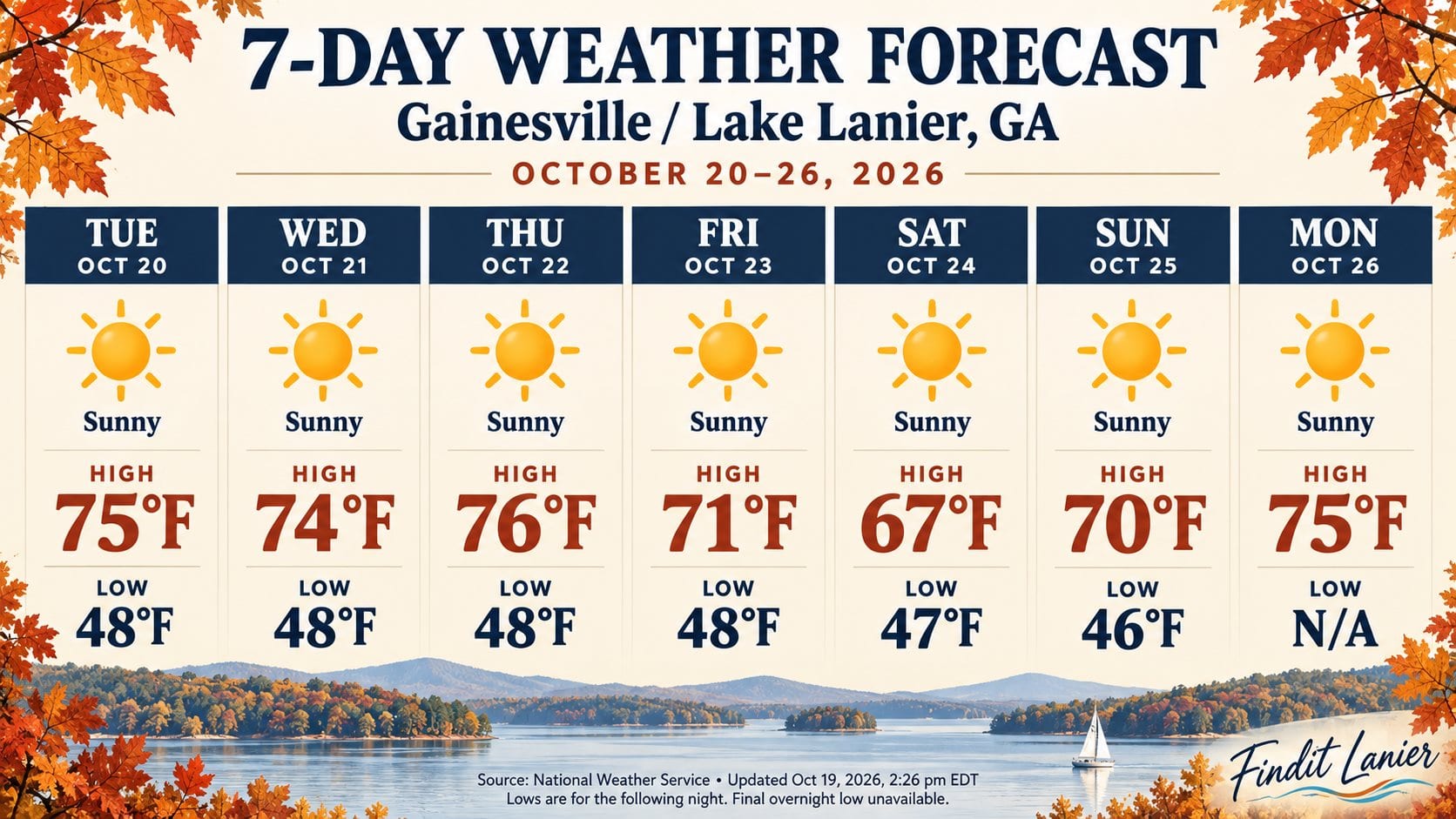 This week’s Findit Lanier NWS forecast, reused unchanged. October 20–26. |
Quote of the Day |
“To understand is essential to progress.” — Helen Keller |

Interesting Facts |
A Google Forms file-upload question requires the respondent to sign in to a Google Account. Plan for that step when volunteers submit bulletin images or ministry documents. |
From the reading desk |
A church Google Forms file-upload workflow needs a sender test and an editor test. Collecting a bulletin graphic is useful only when the contributor can submit it and the responsible editor can find and open the resulting attachment.
Google’s Forms customization guide says uploads are copied to the owner’s Google Drive account and the feature is not supported using shared drives. Choose ownership before using the form as a weekly handoff.
Specify the attachment you need, accepted file types and suitable size or count limits. Explain your own naming convention instead of leaving contributors to guess what “Upload” means.
The respondent troubleshooting page confirms that file uploads require Google Account sign-in and that respondents cannot upload from a shared drive. Provide a named fallback contact for contributors who cannot complete the process.
Submit a nonconfidential sample through the respondent link. Find it in Responses and the linked Drive folder, then have the intended editor check access through their own approved account. Owner access alone does not prove the reviewer can open it.
Our Drive handoff guide supports folder organization, and our photo handoff guide covers image credits and publication preparation. Keep collection, editorial acceptance and permission to publish separate. Assign someone to review incoming attachments and follow up before the bulletin deadline. Read More... |
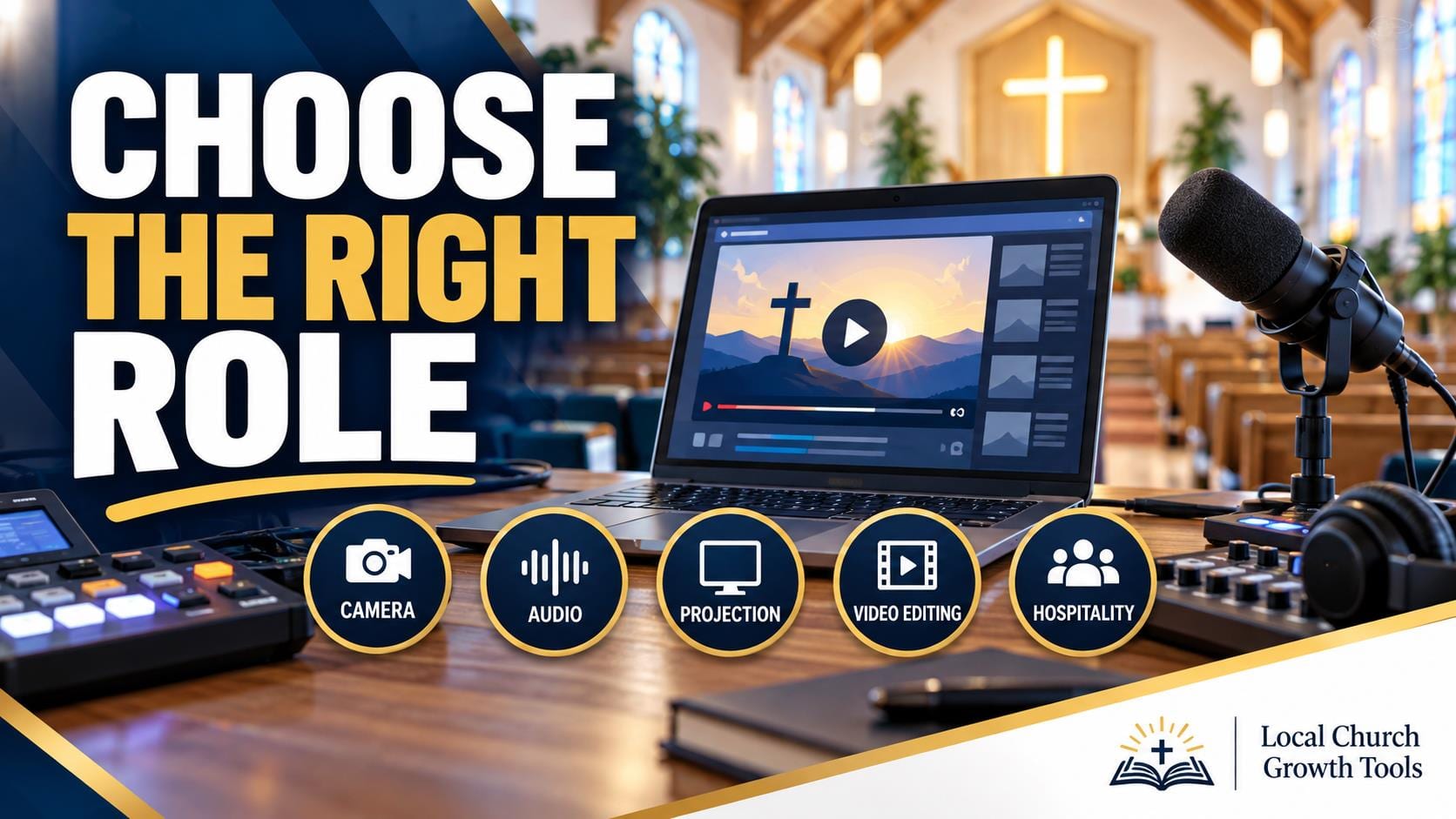
Choose YouTube access around the church volunteer’s actual sermon task. Subtitle review, recording uploads and managing other people’s access need different abilities. Write down the duty and identify who approves public material before selecting a role.
YouTube’s channel permissions guide provides the current role table. Subtitle Editor is limited to subtitles on eligible videos. Editor can upload and publish content; Manager has broader abilities, including managing permissions and deleting content.
A church approval rule still matters where software permissions permit publication. Do not describe an Editor as a draft-only role. The owner should review the complete table and choose the smallest suitable access for the assignment.
Use our captions checklist and chapter review guide to define production tasks clearly. Confirm the channel and recipient with the volunteer before an invitation is sent.
YouTube’s Brand Account guidance recommends channel permissions and assigns responsibility to the owner. Account structure may affect the workflow; the responsible owner should review any migration guidance first.
Official documentation was checked October 11, 2026. Test the agreed task with an appropriate working item, keep a handoff note and review access when duties change. This article does not grant permissions, authorize a public upload or replace the congregation’s review process. Read More... |
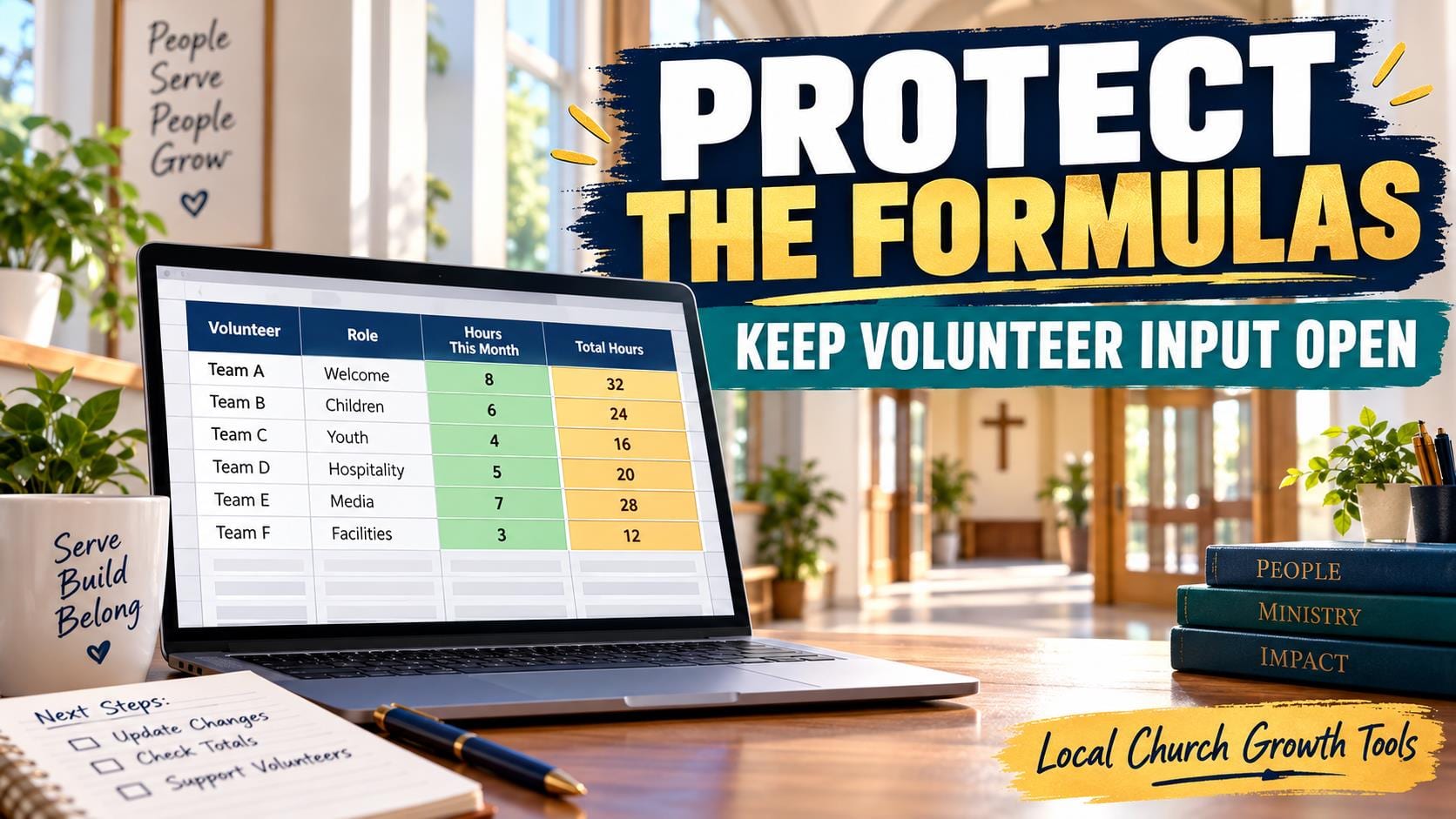
Protect the roster structure while keeping volunteer input clear. In a church Google Sheet, formulas, dates and headings may need different editing rules from availability cells. Start with a sample copy before changing the live schedule.
Google’s protection guide explains range and sheet controls under Data. A warning still allows an edit; a restriction limits who can change selected cells. Choose the behavior deliberately and identify any sheet exceptions.
Protection does not keep information confidential. Google says protected content can be copied or exported, and hidden sheets are not a privacy boundary. Keep unnecessary personal and pastoral details out of a broadly shared roster.
Use the Drive access guide to review the file’s audience and folder permissions separately. Our church Drive handoff guide helps document where the current schedule lives and why particular areas are protected.
Test a permitted update and a harmless protected-cell change with a consenting collaborator and sample data. Confirm that volunteers can complete the actual task, then provide a clear correction route for other cells.
Our filter-view guide covers finding a shift, a separate issue. Official documentation was checked October 11, 2026. Verify the file type if protection controls are missing, and preserve the original while checking any conversion. Read More... |
A quick Q/A |
Can a YouTube Editor publish a sermon video? |
Try this before next Sunday |
This week’s team exercise: Ask one volunteer to submit a sample bulletin image through your form. Confirm that the sign-in step works and that your editor can locate the file. Use a sample rather than a real attendee record. |
Joke of the Day |
Why did the volunteer label every folder? |
Open your channel’s permissions with the owner. Compare the volunteer’s actual task with the role table: uploading a sermon and managing access are different responsibilities. Confirm the invitation with that person before changing anything. |
Choose one formula cell and one input cell in a test copy of your rota. Follow Google’s protected-range guide, then try the sheet from the volunteer’s access level. Make sure the inputs remain usable and the formula behaves as intended. |
Tip of the Day |
Give every weekly handoff one named owner, one backup and one due time. Put those three details beside the task so a substitute can pick it up without chasing a long message thread. |
Tools worth exploring |
Use a short intake form to collect a ministry announcement’s title, requested date, contact person and sample attachment. Test required fields and file limits before inviting the full volunteer team. This is an unpaid editorial feature. |
Channel permissions let a church assign access without sharing its Google Account password. Match a volunteer’s role to the work they do and review who can publish versus who can manage permissions. This is an unpaid editorial feature. |
Secret Little Hack |
Keep a reusable “test announcement” ready with a sample title, date and image. Run it through your submission-to-publication handoff after a process change, so the first real Sunday announcement is not the test case. |
 |
💡 Answer to Trivia Question: Protected sheets and ranges. Read Google’s guide. |