
Church Sermon Captions: A YouTube Volunteer Checklist |
Review church sermon captions on YouTube with a volunteer checklist for names, Scripture references, sound cues, timing, and final approval. |
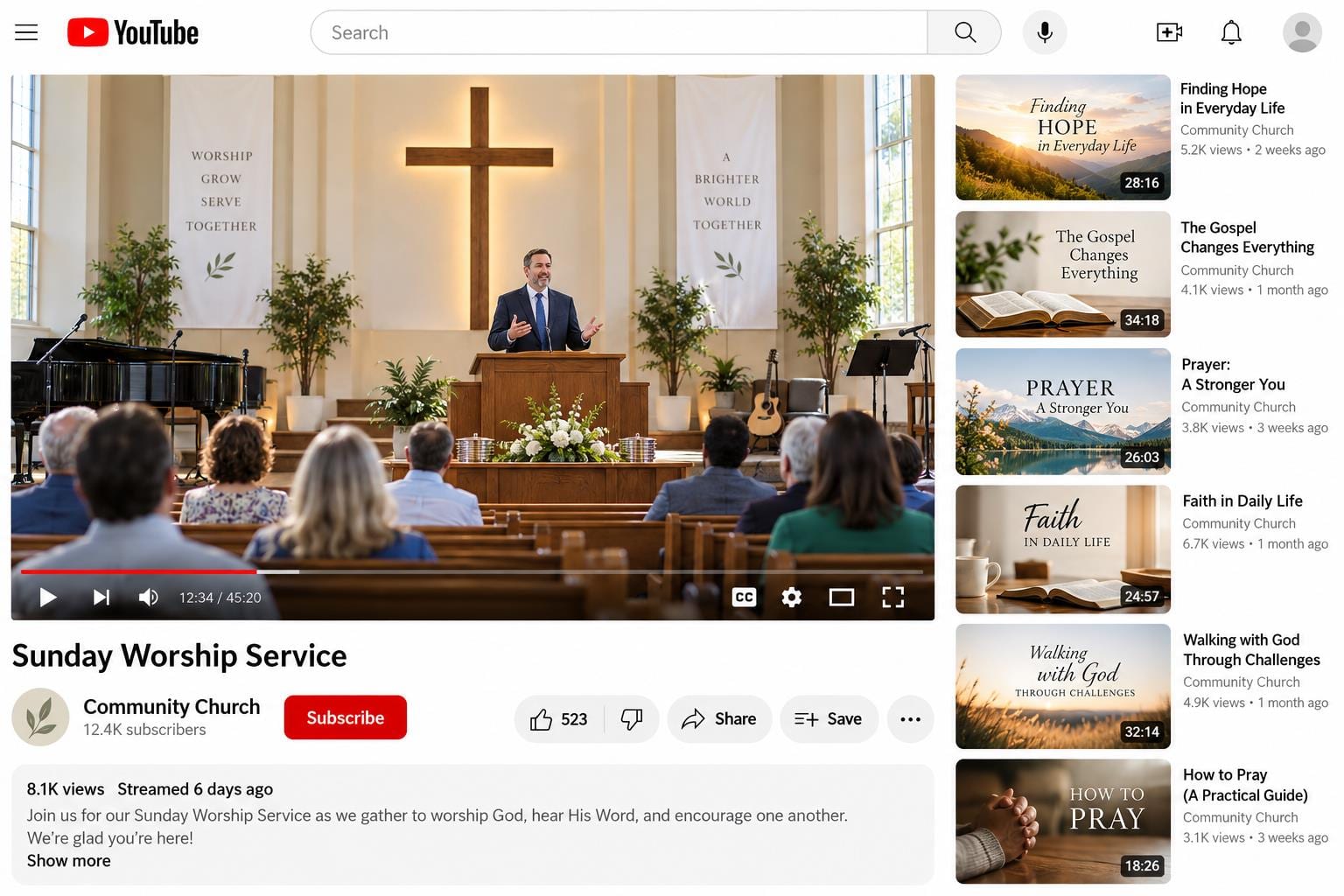
A church sermon caption checklist gives a volunteer something more useful than the instruction to make the video accessible. It defines what to listen for, which words need extra care, and who approves the final track. Begin with one recorded sermon and a named reviewer before trying to manage a whole archive.
YouTube’s automatic captioning guidance tells creators to review machine-generated captions and correct inaccurate transcription. A clear recording helps, but it does not eliminate mistakes. A biblical name, a quiet aside or a sentence delivered over music can emerge differently from what the speaker actually said.
Start with the right recording. Confirm the speaker, sermon date, video title and intended language. Check that the audio is the final version and that the volunteer has appropriate channel access. Keep private conversations or pastoral details out of the public recording before treating captions as the remaining production task.
Use YouTube’s caption editing instructions rather than an old screenshot tutorial. The current help page describes editing the selected video’s subtitle track, including duplicating and editing automatic captions. Menu wording can change, so bookmark the official guide and follow the options available in your own Studio account. |
 Illustrative stock photograph; not a photograph of this church or ministry. Photo by Christin Hume on Unsplash |
Make the first review a listening pass. Play the recording while reading the track, correcting ordinary transcription errors and omissions. Do not rewrite the sermon into smoother prose. Captions should convey what was spoken; a separately edited article or devotional is a different deliverable with its own approval process.
Give names and references their own pass. Check the preacher’s name, people mentioned publicly, place names, Bible books and chapter numbers against the audio and approved source notes. If the speaker misspoke, ask the ministry leader how to handle the recording instead of silently making the caption say something else.
Prepare a small reference sheet for repeated church-specific words: the congregation’s name, ministry names and frequently used biblical names. Keep that sheet limited to public terminology. It should help the next reviewer recognize an error, not become a storehouse of confidential member information.
W3C’s captions guidance explains that captions include relevant speech and non-speech audio information. For a sermon, consider an essential off-camera response, applause or another sound needed to understand the moment. Identify a speaker when the listener would otherwise be confused. Avoid filling the screen with irrelevant descriptions. |
 Illustrative stock photograph; not a photograph of this church or ministry. Photo by Matt Botsford on Unsplash |
Review timing as well as spelling. Watch whether a caption appears with the corresponding speech, remains readable, or disappears before the thought can be understood. Check a few transitions around prayer, Scripture readings and video edits. A technically present caption track can still be frustrating to follow.
Ask a second person to check the result. Our suggested approval note records the video, language, reviewer and completion date. The reviewer should inspect the corrected track on the actual video, not just a saved text document. If you publish a replacement recording later, check its captions again rather than assuming the old track still fits.
Use our small church AI policy checklist to assign responsibility for automated drafts and human approval. Our Planning Center church management overview offers broader context for organizing volunteer work. The captioning task remains a specific quality check, even when reminders and assignments are handled through another system.
Start with a manageable weekly handoff: editor corrects the track, reviewer checks meaning and presentation, channel owner confirms the final version. Tell volunteers where to report an uncertain word and how to record an unresolved issue. Reliable captions come from that repeatable review habit, not from assuming automation finished the job. |
0 Comments
Join the conversation
Be the first to comment
Share your thoughts above.