
Google Forms Branching: Send Church Volunteers to the Right Questions |
Use one multiple-choice or dropdown question to route a signup, then test every path. |
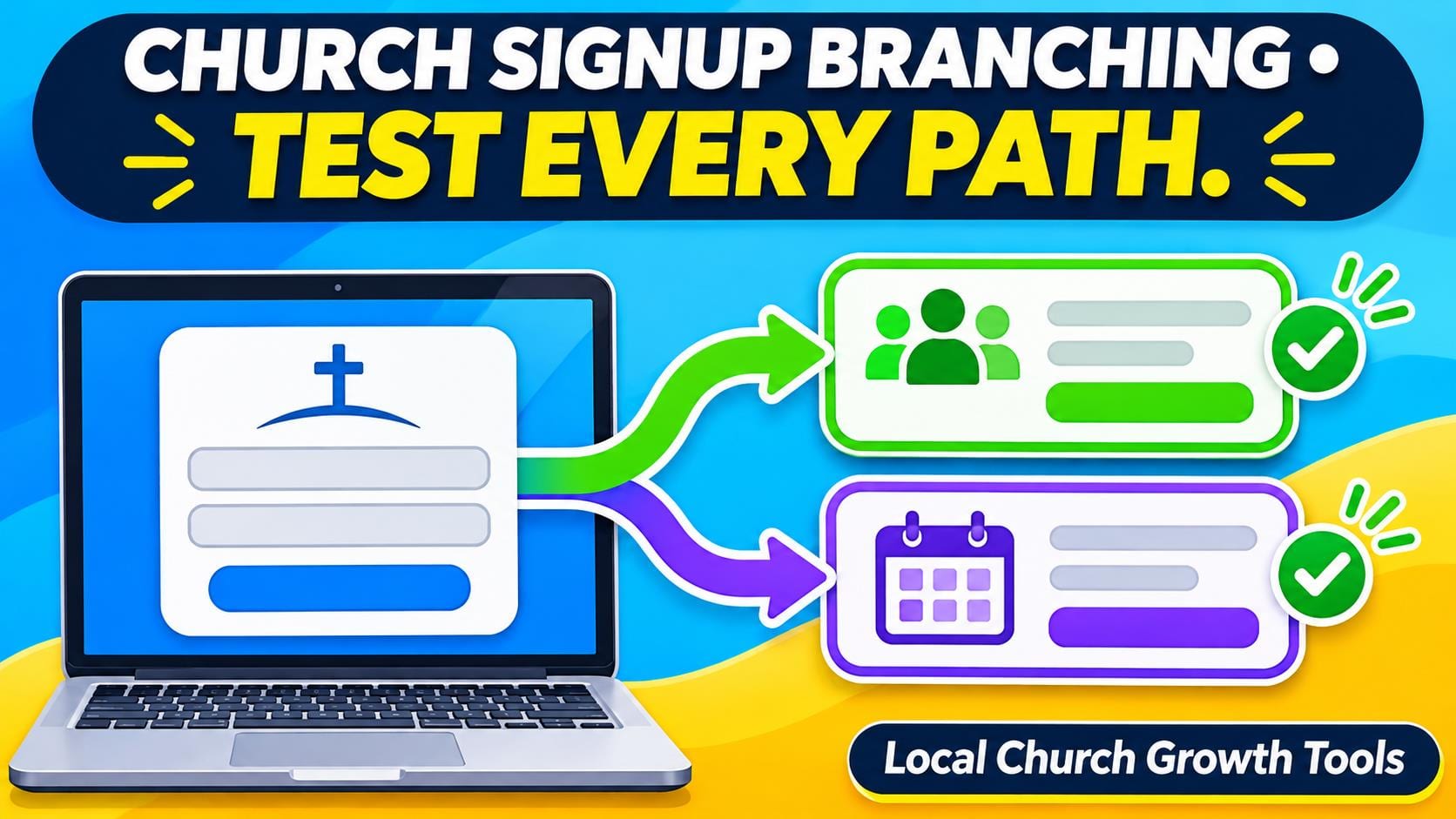
A church signup can ask very different questions of people who want to serve at the welcome table and people who want to join a meal team. Put the shared questions first, then let volunteers choose which section to see. A short form with a clear choice is easier to test and easier for a new person to finish.
Sketch the route before opening the editor. For a practice form, choose two roles and write down what each coordinator genuinely needs. A greeter might need to choose an arrival window, while a meal volunteer might need to say whether they can help with setup. Keep questions that apply to both roles in the shared section. Ask only for information the team plans to use. |
 Illustrative computer workspace. Photo by Christin Hume on Unsplash. |
Build one route per answerGoogle’s guide to showing questions based on answers says this option works with multiple-choice and dropdown questions. Add the sections you want to send people to. On the routing question, open its More menu and choose Go to section based on answer. Set a destination for every answer. Check the setting at the bottom of each section to control what happens next.
Walk through the path on paper first. If someone chooses greeter, they should see the greeter questions and proceed to the intended ending. They should not land on the meal questions just because that section comes next in the editor. Google’s Workspace customization guide shows how to tailor follow-up questions. Keep the design small until you can explain each path to another volunteer.
If someone wants both roles, decide how to handle that before using a single-choice question. One form could ask for a first choice and give people a contact route for other roles. Another could use two separate signups. Choose the arrangement the coordinators can actually manage without reconciling several different lists after the event. |
 Illustrative workspace for a team handoff. Photo by Anete Lūsiņa on Unsplash. |
Test the form as a volunteerUse fictional answers in a practice copy. Open the respondent link as someone with the permissions a church visitor will have. Submit a test for each role. Check which questions appeared, how the form ended and what the coordinator can see. Try a path on a phone as well, since volunteers often open a signup from a text message or bulletin link.
Separate routing from later changes. Our response-editing guide covers testing what happens when someone revises a submitted answer. Our notification handoff guide covers who checks new responses. Test both separately if the live signup needs them. The fact that one path submits correctly does not establish that a later edit reaches the right person.
Give the event lead a short list of the tested routes and who owns the responses for each role. After changing a question or moving a section, repeat the path that changed and check the shared ending. Publish the signup only after someone can complete each intended route and the appropriate coordinator knows where to look.
Keep one person responsible for the form after the event announcement goes out. Ask them to check again if a role closes or a coordinator changes. A route that worked before launch can become misleading if the form still offers an option the team can no longer staff.
Ask a second person to run the test without telling them which answer leads where. If they cannot predict what a choice means, improve the role labels before adding more branches. Save the resulting map with the event notes so a new coordinator can check it later. |
0 Comments
Join the conversation
Be the first to comment
Share your thoughts above.