
Church Website Photo Handoff: Alt Text, Captions and Credits |
Give each image a purpose, an accurate description and a traceable source. |
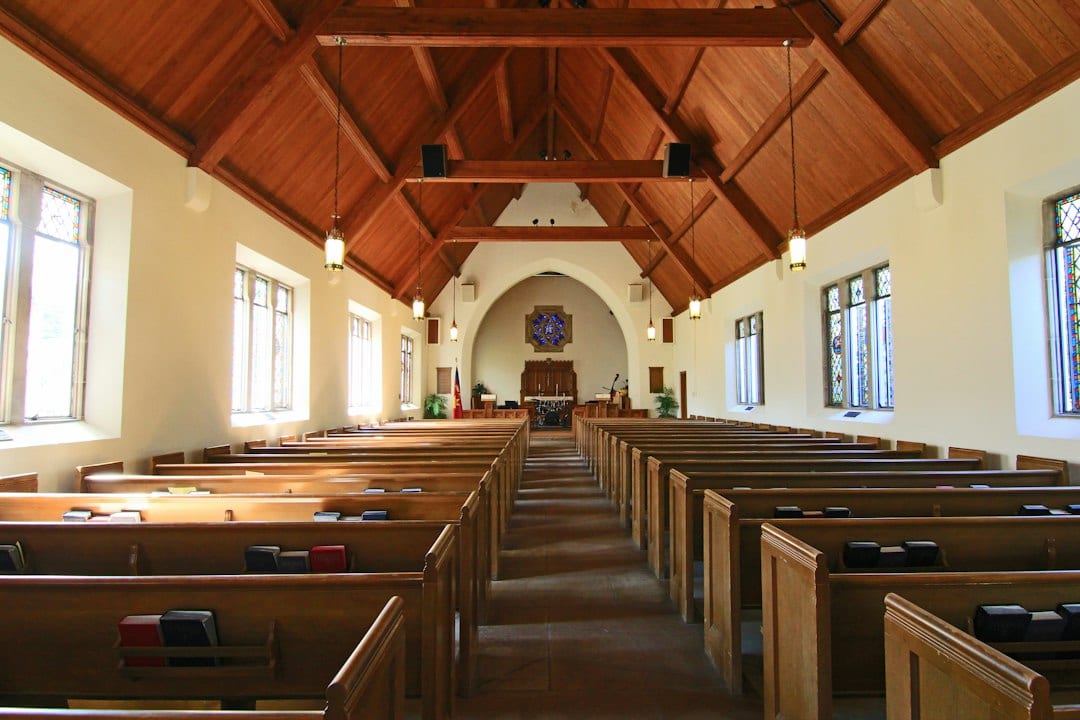
church website photo handoffA church website photo handoff should give the next editor enough context to use the image responsibly. A church photo handoff becomes easier when the editor knows why an image belongs on a particular page. Instead of sending a folder of vaguely named files, identify the intended page, the useful information the photograph contributes and the approved source. This turns an image selection into a clear publishing decision. W3C’s alt decision tree for church website photo handoff starts with how an image is used. An informative photograph, a decorative image and an image that acts as a link need different treatment. Ask that purpose question before writing a description or copying the same wording into every field. For example, an approved entrance photograph on a visit-planning page might show which door to use. A generic sanctuary picture beside a reflection may have a different role. These are hypothetical situations, not descriptions of a particular church. The editor should work from the actual photograph and the actual page, not an imagined version of either. Include the image’s source and the person responsible for approval in the handoff note. Keep any unresolved question attached to that asset so another volunteer does not assume the file is ready merely because it is in the library. |
 Illustrative church or image-editing-work stock photograph; not this publication’s congregation or an accessibility audit. Photo by Christin Hume on Unsplash |
church photo alt textChurch photo alt text has a different job from a visible caption or photographer credit. Alt text provides a text alternative based on the image’s meaning or function. A visible caption can supply context for all readers, while a credit identifies the source. HarvardSites’ caption and credit guidance treats those as distinct responsibilities. Prepare each deliberately rather than using the photographer’s name as the entire image description. For an informative photo, describe the relevant known detail concisely. Avoid guessing a person’s identity, feelings or relationship to the ministry. If the picture is stock photography, the caption should not present it as the church’s own congregation or event. An illustrative label can make that distinction visible. Check the exact credit required by the source and preserve the photographer or provider wording in the publishing record. A credit is not a substitute for permission to use a photograph. Ask the responsible editor to confirm the source and any applicable approval before the image enters a public page. When the image functions as a link, its alternative should help communicate the destination or action. If the image contributes no necessary information and is purely decorative, W3C’s guidance provides for an empty alternative. Give the website maintainer the intended treatment instead of assuming the editor’s caption field controls it. |
 Illustrative church or image-editing-work stock photograph; not this publication’s congregation or an accessibility audit. Photo by Anete Lūsiņa on Unsplash |
church image publishing workflowA church image publishing workflow needs a final review of the saved page. After an authorized upload or edit, inspect the saved page. Confirm that the selected photograph appears, the caption identifies it accurately and the visible credit matches the source record. Check the image’s actual placement; a crop can remove the detail that made the original picture useful. Have the maintainer verify how the alternative text is stored and presented. The handoff should distinguish a missing field from a deliberately empty alternative for decoration. A quick visual review alone does not confirm the experience of someone using assistive technology. Our visit-page access checklist helps decide which arrival information a real entrance photograph should support. The volunteer AI approval checklist supports review when a tool suggests wording. Keep a human reviewer responsible for accuracy, source and context, then preserve the finished handoff note for the next update. Assign unresolved image questions to a named editor before release. |
0 Comments
Join the conversation
Be the first to comment
Share your thoughts above.