
Church Apple Maps Review: Check the Existing Place and Building Pin |
Review an existing church Apple Maps place, building coordinates, contact details and hours before the authorized owner changes the listing. |
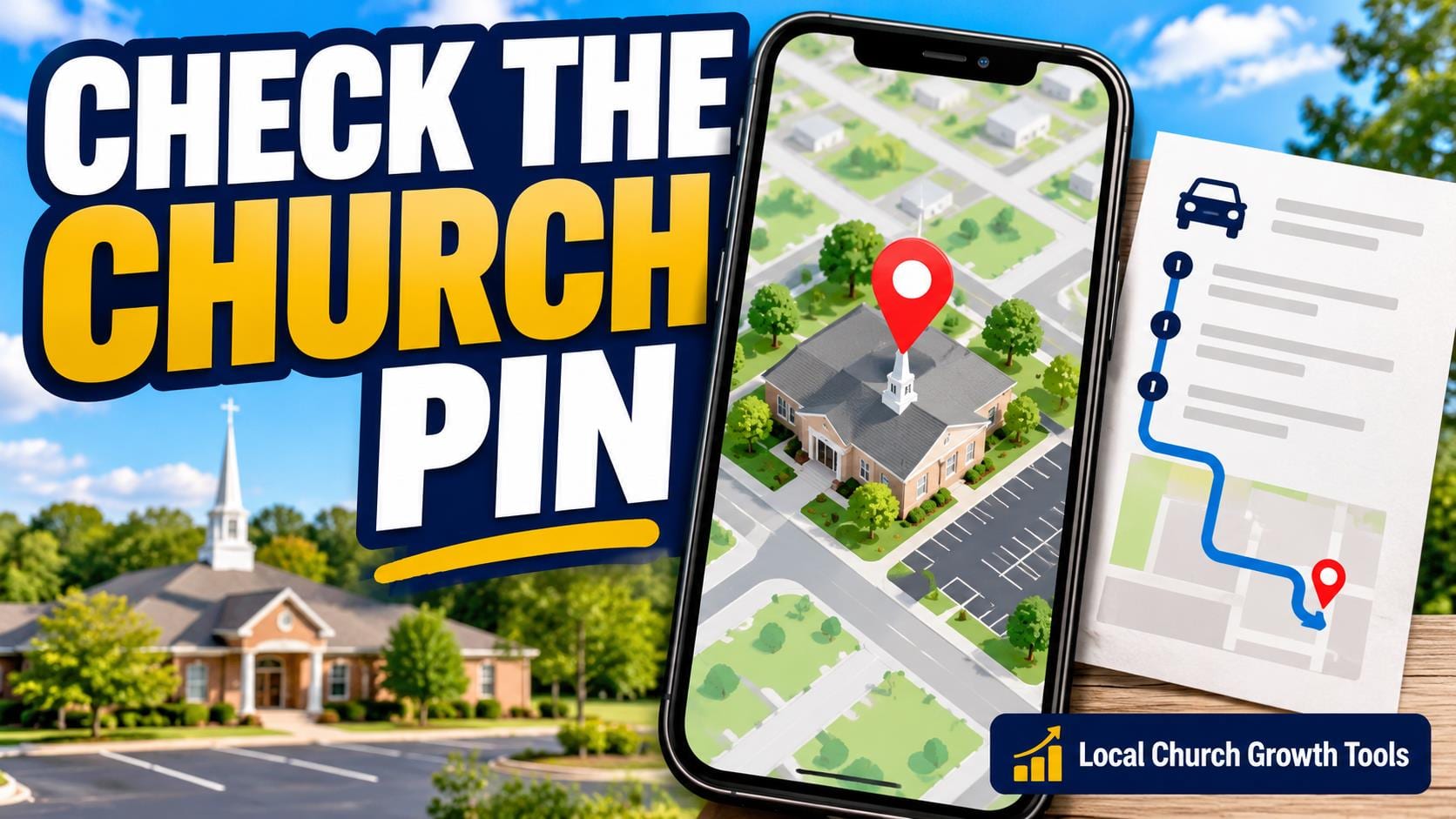
A church Apple Maps location review should start with the existing place and the congregation’s official details. Before adding a new listing, check whether the church already appears. Then review the building position, contact information and hours with the person responsible for the account.
Find the existing church firstSearch the public map using the congregation’s current name and address. Compare the result with its official website. Note an outdated name, phone number or building position for the authorized coordinator to investigate. Avoid creating another place simply because a detail needs correction.
Apple’s current single-location guide for Apple Business includes separate workflows for new and existing locations. It places location management under Brands and Locations for a user with the appropriate role. The existing-location workflow lets the responsible user select the matching place.
If a location is already managed, Apple describes a management-transfer process. Let the congregation’s authorized owner handle that account question with supporting evidence. A volunteer’s useful first contribution is a clear list of observed errors and the current official details, rather than a competing listing. |
 Illustrative stock photo of church seating; not a congregation identified on Apple Maps. Photo by Debby Hudson on Unsplash. |
Keep the building pin and arrival directions distinctApple’s location-attributes guidance says coordinates belong centered over the location’s building. They should not be on a sidewalk, road, intersection, front door or parking entrance. Do not move the building marker onto an entrance just to explain a visitor’s route.
Instead, keep practical arrival instructions on the congregation’s current visit page. Describe the entrance people should use and how to get help if it is unclear. Our step-free visit-page checklist helps the team describe a verified route without relying on a generic accessibility claim.
Ask someone familiar with the site to compare the map building position with the official address. If the congregation meets in a shared venue, confirm how the church’s place and the host building are represented. Record uncertainty for the account owner rather than guessing where a new marker should go.
A map preview and a written route answer different questions. The first locates the place; the second explains the actual arrival arrangement. Check both with someone who has not previously visited, and make sure the directions point to the same current venue. |
 Illustrative stock photo of laptop work; not an Apple Business account or actual church location review. Photo by Christin Hume on Unsplash. |
Review hours, contact details and the public resultApple’s attributes guide distinguishes standard hours from special and temporary hours. It says place-card hours should match the official website whenever possible. Review what visitors can actually access; do not silently present office availability as a promise that worship is happening throughout that period.
Our church listing-hours guide addresses that practical distinction on Google. For Apple, the responsible coordinator should check the options and current category in Apple’s own guide instead of assuming every platform uses identical controls.
Prepare a small review record containing the official name, address, current phone number, location webpage and the observed problem. Keep the source of each correction clear. A screenshot of the old public result can help a coordinator understand what needs checking without sharing account credentials.
After an authorized change and any required review, inspect the public place card again. Open the website link, compare the contact information and check the building position. Record what is actually visible rather than assuming a saved account change is immediately reflected everywhere.
Official Apple documentation was checked October 11, 2026. This planning guide does not claim a church listing, request a transfer or change its hours. It gives the responsible owner a concrete review package and a final public-view check. |
0 Comments
Join the conversation
Be the first to comment
Share your thoughts above.