Church Plan Your Visit Page: Step-Free Access Checklist |
Help first-time church visitors find verified step-free entrances, parking details, service times, contact options, and usable information on a phone. |
Pierre Basson
Oct 3, 2026
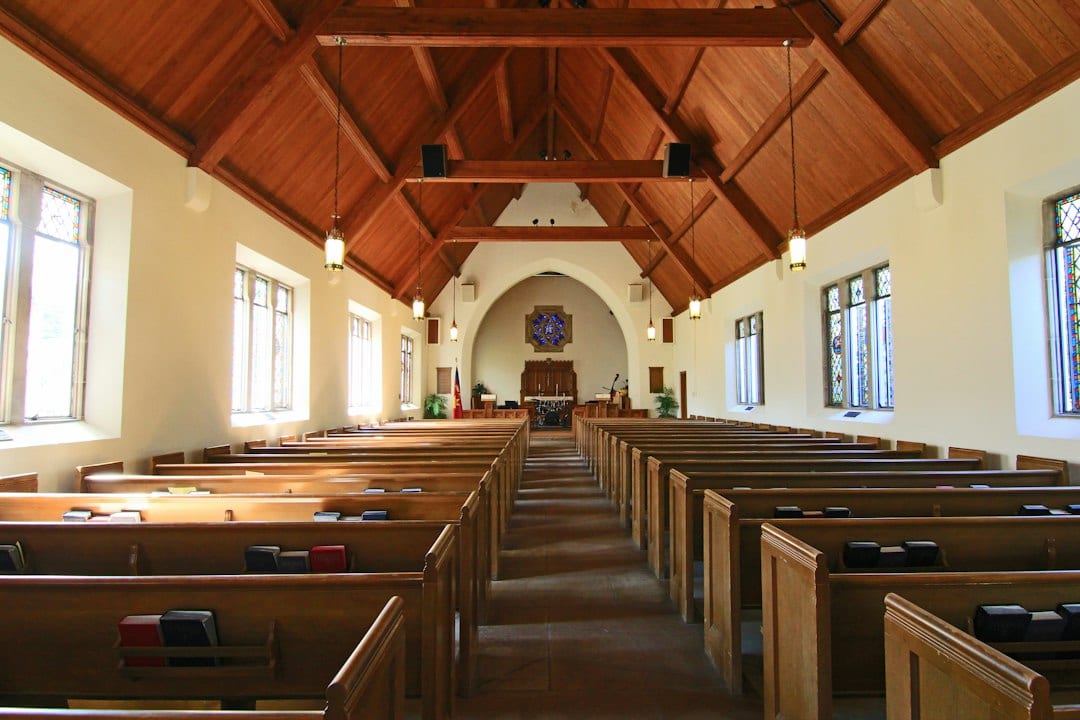
A church plan-your-visit page should help someone decide how to arrive, including whether the route works for their needs. An address and a broad welcome leave practical questions unanswered. Start with verified information about the actual campus, then make the page easy to read and use on a phone.
Describe the route, not just the building. Walk from the parking area or drop-off point to the entrance visitors should use. Identify any steps, uneven surfaces, gates or long detours. If there is a step-free route, explain where it starts and which door it reaches rather than simply calling the church accessible.
Ask a facilities leader to verify the description before publishing it. Record the review date and take current photographs of the approach and entrance, with permission where needed. Use real campus photographs on the visitor page; stock images can illustrate an article like this one but cannot show a guest where to go.
Give separate instructions for accessible parking and ordinary visitor parking when the arrangements differ. Describe the verified features and any limitations plainly. Do not promise a reserved space, available lift, hearing support or accessible restroom unless the relevant church team has confirmed that provision and how visitors can use it. |
 |
Put essentials before a registration form. Include the campus name, full address, current service times and a direct directions link near the top. Explain approximately how long the service lasts and how early a guest might arrive. A newcomer should be able to read those details without supplying personal information.
Offer a clear way to ask an access question before Sunday. Name the team or contact method and state when replies can reasonably be expected. Collect only what is needed to answer the request. Make the welcome team aware of the contact route so a useful enquiry does not disappear into an unattended inbox.
W3C’s Easy Checks introduces practical website checks such as page titles, headings, image alternatives, contrast, keyboard focus and zoom. It also explains that passing a few initial checks does not establish full accessibility. Use the resource to spot obvious barriers and identify areas that need a more experienced review.
Try the page with a keyboard as well as a mouse. Can someone follow the directions link and reach the contact option with a visible focus indicator? Enlarge the page and check that service times remain readable. Replace a timetable embedded only in a decorative image with real text that can be selected and enlarged. |
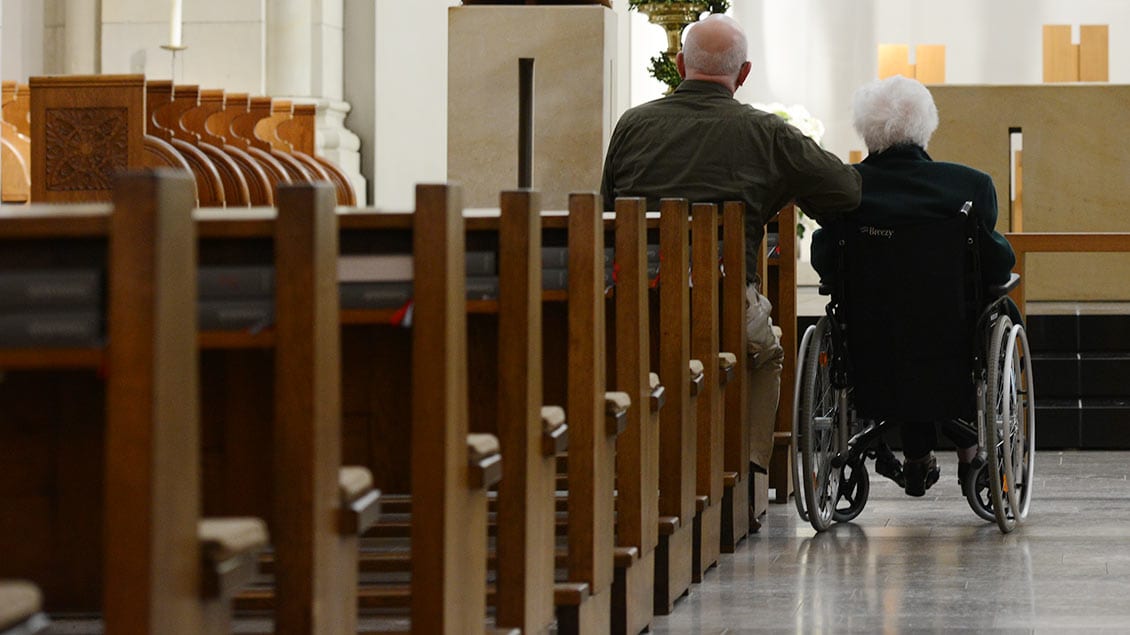 Illustrative stock photograph; not a photograph of this church or ministry. Photo by Jack Gardner on Unsplash |
Make the form understandable. W3C’s accessible forms tutorial covers labels, instructions and feedback that help people use forms. If the page offers an optional visit enquiry, give fields clear labels and explain required information. Confirm that error messages tell the visitor what to correct rather than merely changing a field’s color.
Ask someone unfamiliar with the campus to plan an arrival using only the page. Include people with relevant access experience in that review when possible. The aim is to discover uncertainty: a route that seems obvious to a longtime member may be impossible to infer from an aerial map or a welcome slogan.
Our Google Business Profile hours guide explains why worship schedules and ordinary opening hours need careful treatment. Keep the visitor page’s timetable consistent with the church’s confirmed arrangements. Our church marketing and Google Grant guide provides broader outreach context, while this checklist focuses on the practical information needed before arrival.
Assign an owner to recheck the page after service changes, construction, parking changes or altered entrance arrangements. Date temporary notices and remove them when they expire. A useful visitor page is a maintained promise about the next visit, with details that the church has actually checked rather than assumed. |
0 Comments
Join the conversation
Be the first to comment
Share your thoughts above.