
Pierre Basson
Nov 5, 2026
AI-generated conceptual illustration for this edition. |

Welcome well. Follow through. A welcoming Sunday depends on small handoffs that work: a form someone answers, a volunteer who knows the shift and an online viewer who finds the next message. This edition pairs practical team checks with nearby opportunities for worship and community connection.
Read on for the shared Findit Lanier weather outlook, a verse for reflection, team trivia and brief tips between the main sections. |
A little team trivia |
Which Bible verse ends with “Let all things be done decently and in order”? |
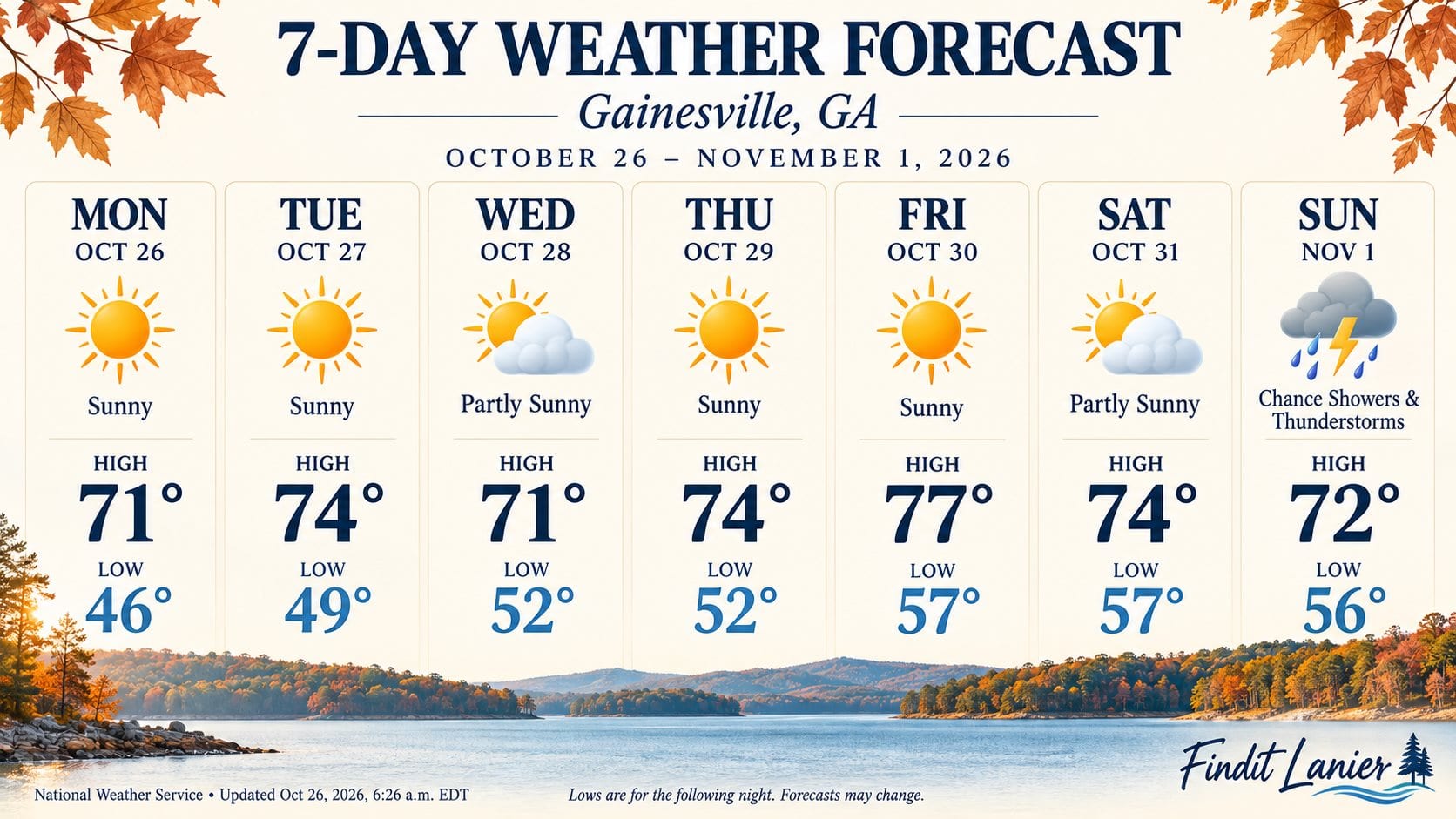 Findit Lanier / Gainesville weekly NWS outlook, October 26–November 1, 2026. Original update: October 26 at 6:26 a.m. EDT. Temperatures °F; lows are the following night. Open the current NWS forecast for changes and alerts. |
Quote of the Day |
“Be not forgetful to entertain strangers: for thereby some have entertained angels unawares.” |

Interesting Facts |
Planning Center’s Assignees tab shows ready, snoozed and overdue workflow counts by assignee. That view can help a team spot a backlog before assigning more follow-up work. |
From the reading desk |
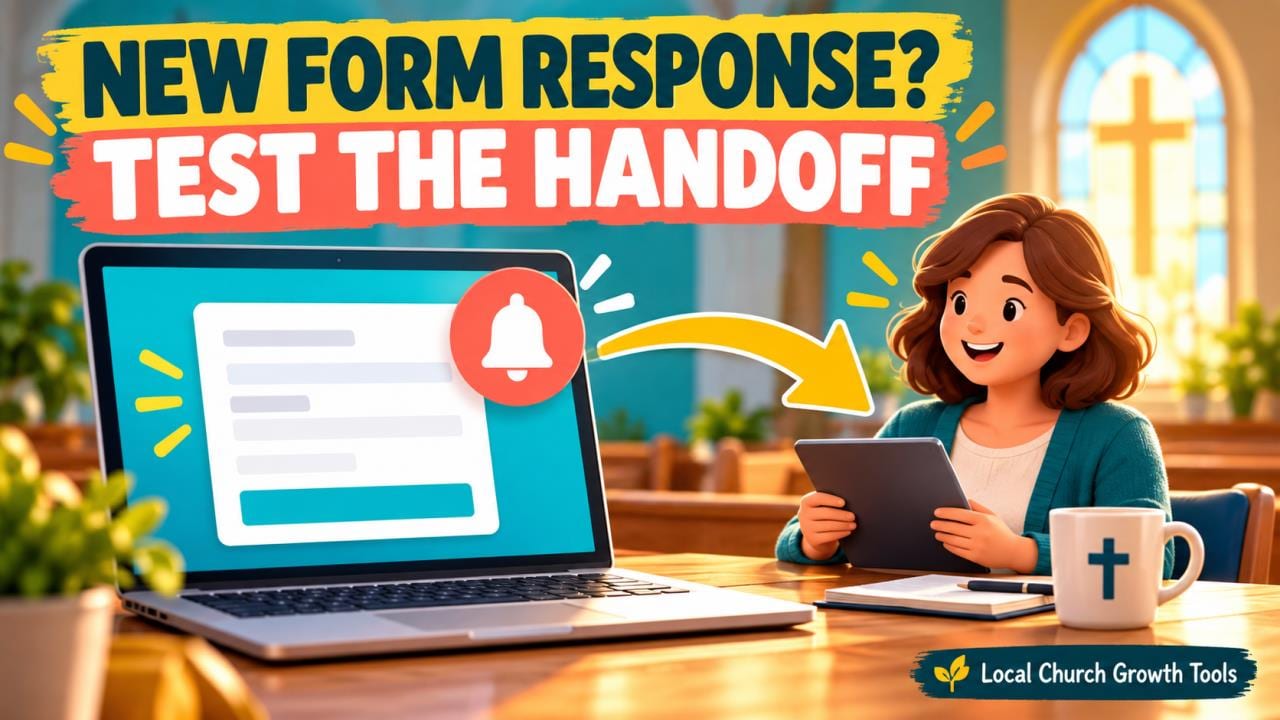
A church form needs a clear route from submission to a person who reads and answers it. Before promoting a registration or contact link, name the reviewer and test the handoff with fictional information.
Google's response-management instructions describe the built-in email-notification option in the form's Responses menu. Check the setting using the account responsible for the task instead of assuming an earlier setup still applies.
Test more than email arrival. Have the reviewer open the submission with their own authorized account and confirm it appears in the form. Ask the backup reviewer to rehearse the same route, then record what worked.
A reviewer alert is separate from the message a visitor sees after submitting. Our confirmation-message guide helps make that promise clear and consistent with the response time the team can support.
Google's collaboration guidance also makes the linked response spreadsheet part of the access review. Check both the form and sheet when responsibilities change, and keep responder access distinct from editing or reading other submissions.
Use our Drive handoff guide to give the next volunteer a clear starting place. Finish by recording who notices, reads and replies. Recheck after account or permission changes. Notifications are useful when they support a dependable human response process rather than creating alerts with no owner. Read More... |
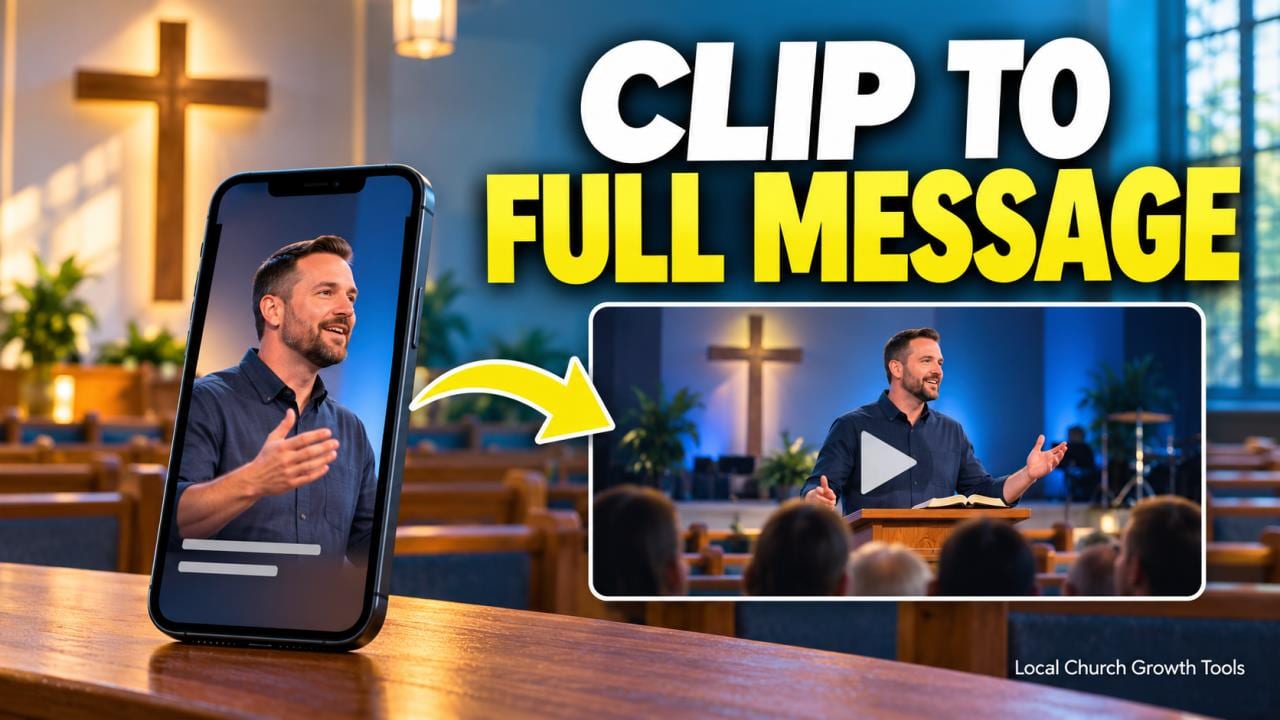
YouTube Shorts links need a viewer test before a church promises “watch the full message.” A URL copied into a Short’s description or comments is not clickable, according to YouTube’s current link-sharing guidance.
The Related Video feature provides a different route: a clickable link below the channel handle. Choose an approved recording from the same channel that genuinely completes the clip’s thought, rather than automatically selecting the latest upload.
The destination must be public or unlisted and follow the platform’s guidelines. Adding it requires advanced feature access. Check the eligibility guidance and refer account questions to the responsible channel owner before promising the feature.
For an uploaded Short, use YouTube Studio’s Content area, open the selected Short, choose Related Video and save. Read the title carefully when several messages share similar series artwork. Reopen the saved item before declaring the route ready.
Activate the viewer-facing link on a representative device and inspect the destination’s opening. Have a second reviewer repeat the journey. A correct destination still needs the church’s ordinary approval of the excerpt, context and images.
Our sermon playlist guide and YouTube permissions guide cover related handoffs. Record the Short, destination, approver and test result, then repeat the check after a meaningful change to the linked recording. Read More... |
A Google Sheets filter view can help a church coordinator find relevant shifts without changing the view another volunteer is using. Our new workflow starts with a clear table and a specific scheduling question. Google’s sort and filter instructions distinguish an ordinary shared filter from a filter view that applies to your own view. On a computer, create the view from the Data menu, check the table range, choose the criteria and give the saved view a useful name. Test it with known examples: one shift that should appear and one that should not. Check recently added rows and inconsistent status wording. An empty result can reflect a wrong range or condition rather than proof that all roles are assigned. View-only users can create temporary filter views, but those selections are not saved. Explain this when providing instructions to volunteers. Filtering does not restrict access to underlying records. Google’s protection and hidden-sheet guidance explains related limits; keep sensitive notes out of a broadly shared schedule and review the file audience separately. Our Calendar separation guide and Drive handoff guide cover related planning. Product instructions were checked October 7, 2026. Ask another authorized coordinator to confirm the view and its known examples before using it to report an open role or begin follow-up. Read More... |
A quick Q/A |
Q: Does People being free mean every Planning Center product is free? |
 |

Sunday, November 1 • 8:30 a.m.; stream opens 8:25 a.m. • Online from Christ the King Lutheran Church, Cumming. Join the church’s public All Saints’ Sunday stream. Its current page provides the bulletin and platform links in advance, a useful example of helping online visitors prepare. The church is at 1125 Bettis-Tribble Gap Road. This is public worship, with no private training or backstage access implied. |
Joke of the Day |
Why did the volunteer bring a pencil to the welcome desk? An original joke for this edition. |

Sunday, November 1 • 9 a.m.–1 p.m. • Parish Hall, Grace Episcopal Church, 422 Brenau Avenue, Gainesville. Meet representatives of local nonprofit organizations, learn about their work and discover ways to get involved. For church leaders, the fair offers a practical place to listen and learn where community efforts already exist. Follow the church’s visitor directions for the parish hall entrance; no partnership with this publication is implied. |
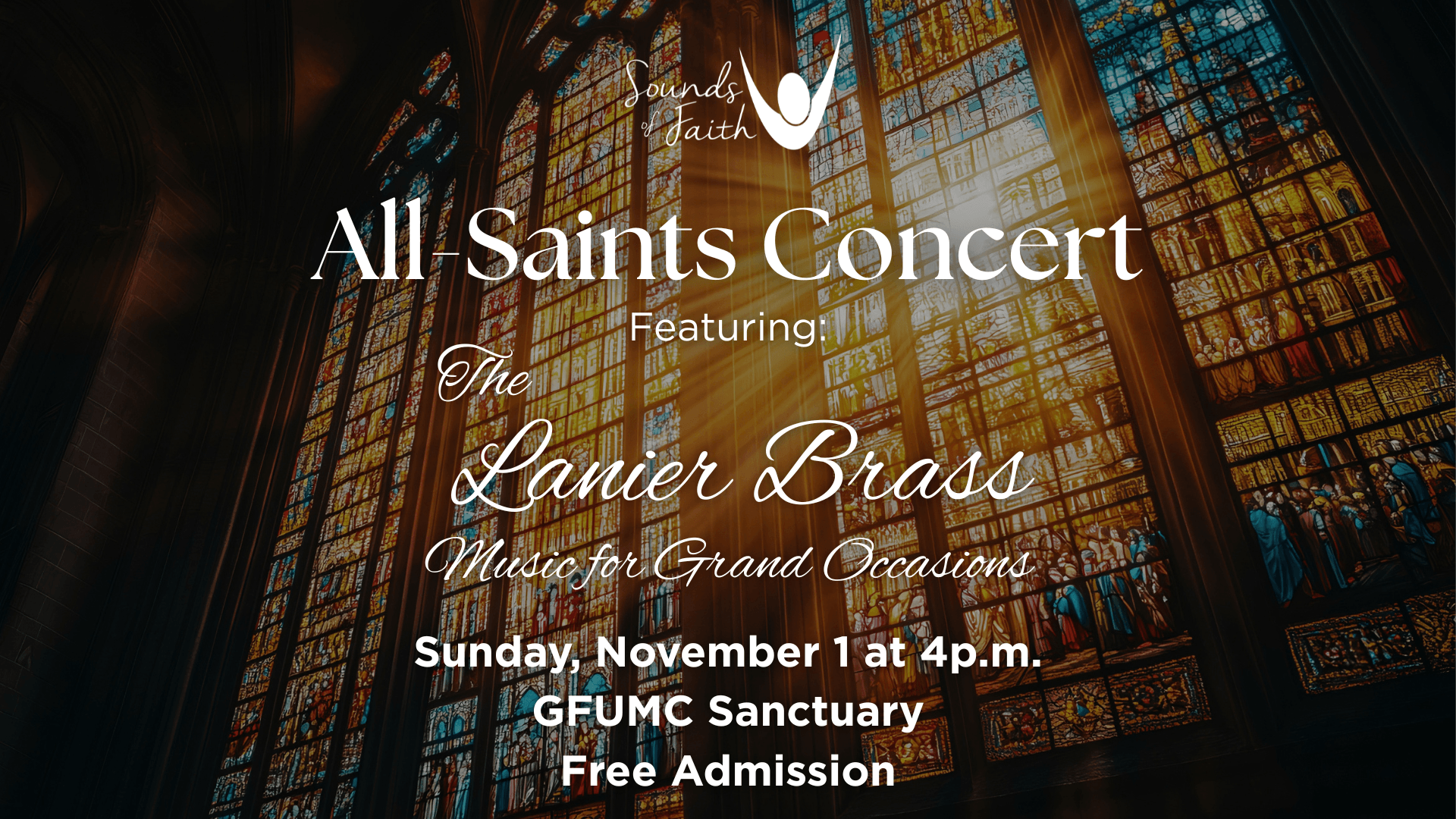
Sunday, November 1 • 4 p.m. • Gainesville First UMC Sanctuary, 2780 Thompson Bridge Road, Gainesville. Hear Lanier Brass in Music for Grand Occasions, a Sounds of Faith program of brass and percussion music for All Saints remembrance. The ensemble includes professional musicians and music educators from across North Georgia. Admission is free, according to the organizer. |
Tip of the Day |
Send Sunday’s volunteer reminder with a specific local arrival time and a clock-change note. Daylight saving time ends November 1 at 2 a.m.; manually set clocks need to move back one hour. |
Tools worth exploring |
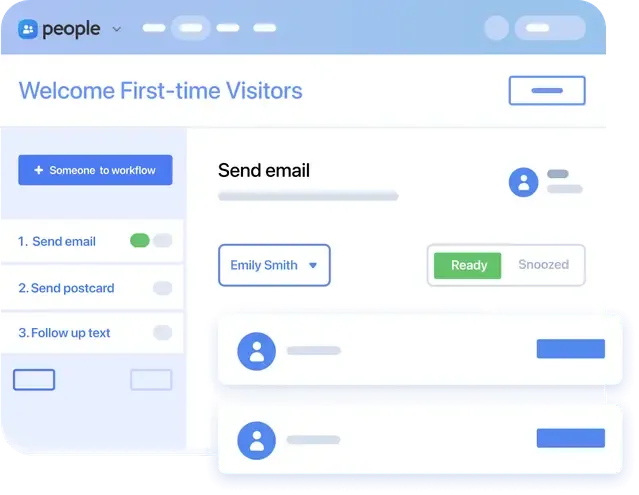
Start with one manageable first-visit follow-up process: a connection form, one assigned owner, a next action and a completion check. Planning Center People supports multi-step workflows, and its Assignees tab shows ready, snoozed and overdue counts to help leaders discuss workload. Use only the information and communication channels visitors agree to share. People is free; other products and optional services can have separate costs. Official product details and current plans Unpaid editorial feature; no sponsorship or partnership implied. |
|
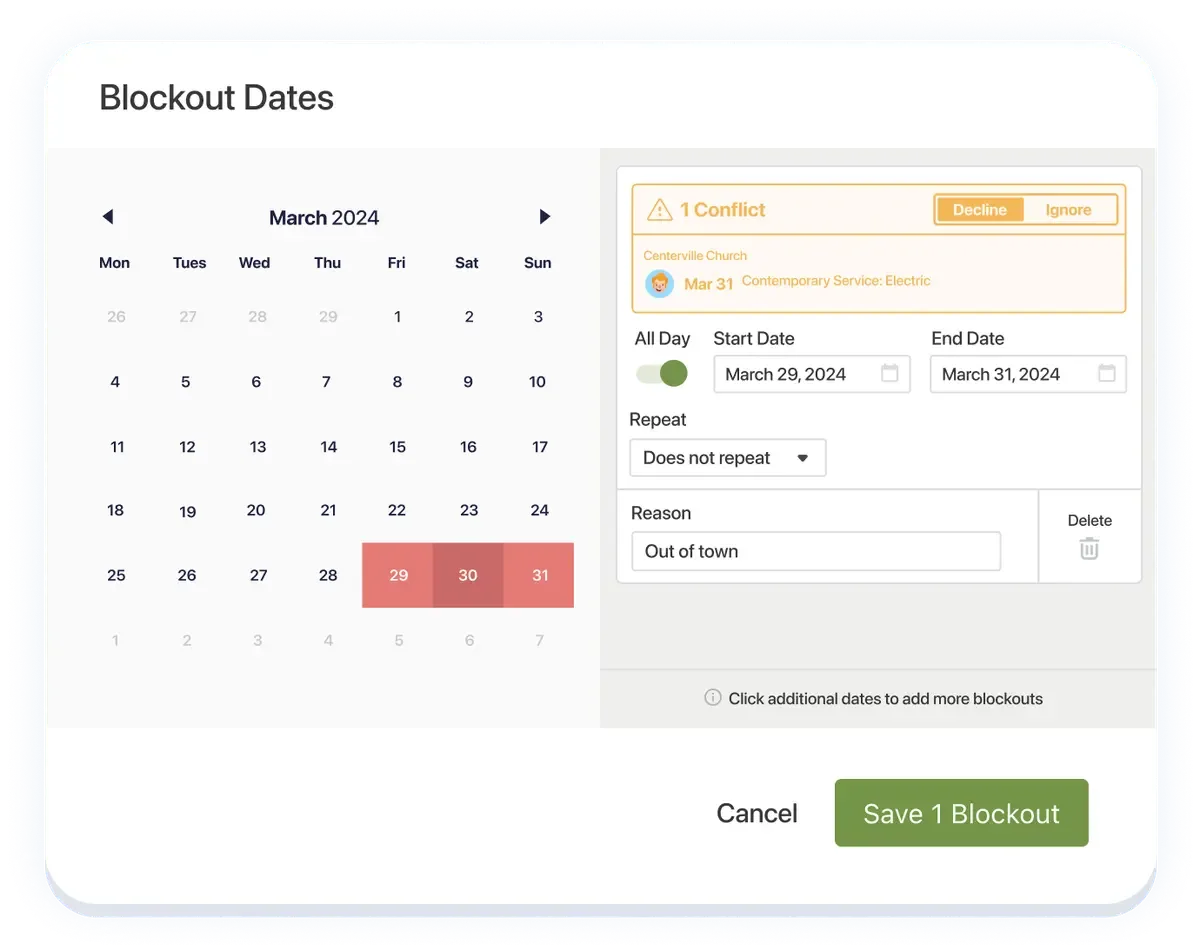
Ask volunteers to mark unavailable dates before scheduling, then review serving responses instead of assuming availability. Planning Center Services supports blockout dates, reminder emails and team-leader contact. Pilot a clear process with one hospitality or technology team and check the current plan and pricing separately. The interface image contains demonstration dates, rather than this edition’s calendar. Official product details and current plans Unpaid editorial feature; no sponsorship or partnership implied. |
|
Secret Little Hack |
End Monday’s debrief with three columns: keep, change, owner. Assign one person and a date to each chosen change, then check it before the next Sunday. |
 |
💡 Answer to Trivia Question: 1 Corinthians 14:40 (King James Version). Read the verse |