Church Google Calendar: Separate Public Events From Volunteer Scheduling |
Prepare a public-facing calendar without exposing the team's working notes. |

Start the church event calendar review with an audienceA church event calendar review should begin with who needs to read each item. Visitors need clear public times, locations and registration information. Volunteers may need working notes that belong in a restricted scheduling space. Sorting those purposes before changing settings makes the later review much easier to explain. Google's church public Google Calendar reference explains that public calendars can be found online, subscribed to and used in other applications. It also notes that multiple calendars can have different audiences. Review the exact calendar selected before anyone authorizes public access. Prepare a short inventory of the church's calendars, owners and intended audiences. Do not use a staff member's personal calendar as the public event feed just because it already contains service dates. A church public Google Calendar should contain information the church has deliberately prepared for everyone to see.  Protect church volunteer calendar privacyChurch volunteer calendar privacy begins with the content, not a comforting calendar name. Keep private phone numbers, absence reasons, pastoral notes and internal assignments out of public event descriptions. A separate public entry can describe a community event without carrying the working conversation that produced it. Google's calendar sharing permissions guide distinguishes viewing from editing and managing sharing. Ask the responsible owner to review who needs each capability. Administrator restrictions may also apply to a church's Workspace account; an unavailable control is a reason to contact that administrator. Record the approved audience and owner before requesting a settings change. For church volunteer calendar privacy, give reviewers enough context to understand what they are authorizing. A screenshot of the relevant settings can support the record, but remove private details before placing that record in a broadly shared handoff document. Check the church public Google Calendar as a visitorOnce an authorized owner has configured the public calendar, review the intended public link from a visitor's perspective. Check the title, time zone, location and description for a sample event. Confirm that the information helps someone attend without requiring them to interpret internal abbreviations or know a team member personally. Use an example such as a community meal to compare the public entry with its approved event page. The public version might need the arrival time and registration route; the volunteer version might have setup assignments. Those are illustrative roles, and the church should decide which details actually belong in each place. Ask a second reviewer to check the same event without coaching. If they cannot tell where to go or whether registration is required, improve the wording before adding more entries. Our event-page update guide helps keep date changes consistent across the church's public information. 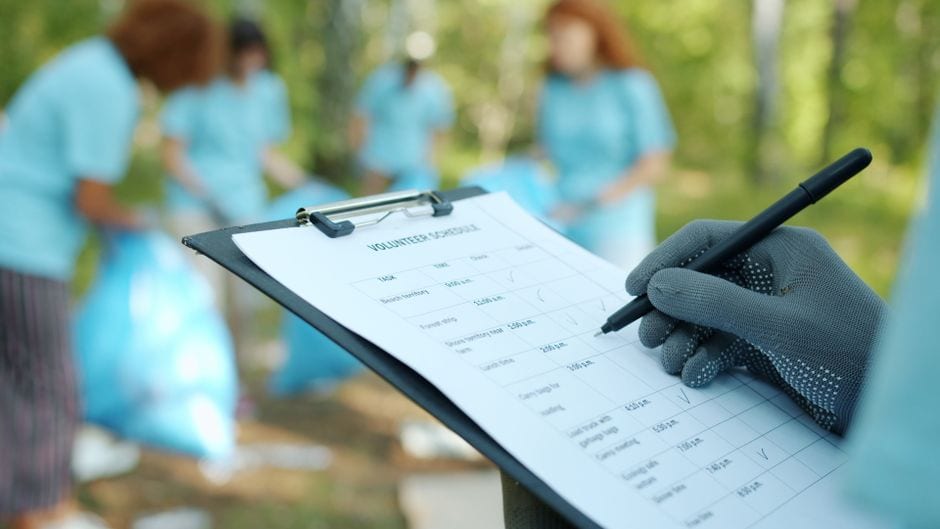 Give the church event calendar review an ownerChoose one person to maintain the public feed and another to cover absences. Write down where approved event information comes from and how corrections reach the calendar owner. A reliable church event calendar review depends on that small process as much as it depends on the product's available settings. Include the calendar link in the church's regular visitor-route link check. Check an upcoming event, a changed event and the destination of any registration link. Keep the review focused on what visitors can actually read rather than assuming a successful internal edit proves the public display. Finish with a record of the calendar reviewed, the audience approved and any outstanding correction. Recheck after a volunteer handover or a significant scheduling change. A church public Google Calendar becomes useful when its public details remain dependable and the private scheduling work stays within its intended audience. |
0 Comments
Join the conversation
Be the first to comment
Share your thoughts above.