
Pierre Basson
Nov 7, 2026
AI-generated illustration for this edition. |
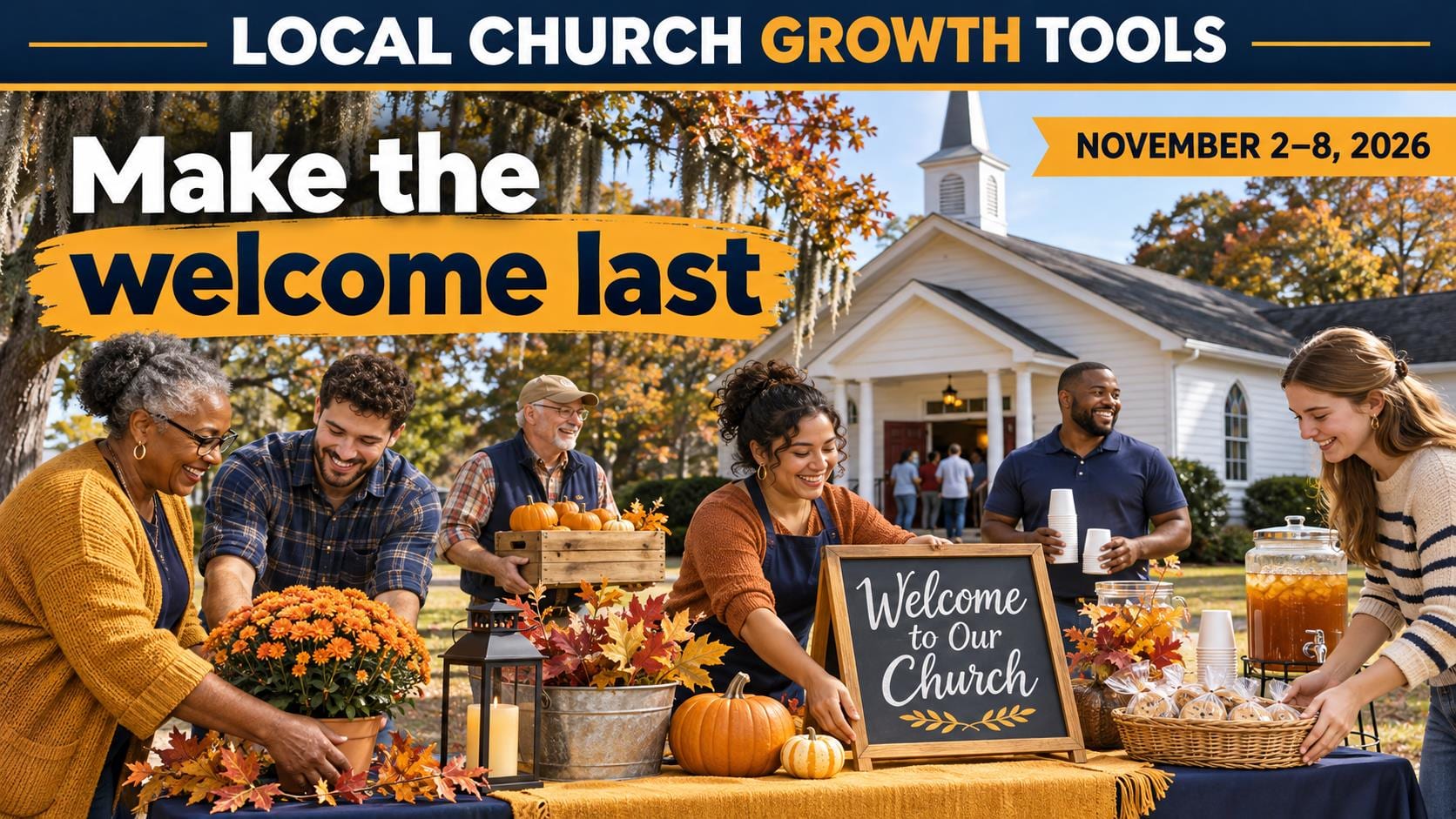
Make the welcome last What happens after someone stops at your welcome table or offers to help? This week’s issue focuses on the handoff. Give volunteers a clear role, let guests choose whether they want a follow-up, and make sure someone knows who will take the next step.
Read on for dates and organizer links, three ministry articles, and the shared Findit Lanier forecast. Pick one small improvement to try at your next event. |
A little ministry trivia |
Which organization hosts the Ozanam Orientation listed in this issue? |
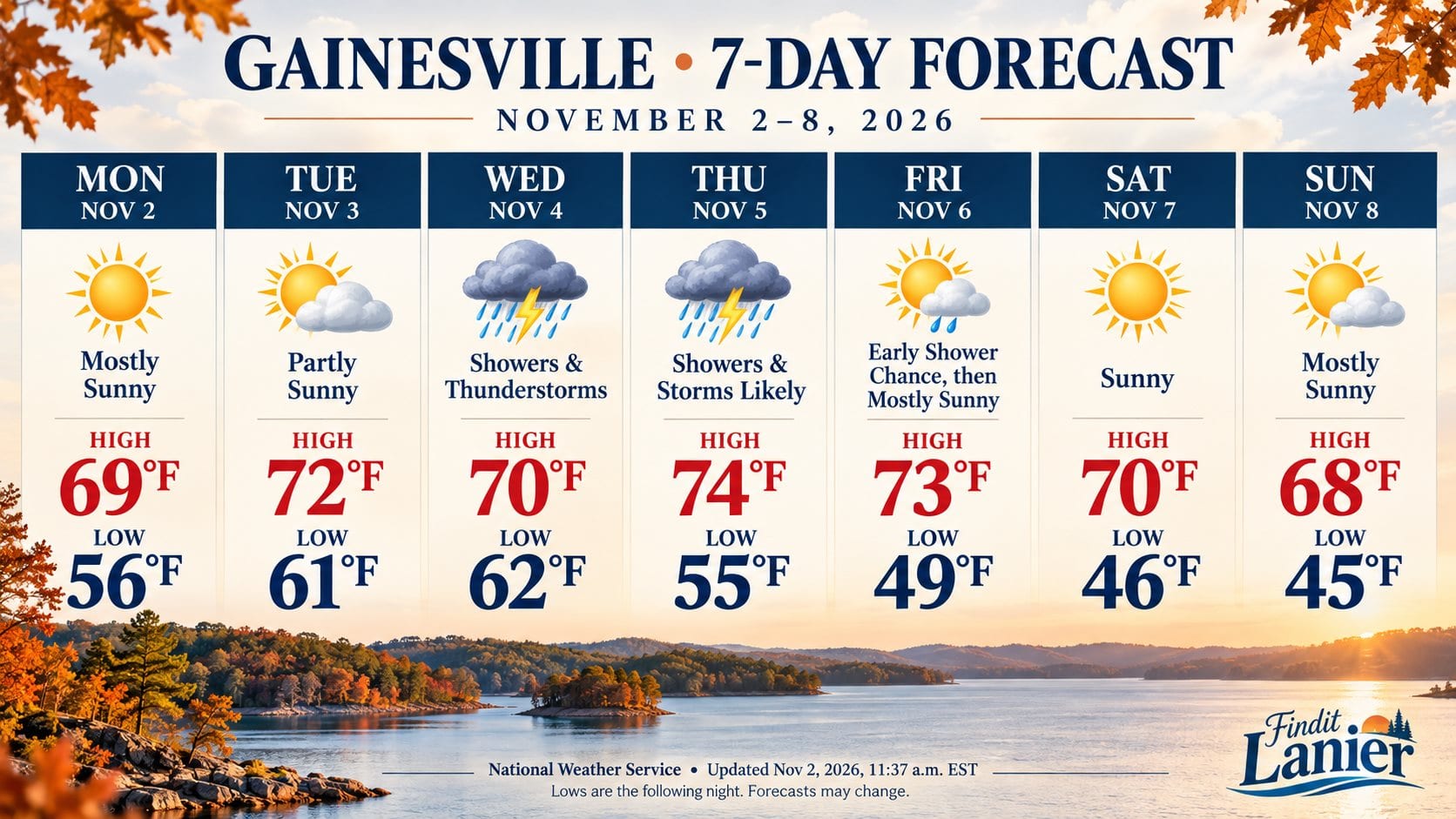 Shared Findit Lanier forecast for Gainesville, November 2–8. Original NWS update November 2 at 11:37 a.m. EST. Open the NWS link for the latest forecast and alerts. |
Quote of the Day |
“Contribute to the needs of the saints; extend hospitality to strangers.” — Romans 12:13, NRSVUE. Read Romans 12:13 |

Interesting Facts |
The Woodstock International Food Festival is hosted by Saint Elizabeth Orthodox Church and includes church tours alongside food and activities. Festival organizer |
From the reading desk |
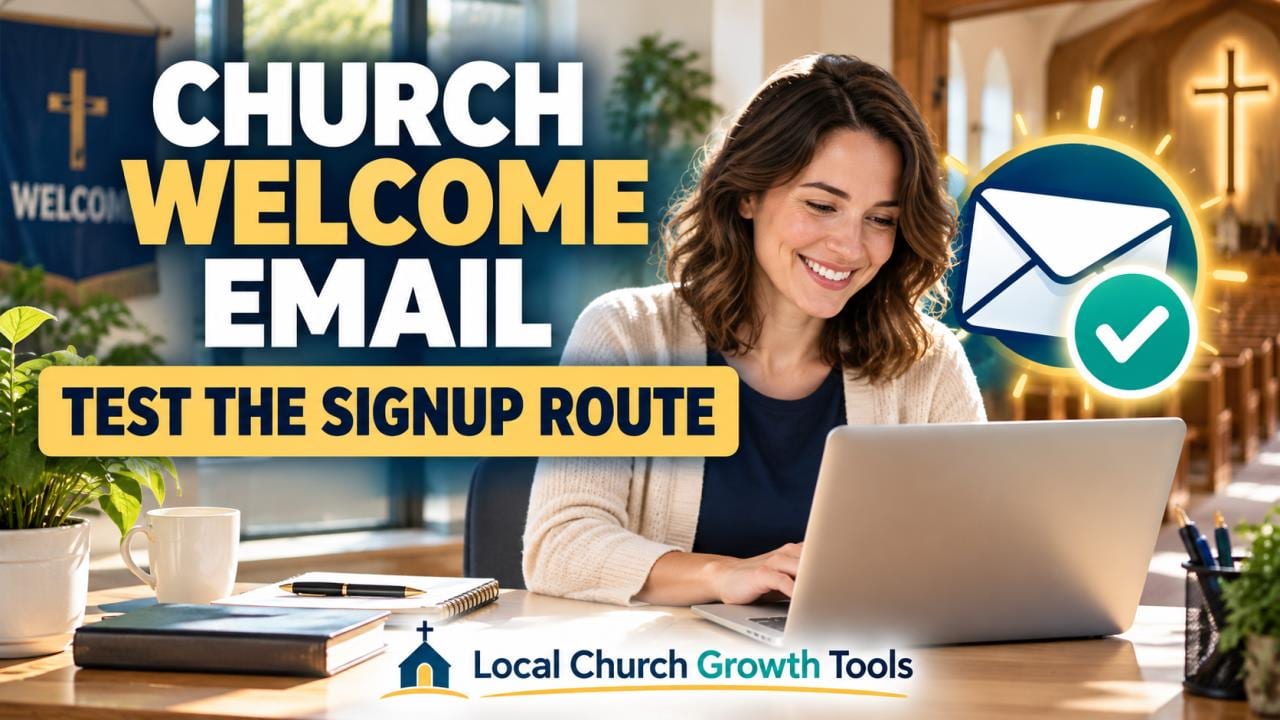
A church welcome email works best when the signup promise and inbox experience agree. Before adding a sequence, test one complete route with an address controlled by your team and identify which messages already send.
Mailchimp's double opt-in guide describes a form submission followed by an email confirmation link before subscription. If that method is enabled, make the next inbox step clear. Its email setting applies to Mailchimp forms; integrations may behave differently.
The final welcome email guide describes another optional message after subscription. It is off by default. Review that message before creating a second welcome automation, and confirm you are working in the correct audience.
Assign one reviewer to record the trigger, purpose and owner of each message. Keep the welcome brief: acknowledge the signup, explain what emails to expect and offer one practical next step such as current service information or a staffed contact address.
Test the public form, confirmation when applicable and actual received welcome on a phone. Open the links and check the reply destination. Use our visitor-route link check to catch an outdated page at the end of an otherwise working email.
Review preferences with our unsubscribe checklist. Keep personal visitor replies separate from recurring subscriptions, document repairs and repeat the controlled test after changes. A clear working route gives volunteers a reliable place to start. Read More... |
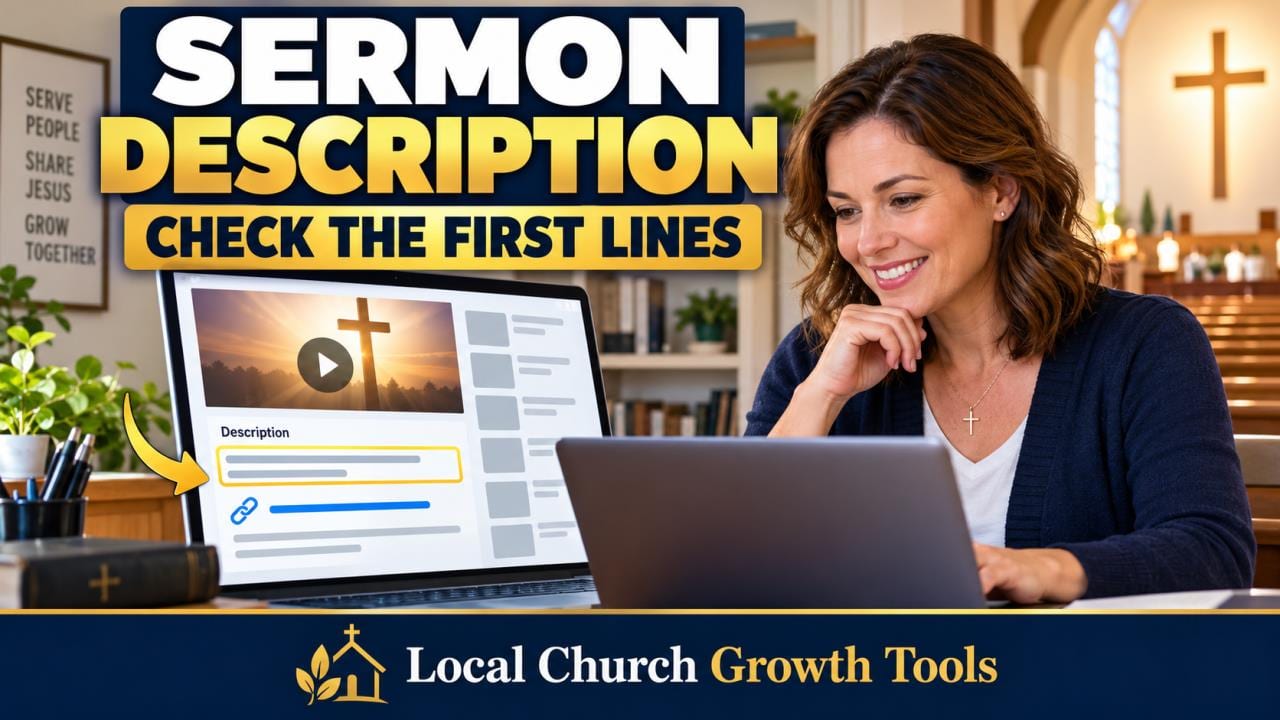
A church YouTube description should explain the individual sermon before repeating general church information. Review the first lines a viewer sees without expanding the text, then make the next step clear enough for someone new to the congregation.
YouTube's description guidance recommends a unique description for each video. Check the recording, identify the topic accurately and use the speaker and Scripture details that belong to that message. Keep reusable ministry information below the opening.
Choose one useful action, such as continuing a sermon series or planning a Sunday visit. Make its destination match the promise. A visitor link should lead to practical visiting details instead of another page that leaves people searching.
Use YouTube's clickable-link guidance to check the format. External links in long-form descriptions require advanced-feature access, while URLs in Shorts descriptions are non-clickable. Test the actual saved viewer experience rather than trusting the appearance of pasted text.
Check the collapsed description on desktop and a phone-sized view. If chapters are included, follow our timestamp review workflow. Ask another volunteer to explain the message and next action without coaching from the editor.
Then use our visitor-route link check at the website destination. Record who reviewed the description and when. Better descriptions support clarity and navigation, but they do not establish a ranking or growth guarantee. Read More... |
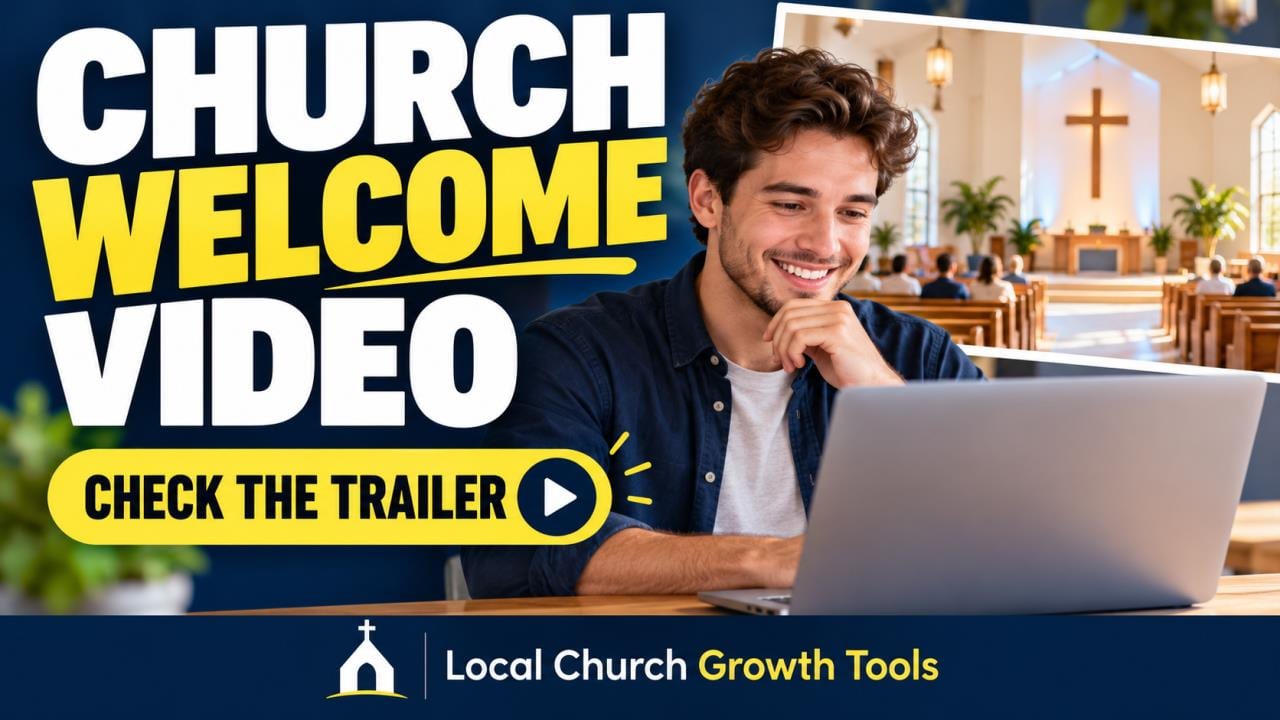
A church welcome video can introduce a YouTube channel to people who have not subscribed. Start with the viewer's question: what content will I find here, and what should I watch next? Keep the message understandable outside the congregation.
YouTube's channel-layout instructions distinguish the non-subscriber Channel trailer from Spotlight for returning subscribers. Prepare those two choices separately rather than assuming one selection fills both roles.
The desktop route is Studio, Customization, Home tab, then Add section under Layout. Choose Channel trailer and the intended video. The channel owner should approve the public change before the final Publish step.
YouTube says a viewer will not be shown the trailer again after watching it. Include an appropriate fresh non-subscriber view in testing, and record the audience view checked. Watch the complete video and verify the invitation and description.
Review captions using our church caption checklist. If production music is included, follow the Audio Library attribution instructions and retain the track details with the project files.
Use our volunteer permissions guide when assigning channel work. Keep the approved video link, review date and next-update owner in a short handoff note. A clear, maintainable welcome supports understanding without promising subscription or attendance results. Read More... |
A quick Q/A |
What is the difference between a volunteer interest form and a shift signup? An interest form starts a conversation. A shift signup asks someone to commit to a role at a specific time. |
 |
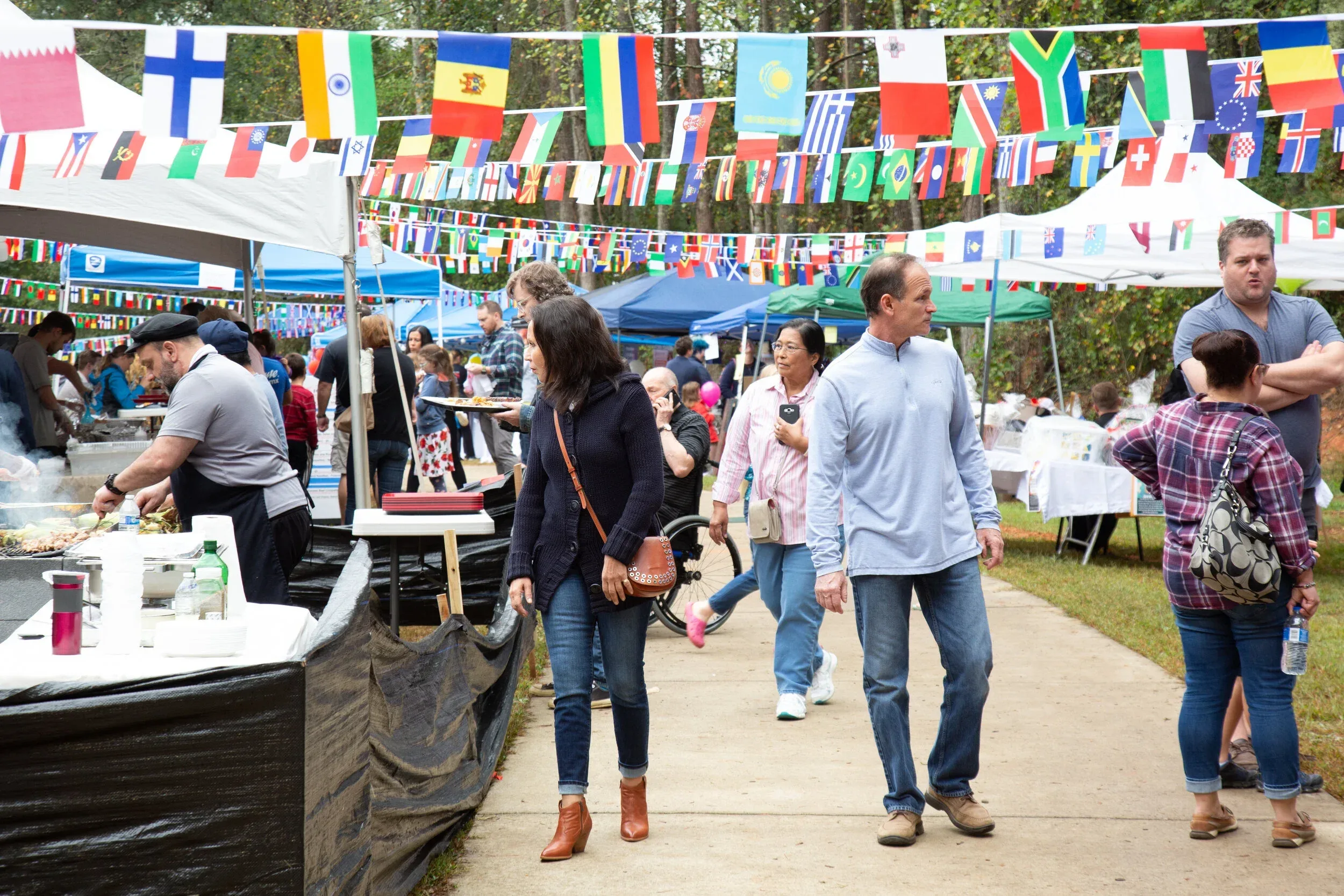
November 6–8 | Saint Elizabeth Orthodox Church, 2265 E. Cherokee Drive, Woodstock Friday 4–8 p.m., Saturday noon–8 p.m., Sunday 1–4 p.m. Suggested donation is $5 per adult. Leaders can observe how a church pairs tours with a public community event. |
Joke of the Day |
Why did the welcome team bring extra pens? It wanted every good idea to have a point. |

November 7, noon–4 p.m. | Westminster Presbyterian Church, Atlanta Westminster lists live music, games and $5 all-you-can-eat chili. The church says proceeds go to its Youth Missions Fund. |
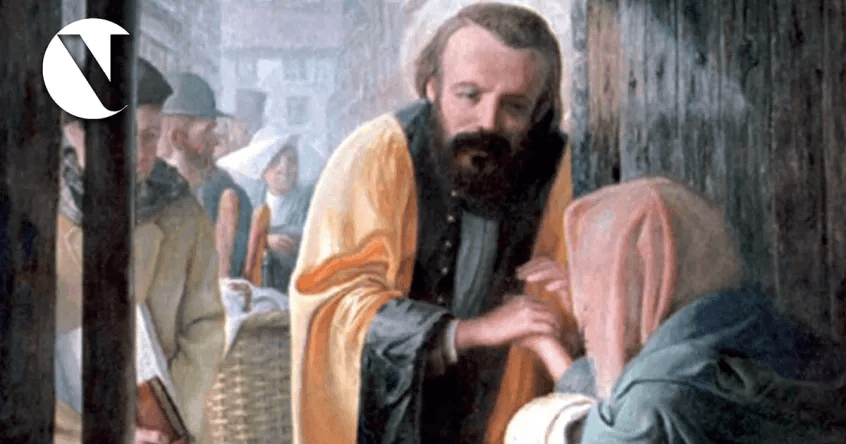
November 7, 9 a.m.–4 p.m. | Basilica of the Sacred Heart, Atlanta St. Vincent de Paul Georgia invites new and experienced Vincentians. Use the organizer registration and check attendance requirements before going. |
Tip of the Day |
At your next event, give one volunteer the job of walking the route from parking to the welcome table before guests arrive. Ask them what was hard to find. |
Tools worth exploring |
Use a People form to record interest, then assign one leader to follow up and document the next step. |
|
Separate a one-time event’s shifts and role descriptions from your ongoing volunteer interest list. Confirm assignments and arrival instructions in advance. |
|
Secret Little Hack |
Before the welcome team leaves, ask each leader to name one follow-up they own and when it’s due. Keep personal details in your approved system. |
 |
💡 Answer to Trivia Question: St. Vincent de Paul Georgia. Organizer listing |