
Church YouTube Premiere: Plan the Watch Page Before Announcing |
A church YouTube Premiere creates a public watch page before its recorded video starts. Review the sermon, countdown and volunteer hosting plan first. |

A church YouTube Premiere can give a recorded sermon a shared viewing time, but the release needs more planning than choosing an upload date. Decide who will welcome viewers, what the announcement promises and when the finished recording has actually been approved.
YouTube’s Premiere instructions explain that a public watch page exists before the video begins. Treat creating that page as a public-facing release step. A volunteer should not assume the Premiere remains a private preview until the scheduled start.
Our unlisted-versus-private sermon review guide covers a separate approval stage. Complete that review before preparing the public Premiere. The team should agree which recording is final, who approves it and which person is authorized to schedule its release.
For a small ministry, write one plain-language purpose for the format. Perhaps people who cannot gather in person will watch a recorded message together with a volunteer present. Present it honestly as a recorded video experience rather than implying that the sermon is being delivered live. Make the published invitation match the viewing experience |
 Illustrative stock photograph of video-recording equipment; not a church’s approved upload or a YouTube Premiere screen. Photo by Simone Impei on Unsplash |
Before announcing anything, review the title, thumbnail, description and approved recording together. Confirm that links in the description lead where a newcomer expects. A polished image does not compensate for an outdated meeting time, unclear contact route or recording awaiting a final correction.
In Studio, YouTube’s current process uses the scheduling controls and the Set as Premiere option. Check the selected date and time with another team member before confirming. Keep the approved announcement beside those settings so discrepancies are caught before a public invitation circulates.
Remember the countdown. YouTube says it begins at the scheduled time, with the video following when the countdown ends. If the church promises when the message itself will start, account for that difference rather than letting viewers discover an unexplained wait.
Open the resulting watch page in the viewer’s role and check the information people will encounter before playback. Ask a volunteer who did not assemble the upload to read it back. That fresh review can expose assumptions the publishing team no longer notices.
Give one person responsibility for correcting the invitation if details change. Multiple volunteers editing separate social posts can leave different times in circulation. Keep a single approved wording and the correct watch-page link available for the team. Plan a real welcome and a useful follow-up |
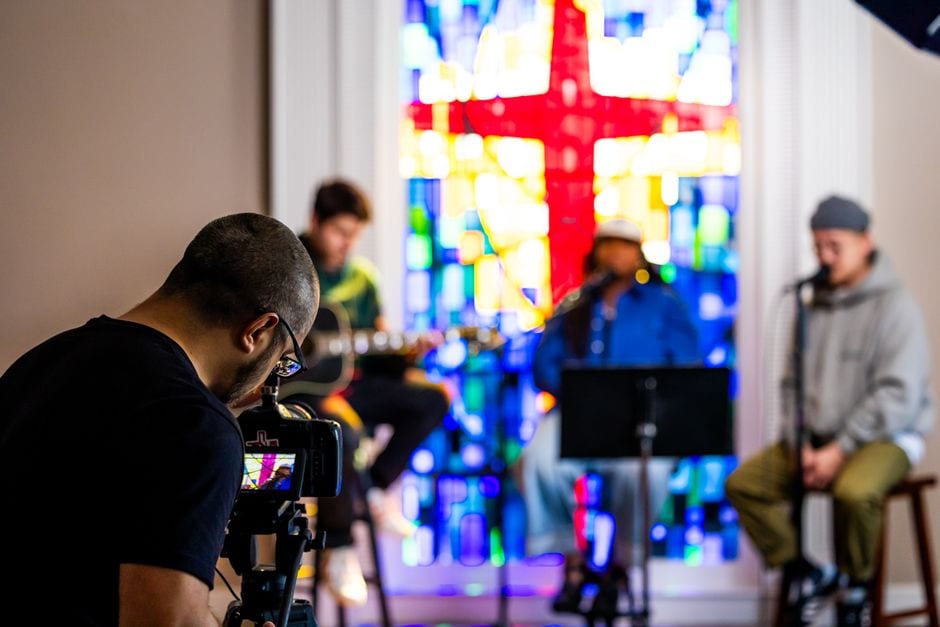 Illustrative stock photograph of musicians in a church recording setting; not the featured church, a live broadcast or a scheduled Premiere. Photo by Caleb Oquendo on Pexels |
A shared release needs an actual hosting plan. Assign a volunteer who can be present for the scheduled window, knows where appropriate questions should go and understands the church’s agreed approach to public conversation. Do not imply that pastoral help is continuously monitored unless that is truly arranged.
Read YouTube’s moderation guidance for the controls available to the channel. Subscriber-only participation can restrict who sends chat messages, for example. Choose settings deliberately and check their effect from a visitor’s perspective rather than copying another channel’s setup.
Our church live-chat rehearsal guide provides a complementary volunteer workflow. Keep that rehearsal focused on roles and responses; the Premiere decision itself still depends on whether a recorded shared viewing fits the ministry’s purpose.
After the Premiere, the recording remains as a regular upload. Review the page again for someone arriving later. Remove time-sensitive invitation language when appropriate, retain a clear next step and make sure the description still represents the available experience.
At the next team review, ask practical questions: could viewers find the message, understand the format and reach the intended contact route? Those observations provide a better improvement plan than treating the Premiere label as a promise of attendance or channel growth. |
0 Comments
Join the conversation
Be the first to comment
Share your thoughts above.