
Church Welcome Video: Review the YouTube Channel Trailer |
Use a church welcome video as a YouTube channel trailer with a clear visitor message, separate subscriber spotlight and a documented review. |
A church welcome video should help a new viewer understand the channel before asking that person to subscribe. It does not need to summarize every ministry or compress an entire service into a promotional montage. Start with one question: what will someone find here, and what should they watch next?
YouTube's current channel-layout guidance distinguishes a channel trailer for people who have not subscribed from a Spotlight video for returning subscribers. They serve different audiences. A familiar sermon clip may suit the second role without being the clearest introduction for someone new.
Before opening Studio, write a small brief. Name the intended viewer, the channel's actual content and one useful next step. Use plain language that someone outside the congregation can understand. Avoid internal ministry abbreviations or a publishing schedule the team cannot consistently maintain. Approve the message before changing the channelChoose a reviewer who can confirm the church name, spoken invitation and any service or location details included in the video. Keep time-sensitive information easy to update. A welcome that sounds current but points to an old schedule can undo the usefulness of a friendly introduction. |
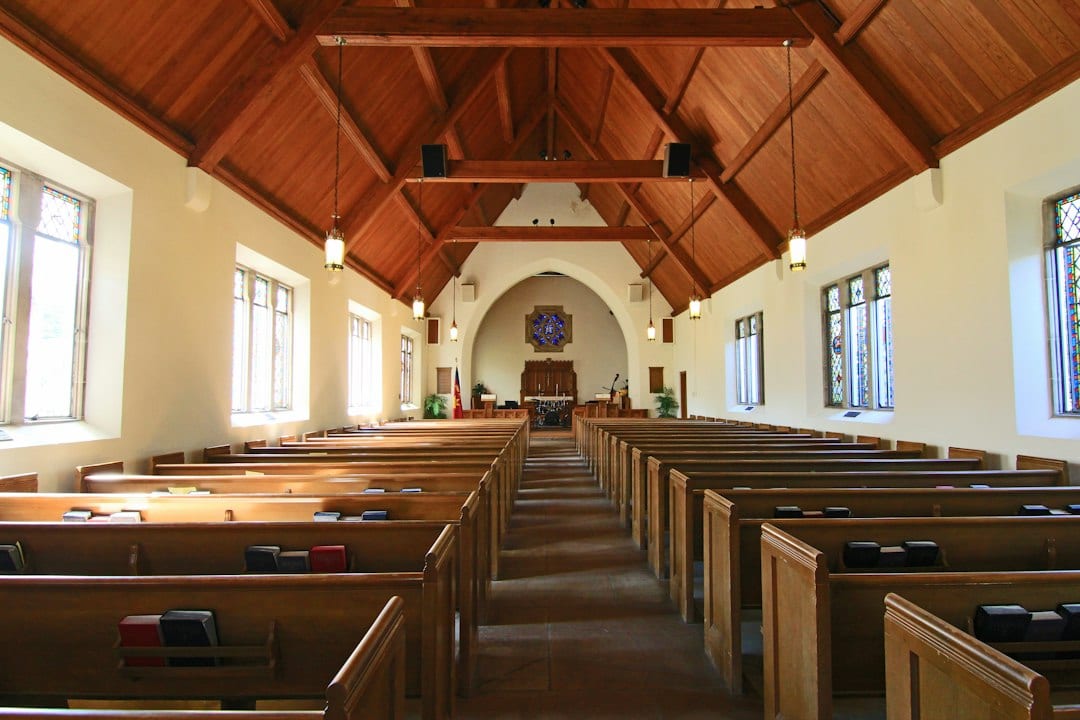 Illustrative church interior; no particular congregation or channel is depicted. Photo by Debby Hudson on Unsplash |
Assign the trailer in the Home tabThe documented desktop route is YouTube Studio → Customization → Home tab. Under Layout, use Add section and choose Channel trailer, then select the intended video. YouTube's instructions finish with Publish; the person responsible for the church channel should approve that public change.
Prepare the returning-subscriber choice separately. In the same layout area, Spotlight is the relevant section. Do not assume selecting a trailer also establishes the subscriber feature. Record the title and link of each selected video so a later volunteer can identify the intended arrangement.
YouTube says a trailer is not shown again to an individual viewer after that person watches it. A repeat visit from the same viewer is therefore a poor standalone test. Include an appropriate fresh non-subscriber view in the review, and document which audience view you checked.
Watch the complete selected video rather than relying on its title. Check the opening words, ending invitation and description. Ask a reviewer unfamiliar with the editing process to explain what the channel offers; that feedback is more useful than whether the montage simply looks polished. |
 Illustrative computer-based review; not a screenshot of YouTube Studio. Photo by RDNE Stock project on Pexels |
Check sound, captions and the handoffClear speech matters more than a dramatic music bed. If the team chooses production music, the official Audio Library instructions explain how to inspect the license type and copy required attribution into the video description. Keep the selected track and credit with the project handoff.
Review captions on the actual video, including names and any invitation to visit. Our church YouTube caption checklist provides a separate workflow for that task. Captions should reflect what the speaker says rather than introduce another version of the church's message.
Limit channel changes to the volunteer role needed for the task. Our YouTube permissions guide for church volunteers helps structure that handoff. Keep an approved source file and a short note identifying who can authorize a replacement when details change.
Finish with a brief record: approved video, audience role, review date, working destination and owner of the next update. The objective is a clear welcome that the team can maintain. A trailer is a useful introduction, not a guarantee of subscriptions or attendance growth. |
0 Comments
Join the conversation
Be the first to comment
Share your thoughts above.