
Church Volunteer Booking Page: Test the Orientation Appointment |
Review Google Calendar availability and the newcomer’s confirmation |
A church volunteer booking page can reduce the emails needed to arrange a short orientation. Google Calendar’s appointment schedules let someone choose an available time, but the page deserves a rehearsal before its link appears in a volunteer welcome message.
Begin with one ordinary meeting: an adult volunteer’s introduction to the media team, for example. Decide who hosts it, how long it lasts and what the newcomer should expect. A clear appointment purpose helps the booking page serve the ministry rather than creating another calendar nobody maintains.
Check the church account against Google’s appointment-feature comparison before planning around reminders or multiple schedules. A personal Google Account or Workspace Business Starter plan can create one booking page, while other features depend on the subscription. Do not assume every account described as a Workspace account has identical capabilities. Set a small, realistic availability window |
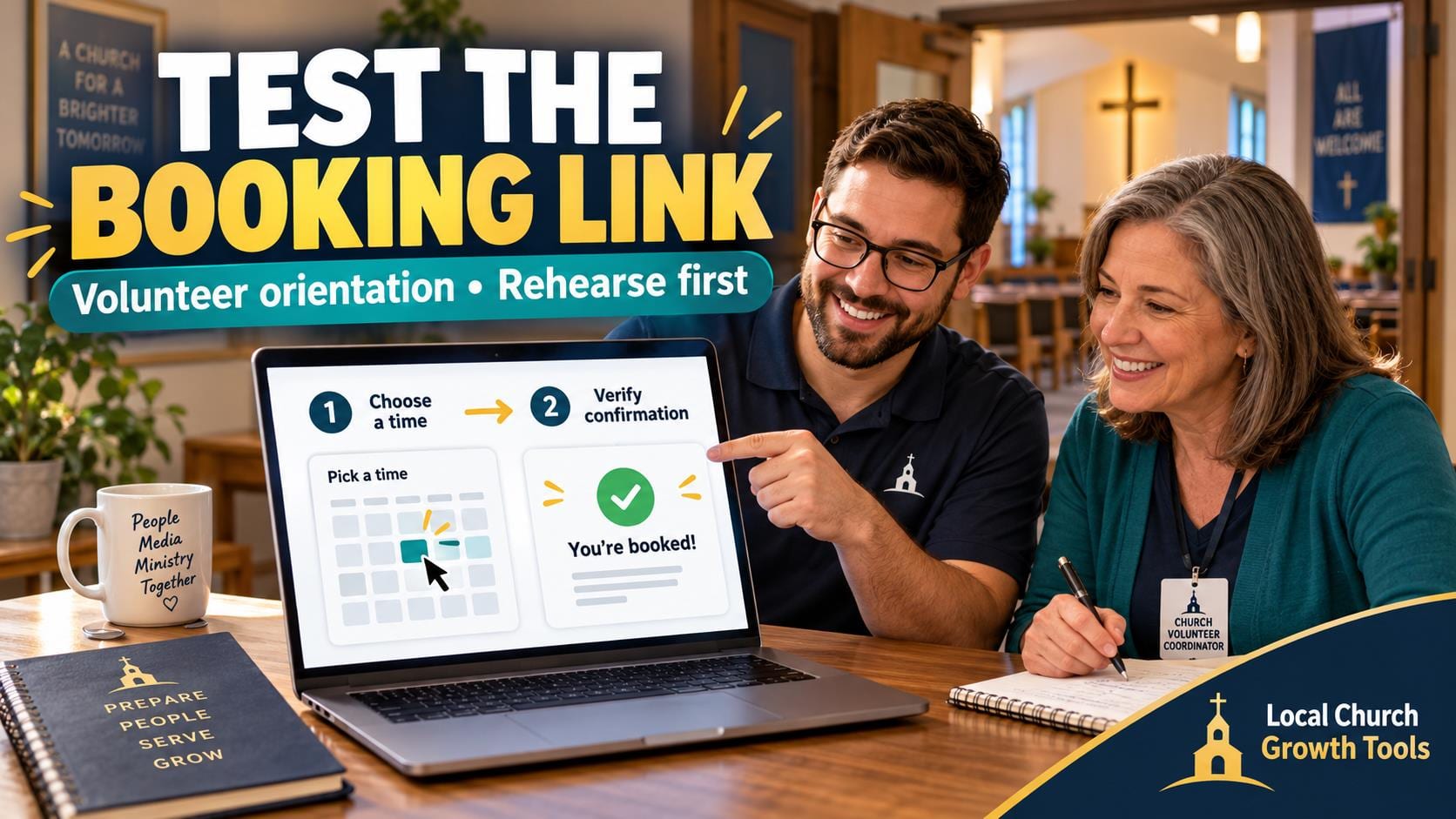
 Illustrative stock photo of using a laptop; not a screenshot of Google Calendar or a real church booking system. Photo by Christin Hume on Unsplash. |
Use Google’s schedule-creation instructions on a computer. The mobile Calendar apps cannot create an appointment schedule. Set the duration, availability dates and time zone, then review how far ahead someone may book and how much notice the host needs.
Limit the first trial to a few times the host can actually honor. Include setup and conversation time when deciding how closely to place meetings. If buffer-time or booking-limit controls are available in the account, review them rather than relying on a volunteer to remember an unwritten rule.
Google’s appointment-availability guidance explains a default four-hour minimum notice. A page showing no same-day times immediately after setup may therefore be behaving as configured. Check the scheduling window before treating an empty day as a software failure.
Review which calendars are checked for conflicts. If the setup includes another host, do not assume that person’s availability is included automatically. Confirm the account’s available controls and have each host inspect the actual proposed meeting times. Rehearse the visitor’s experience |
 Illustrative stock photo of church pews; not the location of a scheduled orientation or evidence that a room is available. Photo by Debby Hudson on Unsplash. |
Write a plain title such as Media Team Introduction and state the location or meeting method. Review the account name and photo that visitors will see. The booking link should make the responsible ministry clear without requiring a newcomer to recognize a staff member’s personal profile.
Keep the form focused on arranging the meeting. Names and email addresses are part of Google’s standard booking form; avoid adding a box for confidential pastoral stories or screening information. Use the church’s approved process for anything that needs a separate conversation.
Ask an adult colleague to make an agreed test booking with ordinary test details. Compare the time zone, meeting method and confirmation on both sides. Then test the cancellation or rescheduling route the visitor receives, and remove the rehearsal appointment so it does not occupy a real slot.
Our church calendar separation guide explains why public events and private volunteer coordination need different treatment. A booking page is not a reason to make the host’s full calendar public. Review the actual sharing arrangement independently.
Our church contact-form review guide can help assess field labels, instructions and error messages from a newcomer’s perspective. Apply that same reading habit to the booking description and any confirmation text the system supplies.
Assign an owner before sharing the link. Someone should update holiday exceptions, remove unavailable periods and respond when a booking needs help. Start with a small orientation trial, record what confused the tester and correct it before placing the page in a recurring welcome workflow. |
0 Comments
Join the conversation
Be the first to comment
Share your thoughts above.