
Church Google Groups: Check Volunteer Email Delivery Preferences |
Review Google Groups email preferences for church volunteers. Distinguish daily digests, no-email membership and an agreed urgent-update process. |
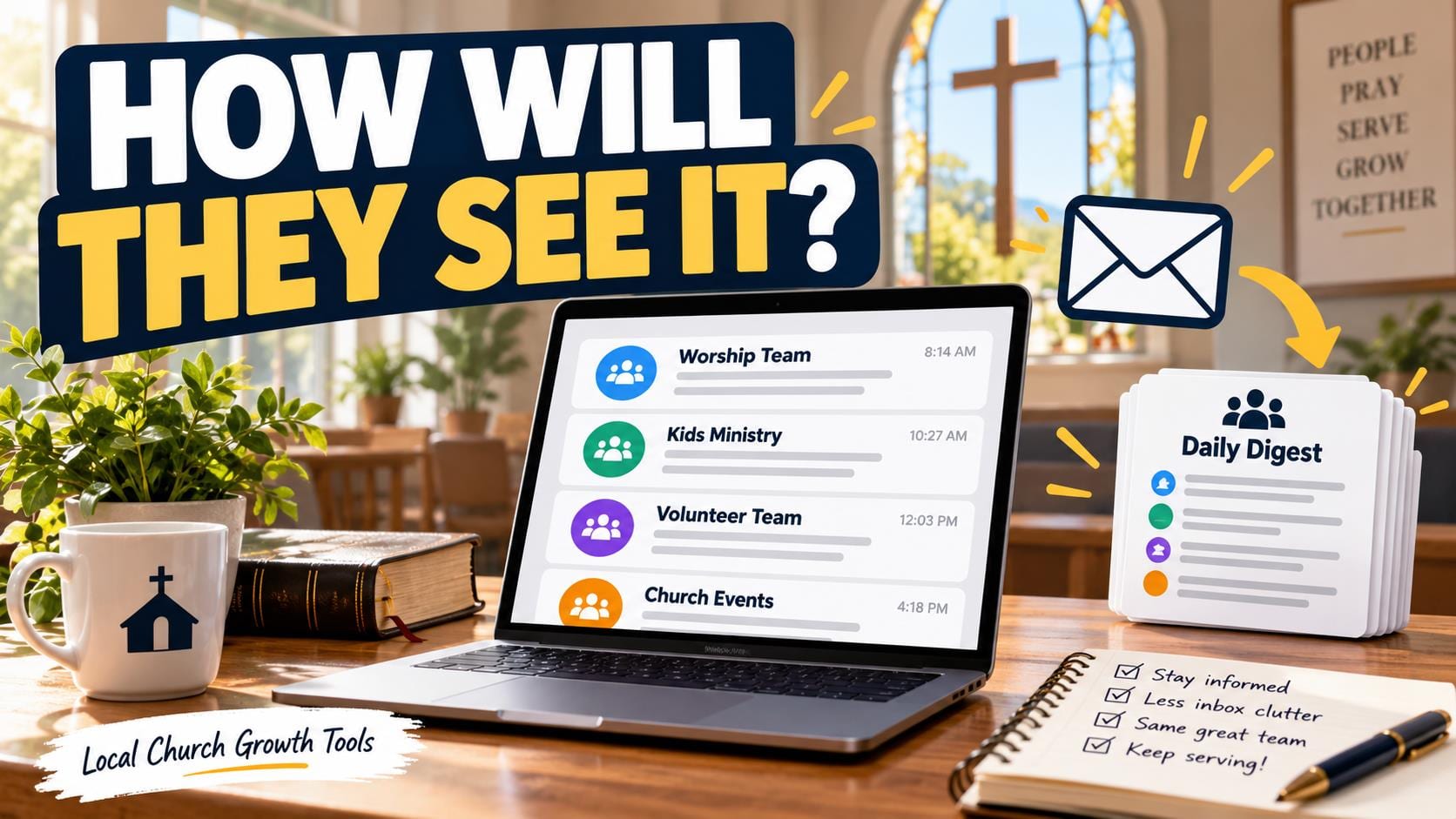
Google Groups email subscriptions for church volunteer teams determine how a member receives group messages. A person may still belong to the group while receiving no email from it. Before depending on a group for a time-sensitive reminder, agree how team members will see and acknowledge important changes.
Choose a delivery pattern deliberatelyGoogle’s subscriptions and global-settings guide lists Each email, Digest, Abridged and No email. Each email sends messages individually as they are posted. Digest combines complete messages daily, while Abridged provides daily summaries. Those daily options do not serve the same purpose as an individual message.
For a routine planning discussion, a member might prefer a daily collection. For a last-minute room change, the team needs an agreed response process beyond assuming that every member receives each post immediately. Ask how each person checks the group before relying on it for arrival instructions.
The same guide says conversation history must be enabled for digest or abridged delivery. The responsible group owner should review that prerequisite. Avoid changing the group’s history arrangement merely to solve one member’s inbox preference without considering the team’s existing setup. |
 Illustrative stock photo of a laptop workspace; not a Google Groups interface or church team message. Photo by Anete Lūsiņa on Unsplash. |
No email is different from leavingGoogle’s unsubscribe and leave-group guide explains the distinction. Choosing No email stops group email while keeping membership. Leaving removes participation and can prevent access when the group is not public. Ask which result the volunteer intends before giving instructions.
A coordinator should not interpret silence as resignation. A volunteer may have changed delivery settings, be using another account or simply be unavailable. Confirm the serving arrangement directly through the agreed contact route, rather than changing the roster based on an inbox assumption.
Conversely, a volunteer who has finished a role may need a membership review with the owner. Reducing email alone does not establish that access has ended. Keep the people responsible for membership and the people responsible for shifts clear in the handoff.
Our church calendar separation guide helps distinguish public event details from private team scheduling. A group email should point to the right current information without turning the discussion into a second, conflicting serving schedule. |
 Illustrative stock photo of church seating; not a named congregation or volunteer group. Photo by Debby Hudson on Unsplash. |
Test the agreed communication routineUse a harmless test post with consenting team members. Ask them to explain how they expect to see it and where they will reply. Record the chosen communication routine in a short coordinator note. A successful test does not guarantee every future message will be read.
If someone still receives group messages after changing settings, Google identifies possible causes including a second subscribed address, forwarding or membership through another group. Start by confirming which address receives the message. Let the member and responsible owner investigate the actual route.
Keep urgent changes concrete: the event name, date, new arrangement and person to contact. Agree how a coordinator will obtain acknowledgment for changes that affect travel or setup. A daily digest preference should never be quietly treated as a promise of immediate attention.
Our church shared-inbox handoff guide covers a separate coordinator workflow. A shared inbox and a group subscription are different tools; document which one owns incoming questions and which one distributes team discussion.
Official Google Groups guidance was checked October 11, 2026. Review the member’s delivery preference, group prerequisites and the team’s acknowledgment plan before relying on a new arrangement. This guide does not change anyone’s settings or authorize membership changes. |
0 Comments
Join the conversation
Be the first to comment
Share your thoughts above.