
Church Bulletin PDF: Check the Word Source and the Exported Reading Order |
Review structure before export, then inspect the file visitors actually download. |
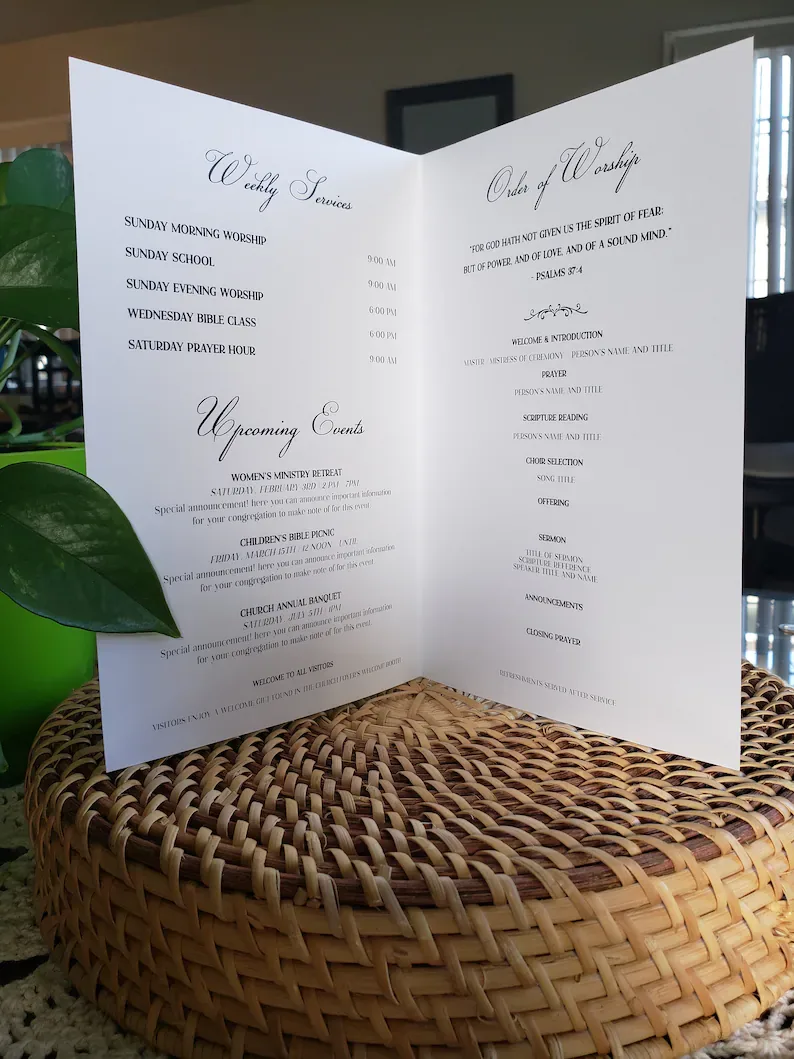
Begin church bulletin PDF accessibility in WordChurch bulletin PDF accessibility starts in the editable source, before the weekly file is exported. Identify the document that volunteers actually use and the person who approves its content. A polished-looking PDF can still leave a reader struggling to understand the order of announcements or find a useful link. Microsoft's church Word bulletin headings reference recommends built-in heading styles, descriptive links and accessible visual treatment. Review the source's structure instead of treating a large bold line as sufficient evidence that a section has a meaningful heading. For church Word bulletin headings, choose a logical hierarchy that reflects the content. An illustrative weekly bulletin might have a main title and sections for the service and announcements. Apply that structure consistently, without jumping between levels merely to achieve a preferred font size or visual effect.  Review the source for church bulletin PDF accessibilityRead the source in its intended sequence and ask whether each section follows naturally. Avoid using repeated spaces or empty paragraphs to force a page layout. Use the document's paragraph and layout controls so routine date or announcement changes do not leave the next volunteer repairing unpredictable gaps. Keep hyperlink wording useful when read by itself. A link describing the event or registration task gives more information than a vague instruction to click. Check the destination against the approved church page and remove obsolete references that survived because the weekly file began as a copy of an older bulletin. Review meaningful images and their descriptions separately from decorative elements. Our photo handoff workflow helps volunteers keep alt text, captions and credits with the assets they use. A credit identifies the source; descriptive text explains the image's relevant content. Export and run the church bulletin PDF reviewMicrosoft's accessible PDF export guide advises checking accessibility before export and explains preserving document structure tags. Follow the instructions for the church's actual Word version and platform. Record the chosen export method so the next volunteer can repeat it deliberately. After export, open the resulting PDF and inspect its pages. Check headings, paragraph flow, links and the order in which content is encountered. The source and the exported file are separate review targets; fixing one does not demonstrate that the other already contains the correction. Use the accessibility checking and reading tools available to the team, and include a human reading pass. For church bulletin PDF accessibility, an automated check is useful evidence but should not be treated as a guarantee that every reader will have a good experience. Record the checks actually performed and any unresolved issue.  Finish the church bulletin PDF review at the visitor linkDownload the bulletin through the same church-page link visitors will use, then confirm that it is the reviewed file. A correct export on a volunteer's computer does not help if the public link still points to last week's version. Check the title and date before marking the weekly handoff complete. Our visitor-route link review supports that final destination check. Include links inside the bulletin as well as the page that offers it. If an event changes after the PDF was prepared, assign someone to coordinate the source, export and public reference. Keep a brief church bulletin PDF review record with the source version, export method, checked download link and outstanding corrections. Name the next owner and provide a usable text alternative when needed by the church's readers. The weekly process should make both maintenance and access easier as the bulletin's content changes. |
0 Comments
Join the conversation
Be the first to comment
Share your thoughts above.