
Pierre Basson
Nov 10, 2026
|

Serve well this week A church team doesn’t need to build a new event from scratch to serve well this week. Local partners already have plans for food distribution, tree planting and a downtown lunch. Choose a role your team can fill, confirm it with the organizer and leave time for a short follow-up afterward.
Read on for the shared Lanier forecast, a recorded volunteer tutorial and the organizer details for each opportunity. |
Things to Do for Church Teams This Week, November 9–15, 2026 |

Plan one local service opportunity, see two weekday training options, or choose an ongoing partner for your church team. |
A little local trivia |
Which New Testament book tells the story of a Samaritan who stops to help an injured traveler? Answer at the end of the issue. |
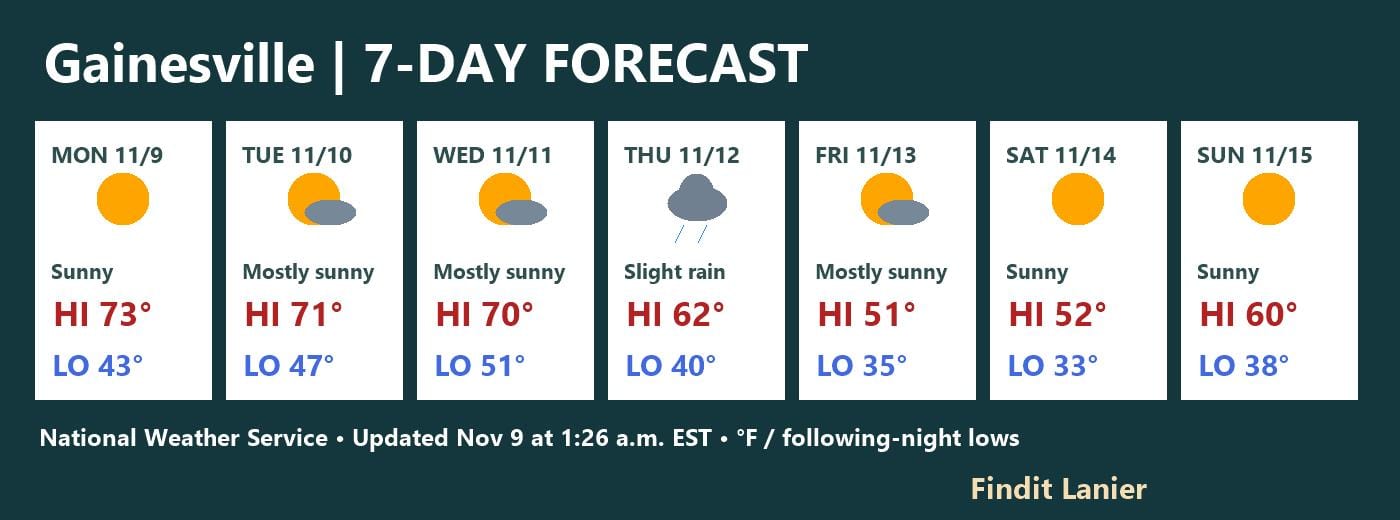 Gainesville / Findit Lanier’s shared NWS forecast for November 9–15, updated November 9 at 1:26 a.m. EST. Temperatures in °F; lows are for the following night. Click for current weather and alerts. |
Quote of the Day |
“Thou shalt love thy neighbour as thyself.” — Mark 12:31, King James Version |

Interesting Facts |
Georgia Interfaith Power & Light partners with Trees Atlanta and Food Well Alliance for the Community Church Atlanta tree adoption. |
From the reading desk |

If a church volunteer needs to change a shift preference or correct a signup, Google Forms can let them edit a response already submitted. Try the process with a fictional signup before relying on it with a real event.
Use Google’s form sharing guide to find Allow response editing under Settings and Responses. Make a practice copy, then test the respondent link with the same type of account a participant will use.
Submit one response, find the edit route in the participant’s view and change a single answer. The Workspace customization guide gives shift and appointment changes as examples. Record how the person returns to the response later.
Check the revised answer where the event lead actually works. If the team uses an exported sheet or paper roster, decide who refreshes it. Test whether the change produces a notice before counting on a notification.
Our signup confirmation guide helps explain what the participant sees after submitting. Our form notification handoff guide covers who checks responses and follows up.
Tell volunteers when a coordinator must approve a change. Ask another team member to repeat the test without opening the form editor, then confirm the host can find the revised answer and update the roster. Read More... |

A Gmail vacation responder helps a church office tell visitors when staff will reply during a holiday closure. Start by choosing a return date and assigning someone to review incoming messages during the break.
Use Google’s vacation responder instructions in the actual public inbox. Enter the date range, subject and message, then save the setting. The reply can include a verified service schedule or a contact route that someone is assigned to monitor.
Test the reply from an outside address. Pay attention to the contacts-only setting, the appearance of the signature and whether visitors can open every linked page. Most senders receive the reply once, with exceptions Google describes.
The automatic message and the human response are separate jobs. Use Google’s handoff guidance and our church shared inbox guide when deciding who should have access, what that person can answer and when to ask another leader to step in.
For replies that need an individual answer, our Gmail reply template guide explains a separate way to prepare common wording. Review each response before sending it.
When the office returns to regular hours, confirm the responder has ended. Give the regular inbox owner a short list of unresolved messages and the person responsible for each next step. Read More... |

A church livestream can sound immediate in the room while viewers at home are still waiting to hear the same words. Before changing a setting, decide whether people are mostly watching the service or whether a host needs to talk with them through live chat.
YouTube’s latency guide explains why normal latency suits a service with little interaction. A shorter delay may help when a moderator expects replies, but it leaves less room for buffering. The shorter modes do not support 4K, and webcam and mobile streams do not offer the same selector.
Run a rehearsal with one person at the encoder and another on a viewer device. Send a timed spoken cue and check when it arrives. Repeat during speech and music, logging stalls or audio problems alongside the delay. Use YouTube’s encoder recommendations to keep the rest of the setup consistent.
Pick a suitable test audience with the unlisted versus private review guide. Rehearse any audience question with the moderator, and give viewers time to hear it and respond before the host moves on.
Choose the setting that stays dependable and meets the service’s actual needs. Record the date, device, selected mode and reason, then recheck the Live Control Room settings after changing your network or encoder. The next volunteer can then start with a tested choice instead of guessing. Read More... |
A quick Q/A |
Q: What should a church team do before arriving at SafeHouse Outreach? A: Check the organizer’s official signup for open volunteer roles and shift details. |
 |

Saturday, Nov. 14 • 6–10 a.m. • New Life, 3592 Flat Shoals Road, Decatur. New Life Community Alliance and New Life Church are distributing Thanksgiving food boxes. Use the organizer’s page to confirm pickup instructions or find the separate volunteer signup before bringing a group. |
Joke of the Day |
Our volunteer team is great at putting chairs away. You could say they stack up well. |
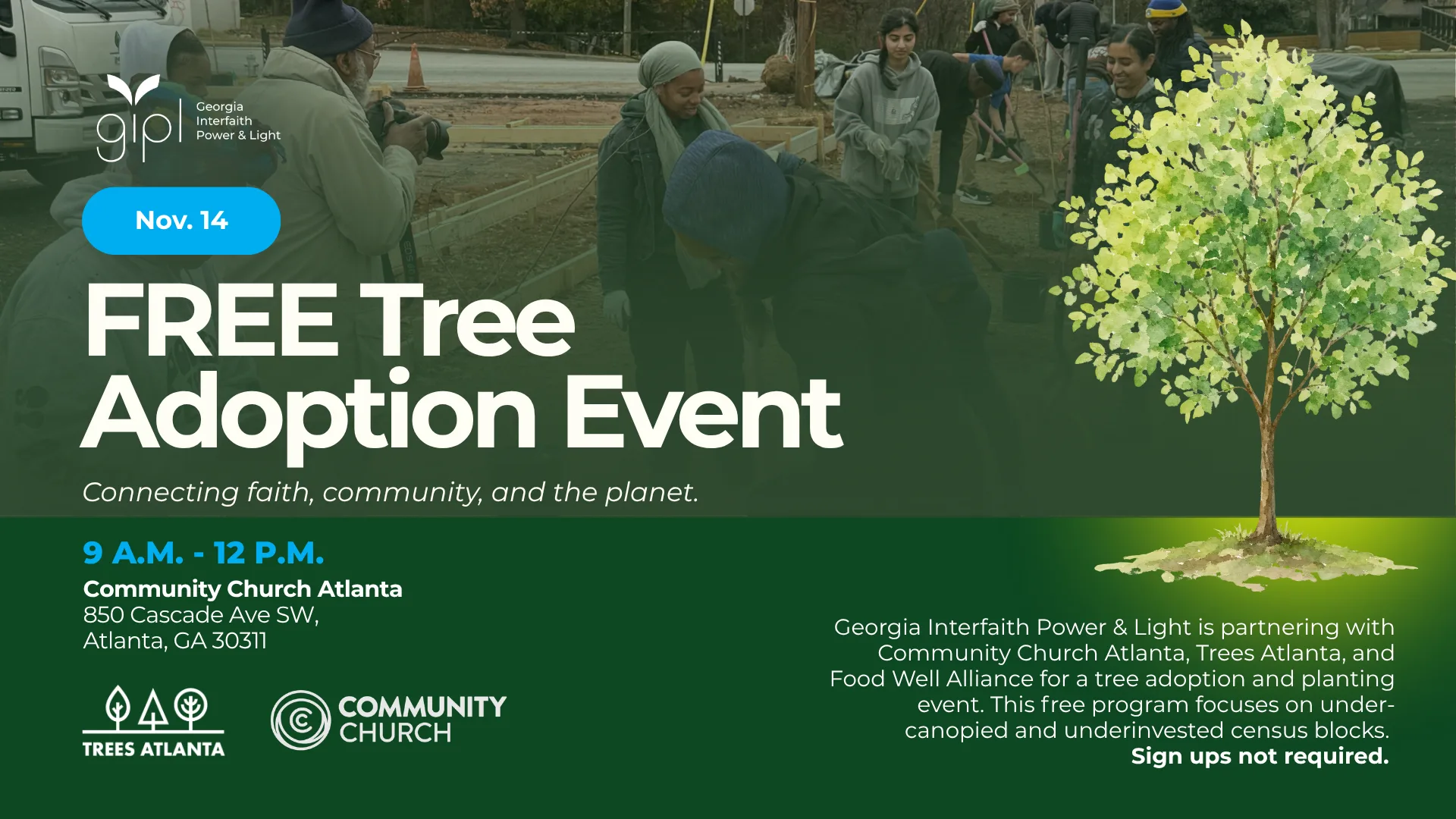
Saturday, Nov. 14 • 9 a.m.–noon • Community Church Atlanta, 850 Cascade Avenue SW, Atlanta. Georgia Interfaith Power & Light and its partners are organizing a tree adoption event. Eligible homeowners can register for one or two trees. Use the event page for eligibility, registration and volunteering. |
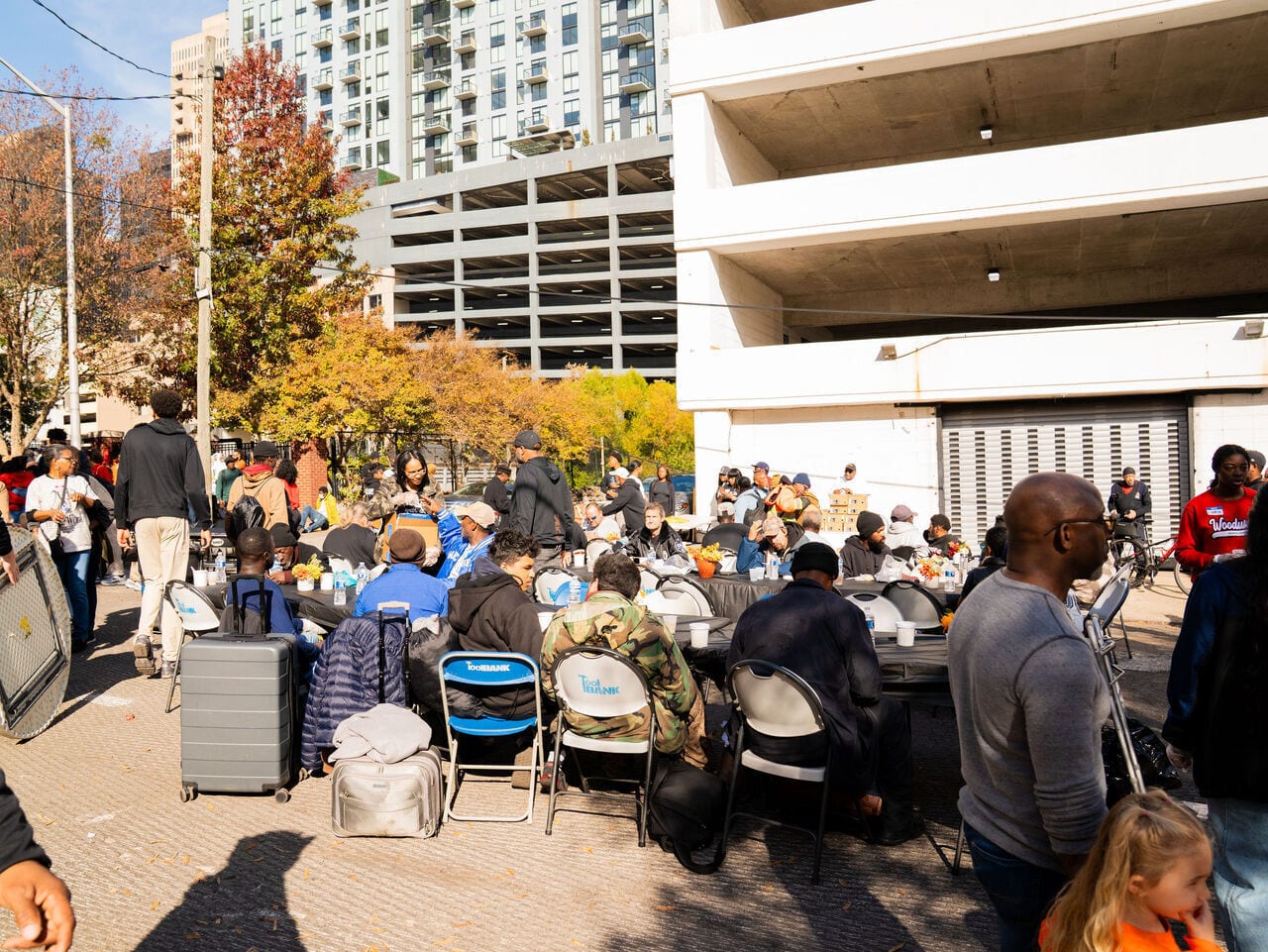
Saturday, Nov. 14 • 11 a.m.–2 p.m. • SafeHouse Outreach, 89 Ellis Street NE, Atlanta. SafeHouse plans a meal and services for neighbors in downtown Atlanta. Check its current signup for available shifts and role requirements before inviting a team. |
Tip of the Day |
Ask the host for one point of contact and an exact arrival time. Put both details in the reminder you send to volunteers. |
Tools worth exploring |
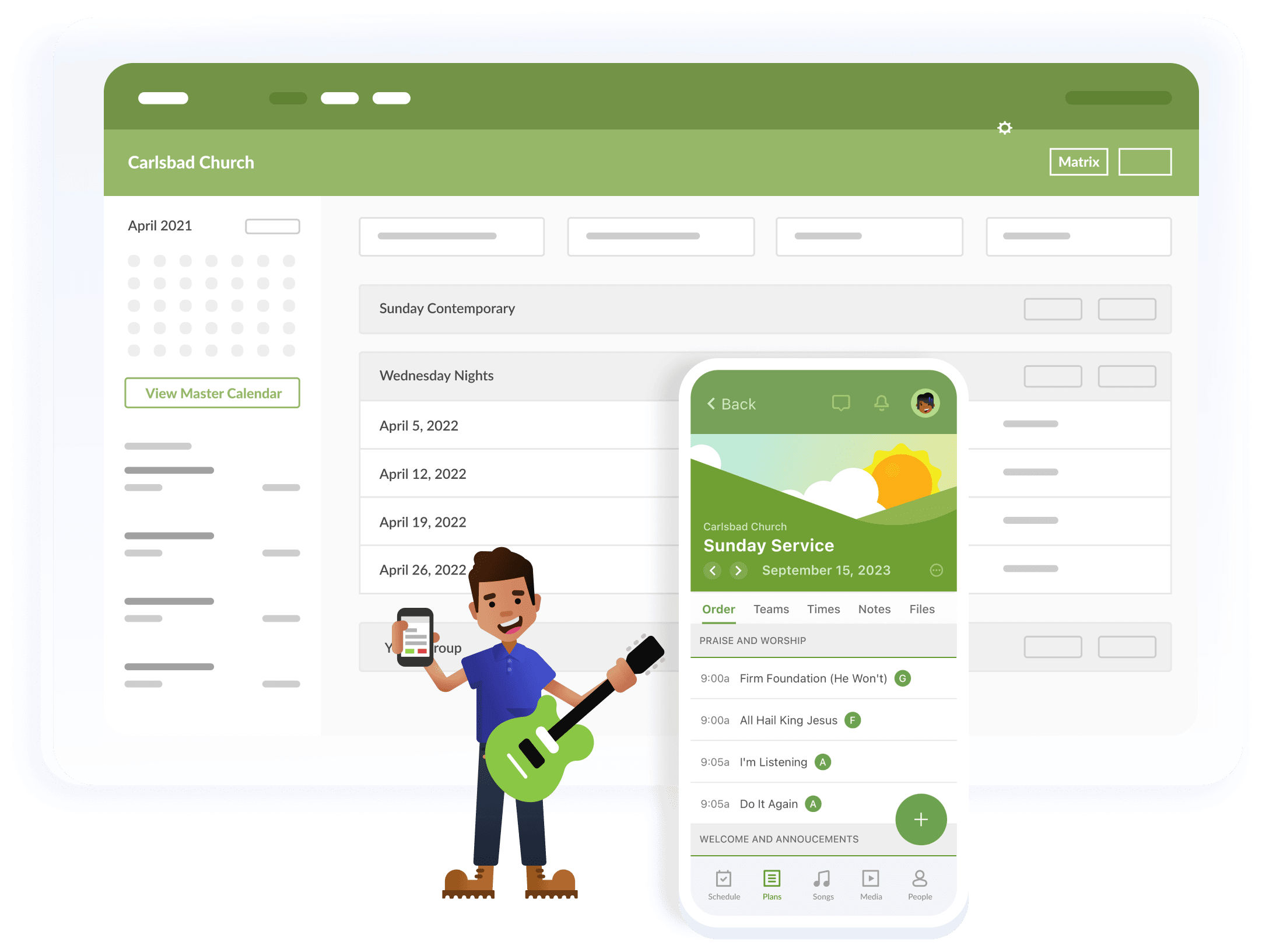
Build one team schedule and send requests early enough for volunteers to accept or decline. Use the official setup guide to check how your team handles replacements. Official team scheduling instructions Unpaid editorial feature. |
|
|
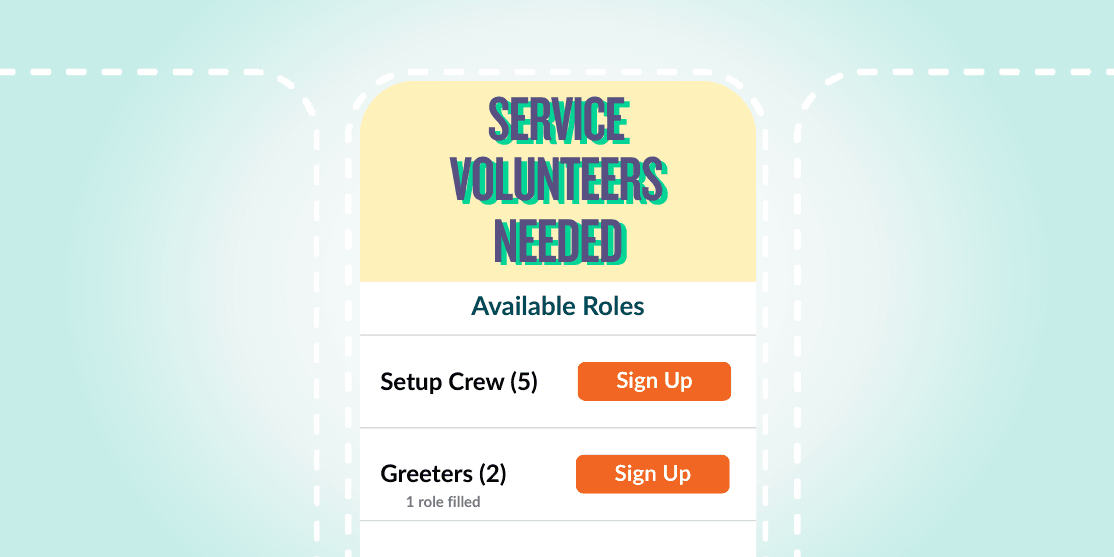
Set a head count for each shift and give volunteers a clear role, arrival time and contact. Test the signup with one person before sharing the link widely. Official volunteer signup instructions Unpaid editorial feature. |
|
|
Secret Little Hack |
Before everyone leaves, ask each team lead for one thing to repeat and one thing to change. Save the two notes with the signup so next month’s team can find them. |
 |
💡 Answer to Trivia Question: Luke. |