
Pierre Basson
Nov 17, 2026
AI-generated editorial illustration. |
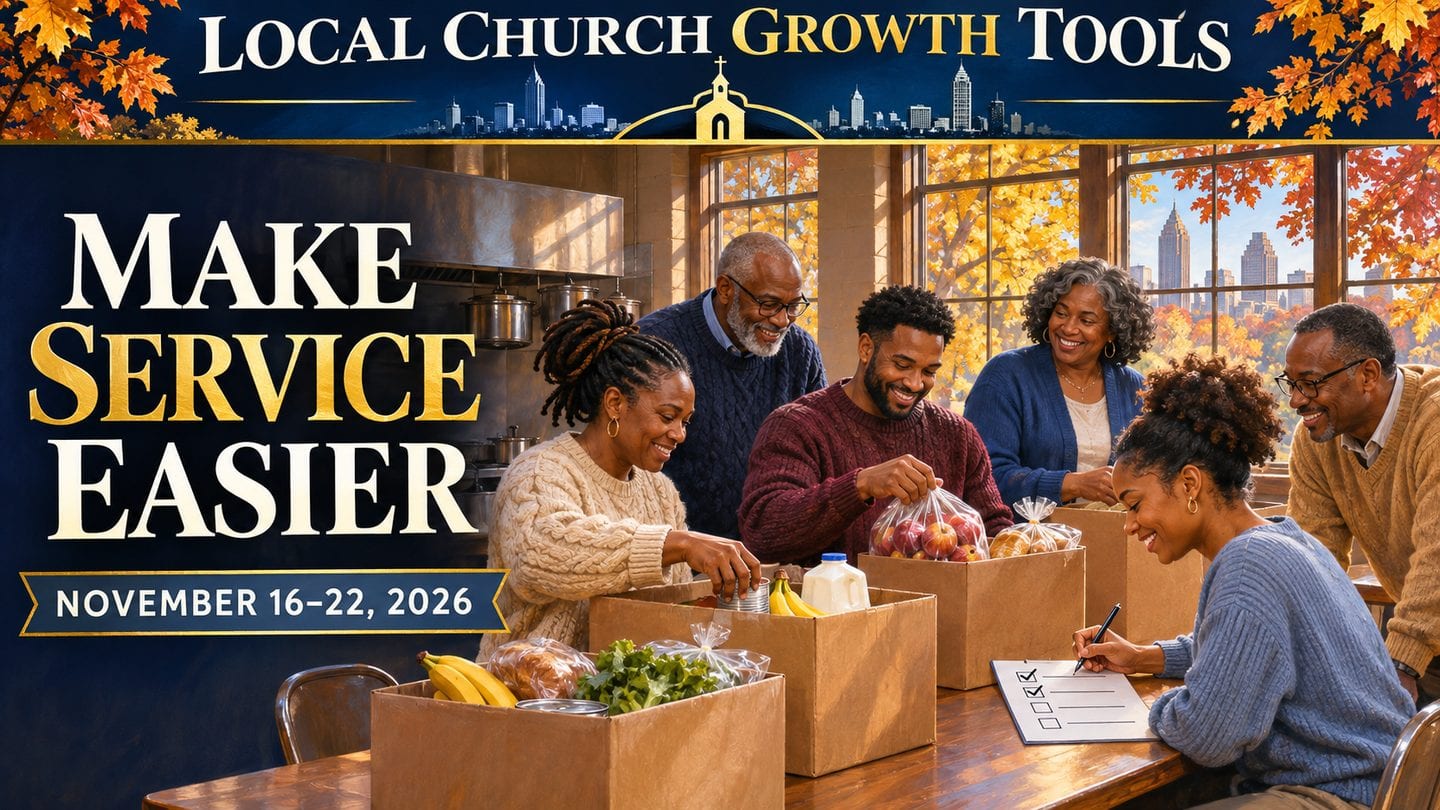
Make Service Easier Welcome to Local Church Growth Tools. Before Thanksgiving and Advent accelerate your calendar, take one upcoming activity and make it easier to staff. Give volunteers a defined role, a short arrival message and one person to call if a plan changes. Start with the weekly guide. It pairs a midweek worship gathering with outreach, a fellowship meal and an Advent workshop, with a planning question for ministry teams at each stop. Separate event logistics. A food distribution can have different instructions for guests and volunteers. Make both paths easy to find on your page. Build a workable schedule. This week’s unpaid tool spotlights look at Planning Center Services and a SignUpGenius guide for roles, shifts and reminders. Plan the follow-up. Ask volunteers what was clear and what would have helped before arrival. Use their answers when you copy the schedule for the next event. Read on for three published ministry reads, the shared forecast and this week’s trivia. |
Things to Do for Atlanta Ministry Teams, November 16–22, 2026 |
A weekday outing, events for the weekend and a place to explore year-round. |
A little local trivia |
Which Atlanta food organization lists a drive-through Thanksgiving distribution this Saturday? |
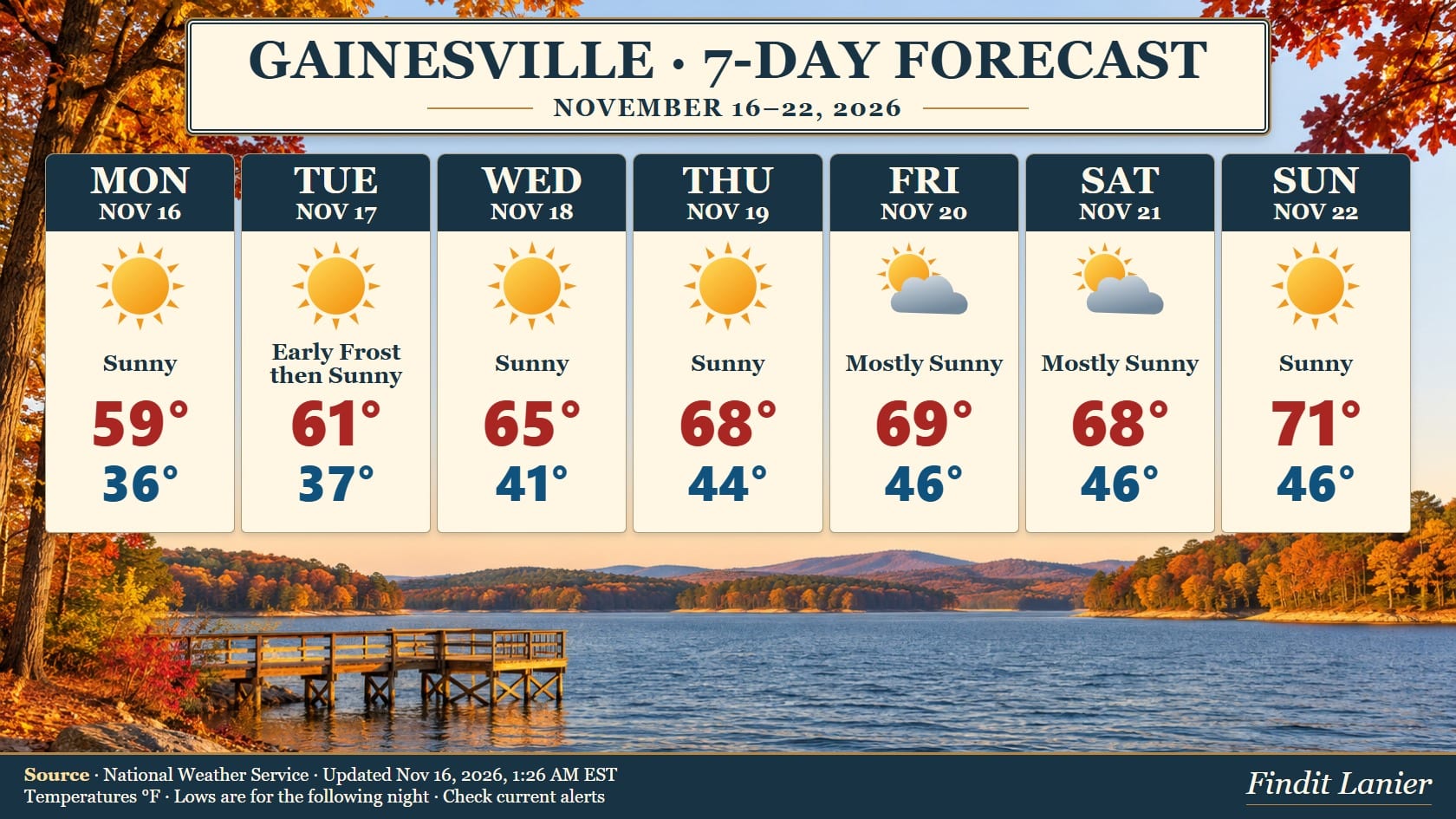 National Weather Service Gainesville outlook for November 16–22, updated November 16 at 1:26 a.m. EST. Shared from Findit Lanier with its original signature. Lows refer to the following night. Open NWS for current weather and alerts. |
Quote of the Day |
“Let all things be done decently and in order.” — 1 Corinthians 14:40, KJV |

Interesting Facts |
Planning Center Services documents volunteer roles, team leads and reminder emails as separate ways to organize a schedule. See the source |
 |
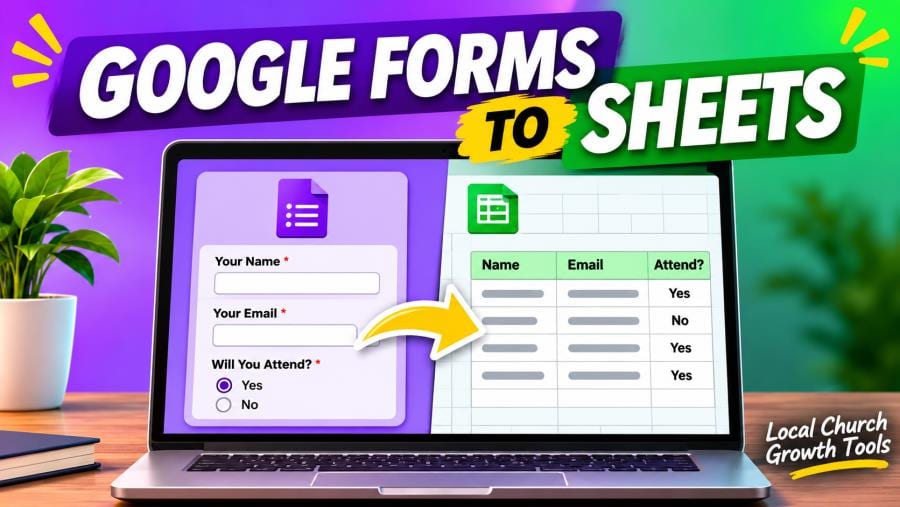
Send church signup responses to Google Sheets, then verify the link and review who can access it. Start with the official guidance and write down the questions you need to answer before setting a time.
Open the signup form, select Responses and use the spreadsheet destination control. Google lets you create a sheet or select an existing spreadsheet. Name the destination for the signup so a backup coordinator can find it. If you use an existing workbook, check what it already contains and who can access it before linking.
Open the responder link and submit a clearly labeled test with sample data. Check the Responses tab and the new row in Sheets. Compare fields such as name, session and availability with what you entered. If something is missing, confirm you are looking at the right form and spreadsheet before repeating the test.
Google advises that form collaborators may have access to the linked spreadsheet and that access may need to be removed from each separately. Review both sharing lists. Decide who checks new signups, how they mark a follow-up, and when the backup takes over. Test the backup’s access before announcing registration.
For additional planning, see Google Forms Response Alerts: Test a Church Signup Notification and Google Forms Pre-Filled Link: Test It Before Sharing a Church Signup. Keep the address or link and the confirmed time in one message so everyone can refer to the same details. Read More... |
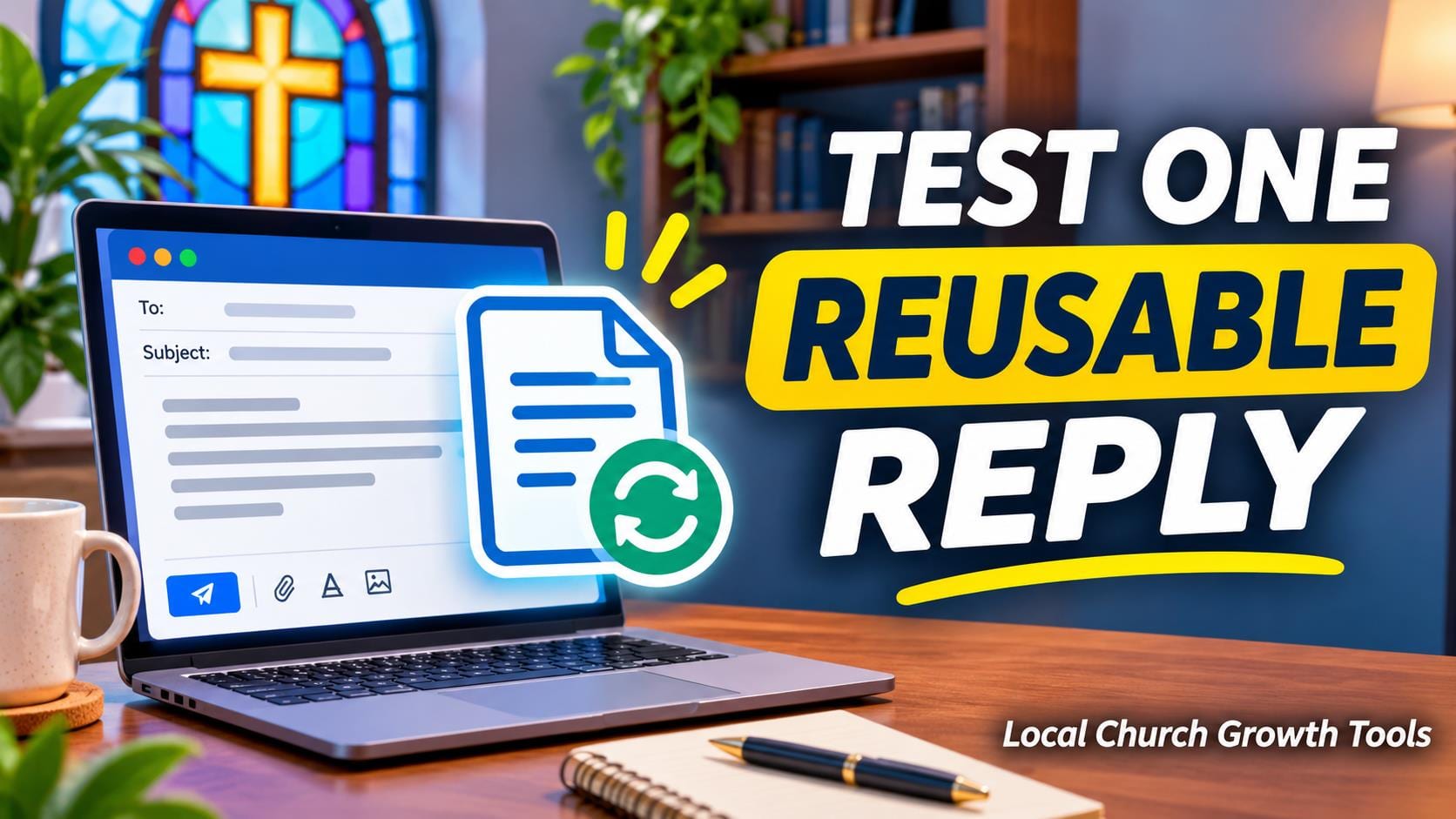
Gmail templates can help a church office answer predictable questions, such as where a volunteer should check in. Start with one reply that uses information you can verify. Pick a stable question so the first template will still be useful when the next office shift comes in.
Google’s desktop Gmail instructions show where to enable Templates in Advanced settings. Compose a short reply, then save it as a new template from the compose window’s More options menu. Give it a recognizable name the next staff member can find.
Insert the template into a fictional test message and read it from the recipient’s point of view. Check the greeting, the reply address, links and details such as time and location. Adapt the wording for each real message before sending.
Keep the first test manual. Google documents a separate filter process for automatic template replies. Start by giving the person on duty a reviewed draft they can personalize after reading the original request.
Assign someone to update the wording when facilities or schedules change. Keep private information out of examples. A short record of the template’s purpose helps the next office worker decide when to use it and when a personal reply is needed. Check the official information and our related guide before finalizing the details. Read More... |
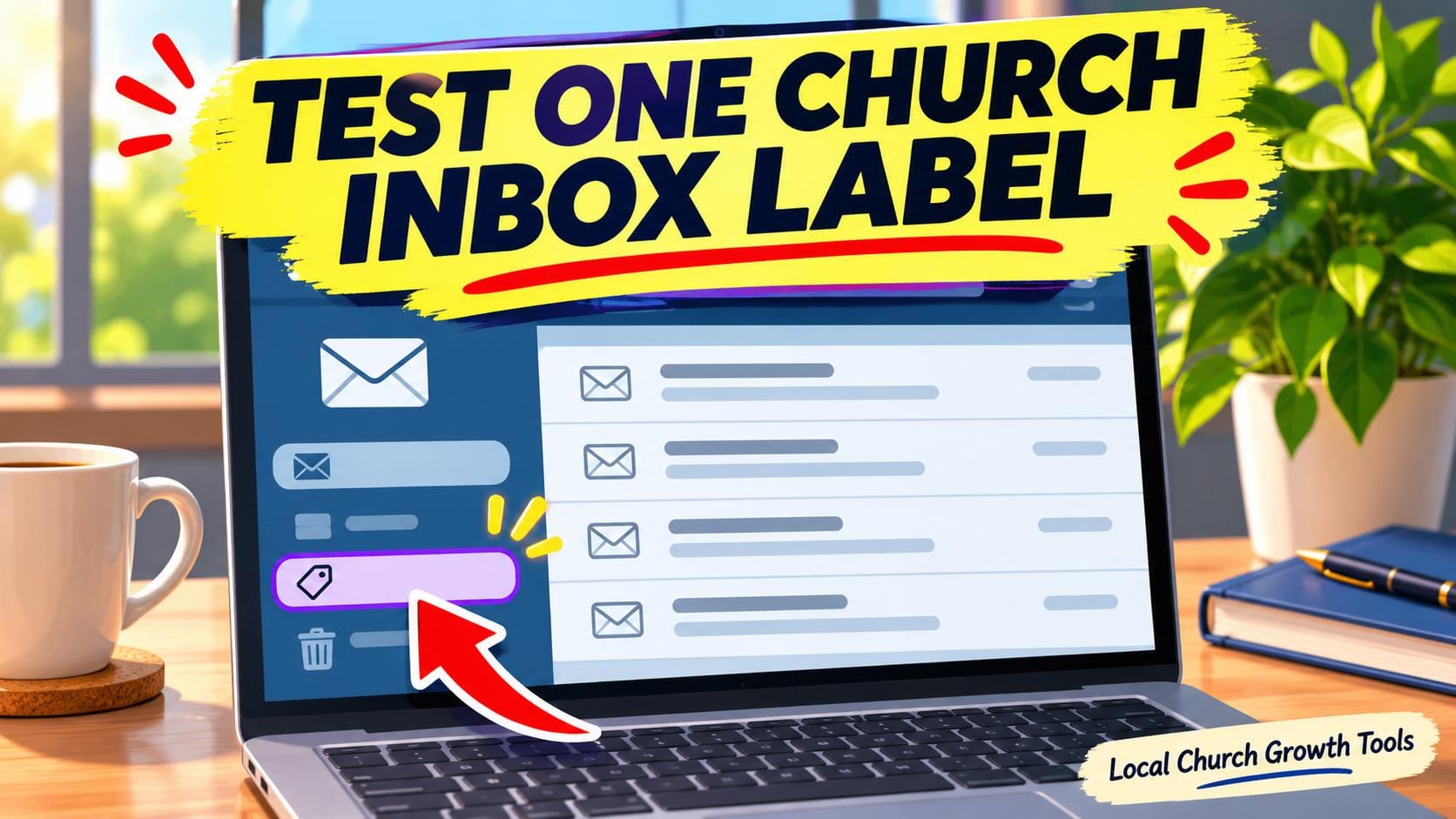
Start with one recurring message type when setting up a Gmail filter for a church inbox. A volunteer signup notice is easier to test than a broad rule that tries to cover all office mail. Choose a label that tells the person on duty what the message is about.
Google’s Gmail filter instructions explain how to preview criteria with a search before saving a filter. Check that the search finds the intended messages and leaves unrelated ones out. Add a distinctive subject phrase if a sender creates several kinds of mail.
Apply the label and leave messages in the inbox while you test. Use a harmless example and confirm the label appears. Check a second message that should stay unlabelled so you can see whether the rule is too broad.
Write down who reviews the label and what they should do with the requests they find there. Recheck the filter when a form, notification sender or event name changes. Avoid including real member messages in training material.
For office coverage, our Gmail delegation guide covers the separate question of who can open the mailbox and respond. A label helps people find a message. Pair it with a clear handoff so a volunteer request still gets an answer. Check the official information and our related guide before finalizing the details. Read More... |
A quick Q/A |
Q. When does the Food Bank ask groups to fill out the group request? A. Its volunteer page directs parties of eight or more to the group request form. See the organizer’s details |
 |

Saturday, November 21 · 10 a.m.–3 p.m. Hosea Helps lists a drive-through distribution. Check the organizer’s event and volunteer pages for current recipient instructions and separate volunteer sign-ups. Organizer details |
Joke of the Day |
What did the volunteer coordinator say about their favorite pen? It always signs up first. |
Sunday, November 22 · 11 a.m.–1 p.m. The church lists a Thanksgiving fellowship meal in Grace Hall. Check the church calendar for updates and arrival details. Organizer details |

Sunday, November 22 · 4–5:30 p.m. Families can make Advent crafts together. The church asks families to RSVP through its registration page. Organizer details |
Tip of the Day |
Name one person to handle cancellations and send volunteers the contact details before the event. |
Tools worth exploring |
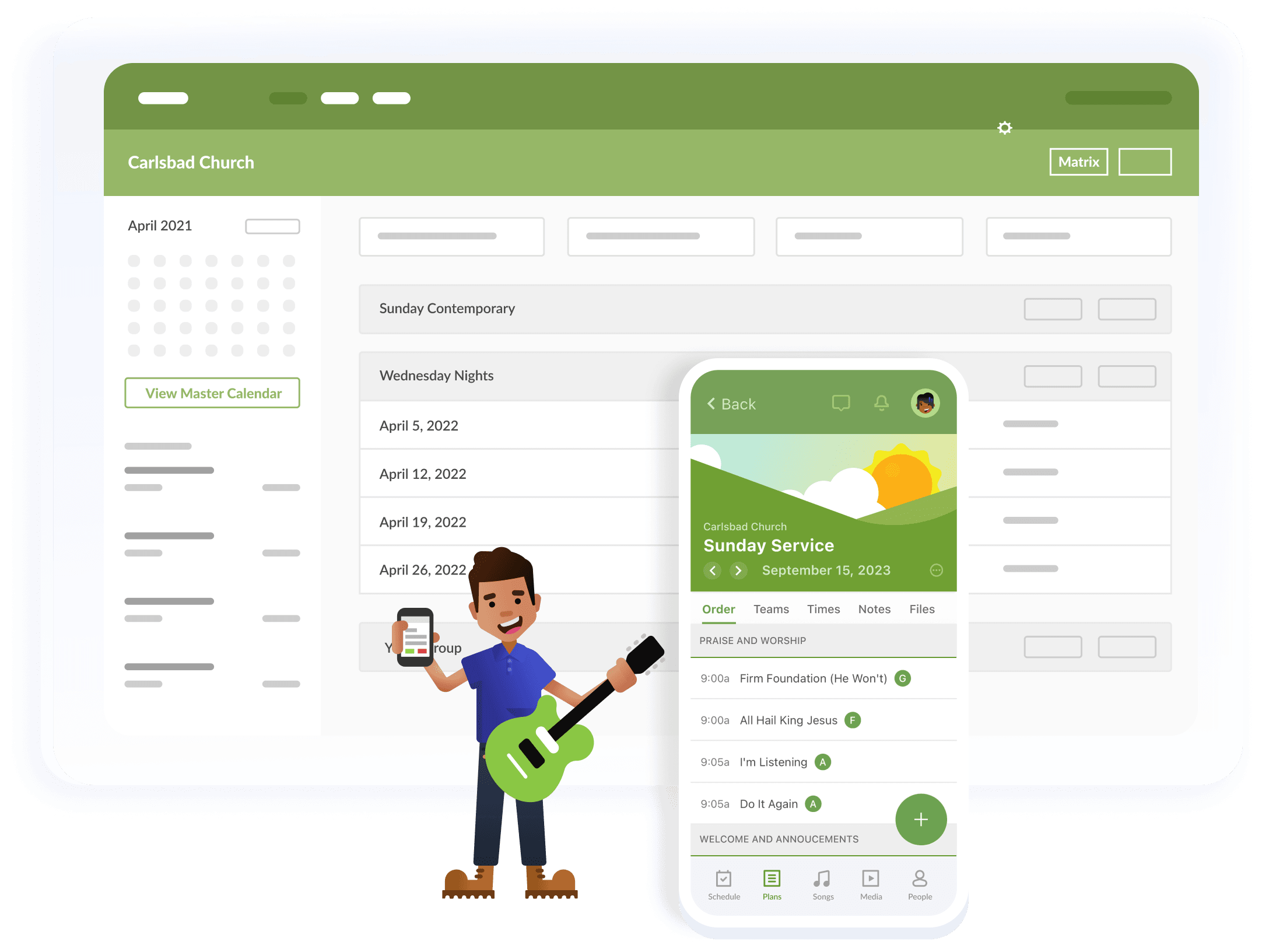
Assign a lead and distinct roles for setup, greeting and cleanup. Its Services documentation covers teams, positions and scheduling reminders. Unpaid editorial spotlight. |
|
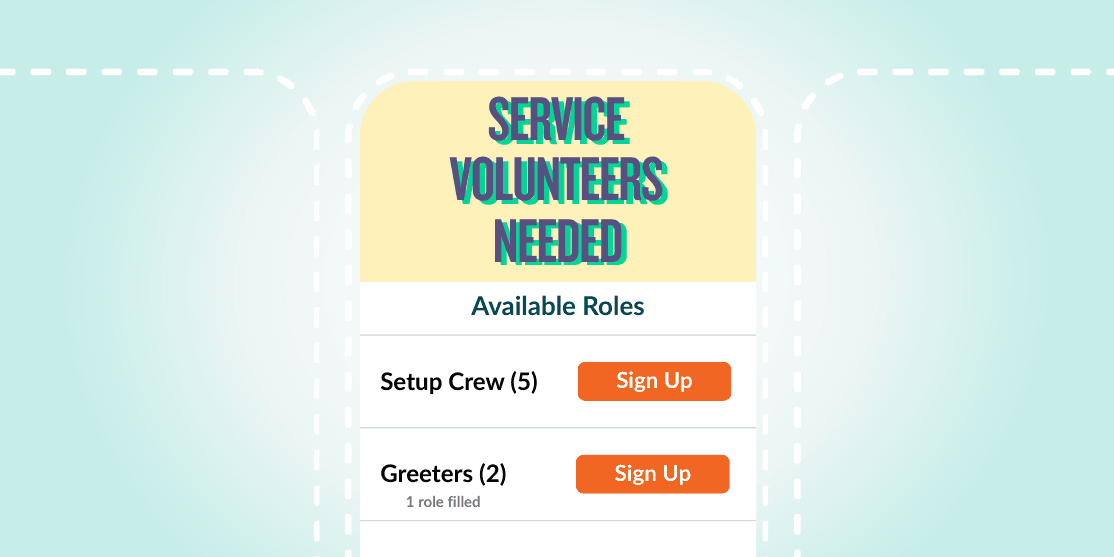
Start with a role, a start and end time, and the number of people needed. The provider’s guide shows how to create a sign-up and set reminders. Unpaid editorial spotlight. |
|
Secret Little Hack |
Make a reusable confirmation with arrival time, parking, point of contact, and how to cancel. Update those four details for each shift. |
 |
💡 Answer to Trivia Question: Hosea Helps lists the distribution for Saturday, November 21. |