
Church YouTube Shorts Links: Test the Related Video Route |
YouTube Shorts links for churches: choose an approved related sermon, check feature access and test the viewer’s route after saving. |
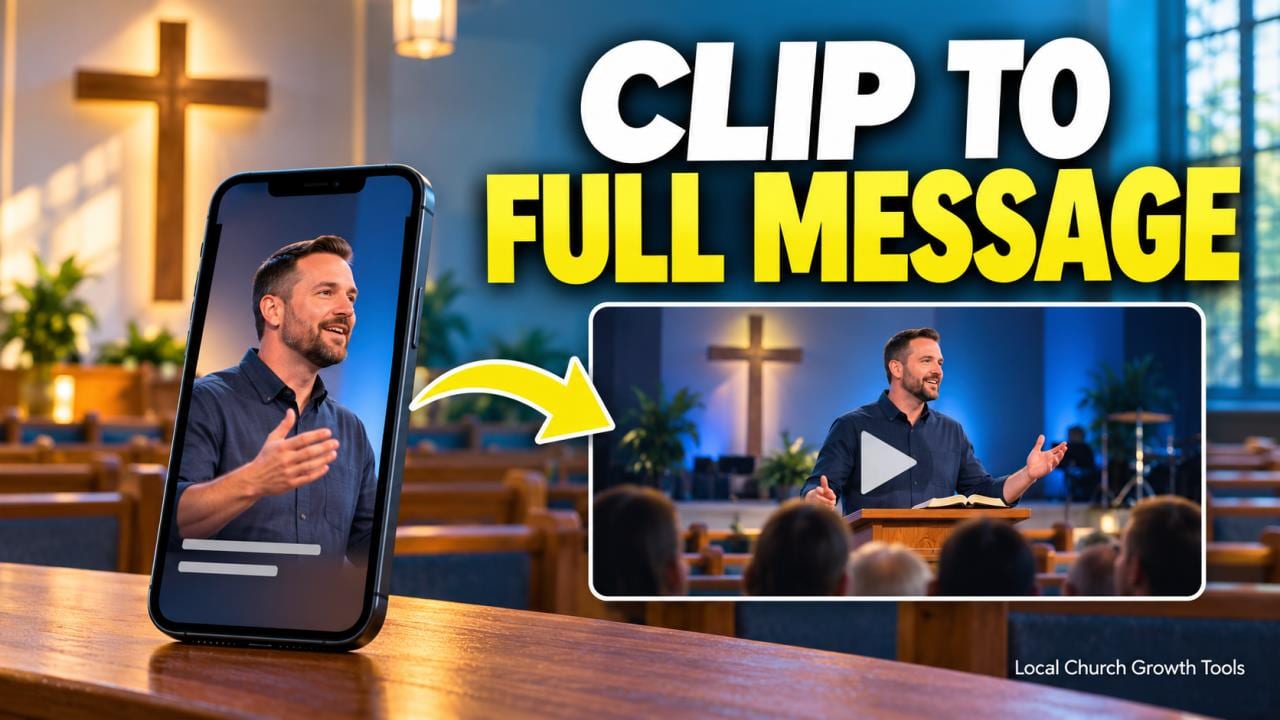
A sermon clip can raise a question that needs more than a few seconds to answer. Before a church volunteer adds “watch the full message,” check whether the viewer has a usable route to that recording. The words alone do not create a clickable destination.
For YouTube Shorts links, location matters. YouTube’s link-sharing guidance says URLs in Shorts descriptions and comments are not clickable. Repeating the same address in both places does not solve that particular problem.
The platform offers a separate Related Video feature. Its setup instructions describe a clickable link beneath the channel handle that connects a Short with another eligible video from the same channel.
Choose one approved destination that genuinely completes the clip’s thought. A passage explaining forgiveness, for example, needs a relevant full message rather than whichever upload happens to be newest. Write the invitation around what the viewer will find.
Our sermon playlist guide covers the next stage of a series. First establish the direct route from this specific clip to this specific recording, then consider how the wider collection supports someone arriving for the first time. Confirm the destination and feature access |
 Illustrative stock photograph of a camera recording a gathering in a Romanian church; not the church account or workflow described. Photo by Radu Daniel ( MRD ) on Pexels |
Check the actual sermon upload, its title and its audience before editing the Short. The destination must be public or unlisted and follow YouTube’s Community Guidelines. Treat an unlisted choice as a deliberate sharing decision, since the church may have prepared that recording for a narrower audience.
Adding a related video requires advanced feature access. Read YouTube’s feature-access guidance if the option is unavailable. Phone verification and sufficient channel history, or available identity-verification routes, are part of that guidance; do not assume every volunteer account can complete the process.
Refer an eligibility issue to the responsible channel owner. Avoid improvising a new church account or borrowing a personal channel just to make a button appear. Keep the work attached to the channel and approver who own the recording.
Our YouTube permissions guide addresses volunteer production roles. Permission to help with a clip and responsibility for channel verification are separate questions. Confirm who can make the intended edit before handing over the task.
For an uploaded Short, the documented route is YouTube Studio, Content, the selected Short, Related Video, then Save. Read the selected title carefully before saving. Similar sermon titles or repeated series artwork can make the wrong episode look convincing. Test what the viewer can actually follow |
 Illustrative stock photograph of a video-editing workspace; not a YouTube Studio screenshot. Photo by Peter Stumpf on Unsplash |
Reopen the Short after saving and inspect the viewing experience on a representative device. Find the related-video link, activate it and confirm that it opens the intended recording. Check the destination’s opening as well as its title.
Ask a second reviewer to make the same journey without instructions from the editor. If that reviewer cannot find the promised message, record where the route breaks and correct the relevant setting or invitation before promoting the clip.
A working link does not establish that the excerpt preserves the sermon’s meaning or that every participant’s image is approved for reuse. Keep those editorial checks in the church’s normal release process.
Leave a short handoff note naming the Short, destination, approver and test result. Repeat the check after replacing, restricting or removing the destination recording. A clear invitation should continue to lead to the message it promises. |
0 Comments
Join the conversation
Be the first to comment
Share your thoughts above.