
Church YouTube Description: Review the First Lines and Links |
Improve a church YouTube description with a sermon-specific opening, a clear next step and a viewer-side check of the actual links. |
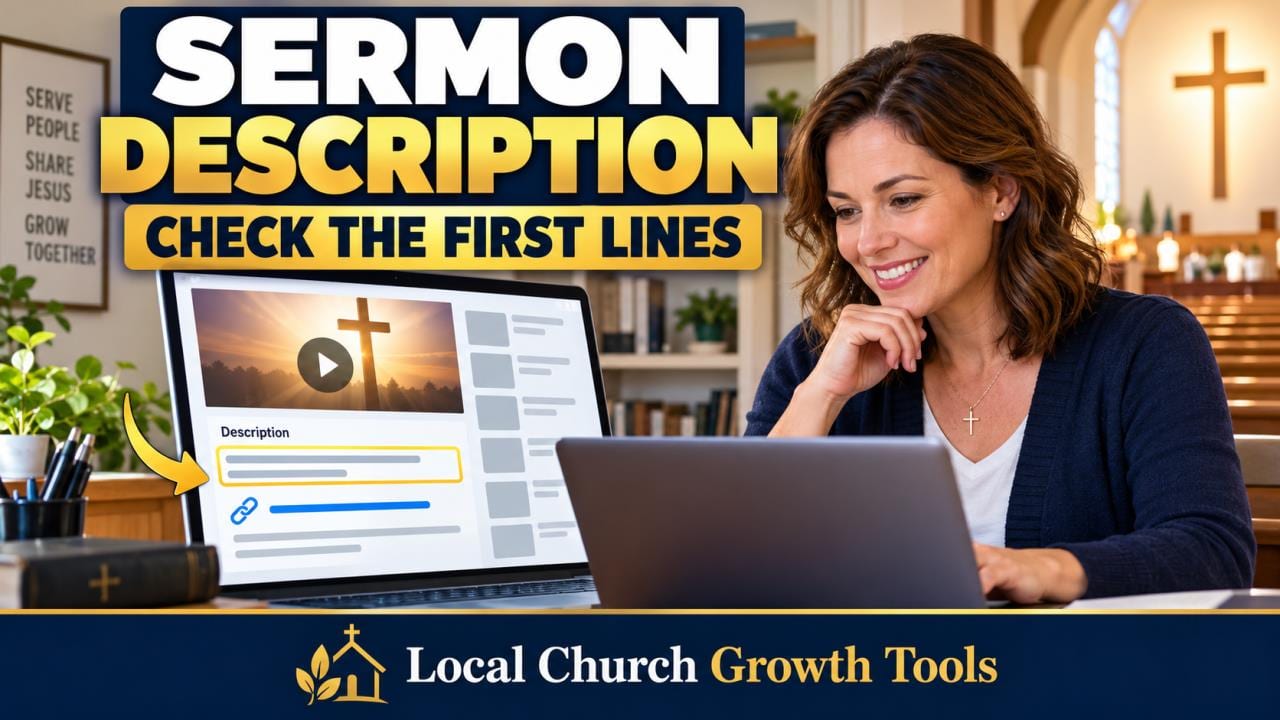
A church YouTube description should help a new viewer understand the sermon and take one sensible next step. When the opening is a copied block of addresses and weekly announcements, the actual message can disappear before the viewer expands the text. Start by reviewing what appears first.
YouTube's official description guidance recommends using the first few lines to explain the video and giving each upload a unique description. Apply that to the sermon itself: identify the subject, speaker and relevant Scripture accurately, then explain the question the message explores.
For example, an editor might draft: “This week's message considers how the Good Samaritan challenges our everyday choices about helping a neighbor.” That is an illustrative sentence, not a summary to paste onto an unrelated sermon. Check the recording before describing what was actually taught. Keep the reusable information belowPut stable church information after the sermon-specific opening. A visitor-page link, contact route and approved ministry details can remain useful across uploads, but they should not crowd out the individual video's purpose. Give one volunteer responsibility for checking those recurring details when the template changes. |
 Illustrative church setting; not a featured congregation. Photo by Debby Hudson on Unsplash |
Choose one next step that fitsDecide what a viewer needs after this message. It might be the next sermon in a series, an explanation of Sunday visiting or a way to ask a question. Several unrelated requests make the description harder to use, especially for someone encountering the church for the first time.
Write the action in plain language and use the correct destination. “Plan a Sunday visit” should lead to practical visiting information, not a generic page that makes people search again. Check service details at the destination before inviting viewers to rely on them.
Read YouTube's current clickable-link guidance before assuming a pasted address works everywhere. URLs in long-form video descriptions can be clickable, but clickable external links require access to advanced features. URLs in Shorts descriptions are non-clickable. The same text can therefore behave differently across formats.
Test the actual published viewer experience or an appropriately restricted review version before final release. Open the description, activate the intended link and confirm the destination. Do not count text that merely resembles a URL as a successful visitor route, and do not expose a private draft just to test it. |
 Illustrative volunteer computer work; not a screenshot of YouTube or a church account. Photo by RDNE Stock project on Pexels |
Review the whole handoffCheck both desktop and a phone-sized view, including the collapsed description. Ask a reviewer who did not write the text to explain what the video covers and what happens next. If the answer depends on opening several extra panels, simplify the opening and the action.
If the description includes chapters, use our sermon chapter timestamp review workflow to check them against the finished recording. This description review complements that task; it does not establish that timestamps or chapter links are correct. Keep each check tied to the actual saved video.
For the church website at the other end, follow our weekly visitor-route link check. A functioning YouTube link can still deliver someone to an outdated event, an unclear form or a page with missing access information. Follow the route far enough to establish that it answers the promised question.
Record the review date, the person who checked the links and any template correction needed for the next upload. Clear descriptions can make a sermon easier to understand and navigate. They do not guarantee more views, search rankings or new visitors; judge the work by its accuracy and usefulness first. |
0 Comments
Join the conversation
Be the first to comment
Share your thoughts above.