
Church Welcome Email: Test the Subscription-to-Welcome Route |
A church welcome email should match the signup promise. Test Mailchimp's confirmation step, optional final welcome message and practical visitor links. |
A church welcome email should help a new subscriber understand what happens next. Before writing a longer sequence, follow one signup from the public form to the inbox. The first useful improvement may be fixing a missing confirmation or an unexpected extra message rather than adding more content.
Start by identifying the actual signup route: a Mailchimp form, a church website integration or a manually entered contact. These routes can behave differently. Use an address your team controls for testing, and keep the exercise separate from real visitors' information. Separate confirmation from welcomeMailchimp's double opt-in documentation describes two steps: a person submits a signup form, then follows a confirmation link in an email before becoming a subscribed contact. If that method is enabled, the form's response should make the inbox step clear.
The documentation notes that its email double-opt-in setting applies to Mailchimp signup forms. An integration or API route may need separate implementation help. Do not assume a setting checked in the audience automatically establishes how every church website form behaves. |
 Illustrative church setting; not a featured congregation or case study. Photo by Debby Hudson on Unsplash |
Check the optional final messageMailchimp's final welcome email instructions describe a separate, optional email sent after subscription. It is off by default. This message is not the same as the confirmation request, and its presence should be checked before a volunteer builds another welcome automation.
The documented form-builder route begins with Audience and Signup forms, then Manage forms. Select the correct audience and choose Final welcome email from Forms and response emails. Review the sending checkbox and existing content. Interface wording can change, so use current provider help when your account differs.
Choose one owner to review the entire route before anyone changes live settings. Write down which messages already send, what triggers each and what the subscriber is told. A simple record helps the next volunteer avoid creating two messages that both claim to be the first welcome.
Keep the welcome content focused. Thank the person for subscribing, state what emails they asked to receive and offer one useful next step. For a prospective visitor, that might be the church's current service information or a staffed contact address. Avoid requesting sensitive pastoral details through a general marketing reply. |
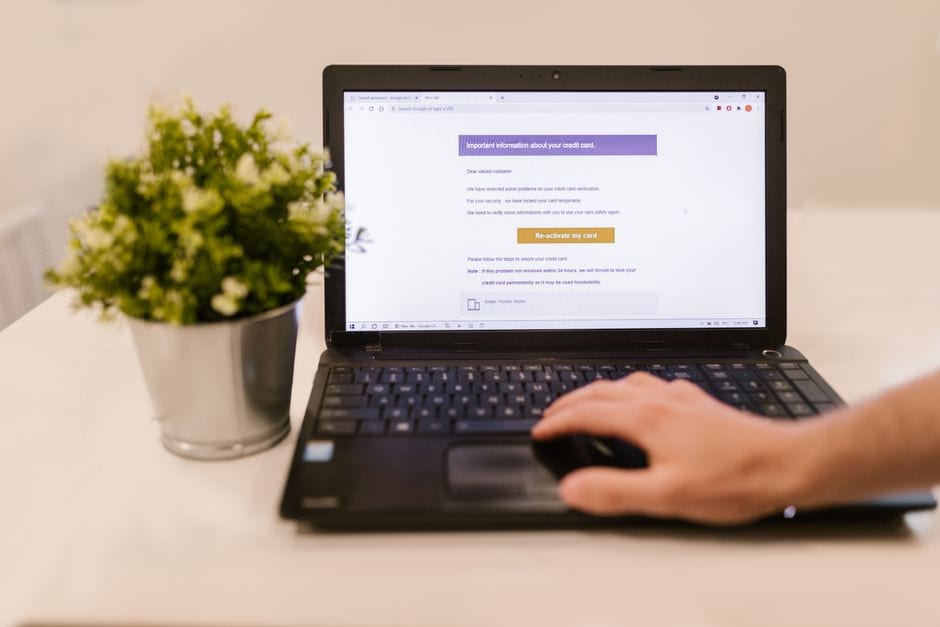 Illustrative email-review work; not an actual church account or Mailchimp interface. Photo by RDNE Stock project on Pexels |
Test the complete visitor experienceSubmit the public form with your controlled address and read the response. If confirmation is required, follow that link and note what arrives afterward. Check the actual received messages on a phone as well as a desktop; a design preview alone does not establish the complete signup behavior.
Open every visitor-facing link in the received welcome. Confirm the page names the right location and current service information, and that a reply reaches someone assigned to respond. Compare the result with our weekly church visitor-route link check so a correct email does not lead to an outdated destination.
Review subscription preferences and the footer using our church newsletter unsubscribe checklist. Let people understand what they joined and how to change that choice. Keep a personal response to a specific visitor question distinct from adding that person to a recurring mailing list.
Record the test date, responsible reviewer and any repair before retesting the route. After a change, repeat the same controlled signup path rather than assuming the edited screen proves delivery. One clear, working welcome is a sound starting point for a small church communication team. |
0 Comments
Join the conversation
Be the first to comment
Share your thoughts above.