
Church Volunteer Sheets: Protect Formulas Without Blocking Updates |
Use protected ranges in church volunteer Google Sheets. Separate formulas from input cells, review file access and test the volunteer’s actual update task. |
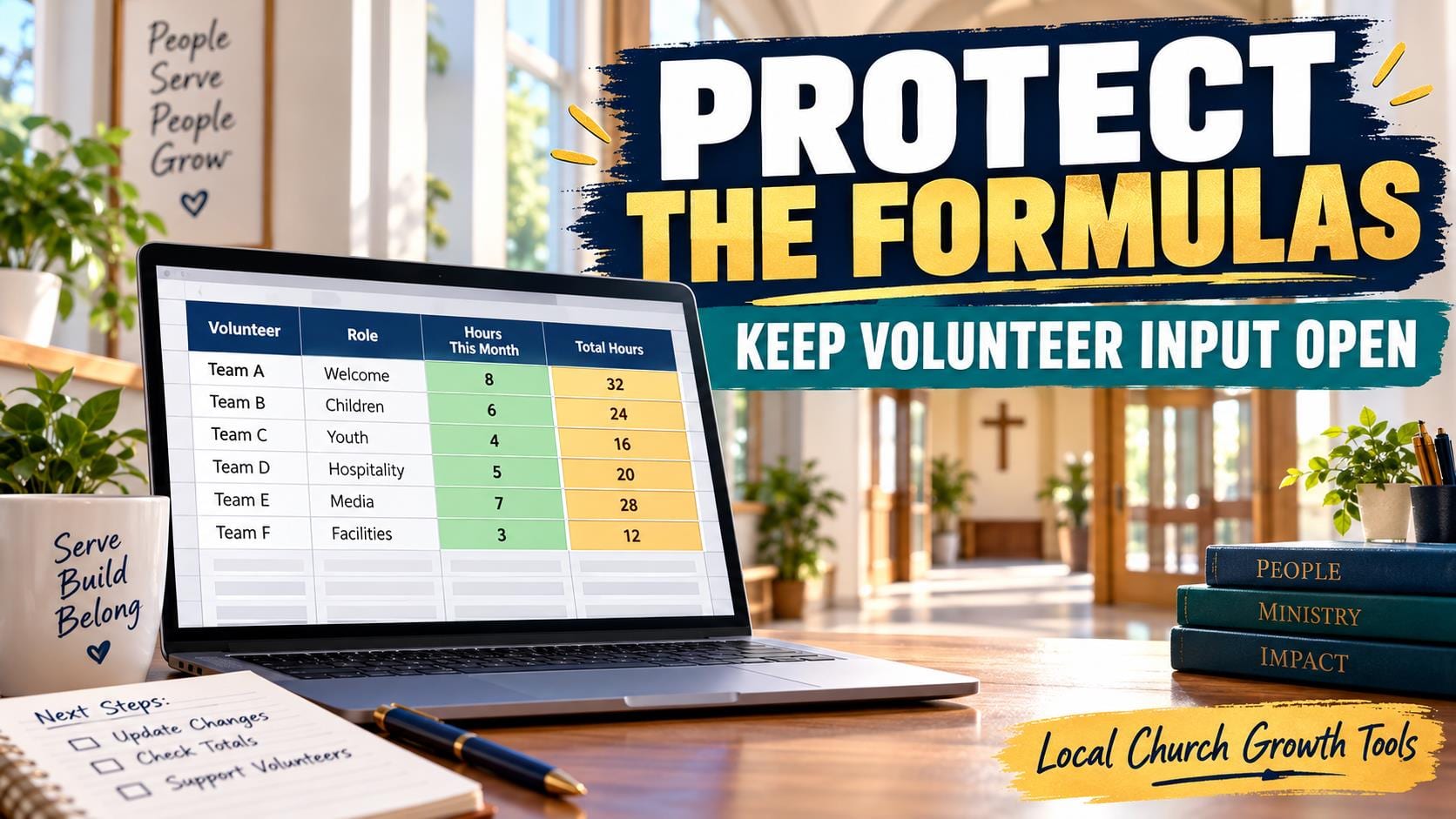
Protected ranges in a church volunteer Google Sheet can reduce accidental edits to formulas and headings while leaving agreed input cells available. Start with a simple question: which cells should a volunteer update, and which should stay under the coordinator’s control?
Separate input cells from the working structureMake a copy with sample names before changing the live roster. Identify formulas, date headings and role labels that should remain stable. Identify the small set of cells where a team member is expected to enter an availability response or another agreed update. Keep those two functions visually clear.
Google’s sheet and range protection guide explains the computer workflow under Data, then Protect sheets and ranges. A coordinator can protect a selected range or a sheet. Sheet protection can also leave specified cells as exceptions, which may suit a roster with a limited input area.
A warning and a restriction serve different purposes. A warning asks an editor to confirm a change but does not block it. Restricting who can edit limits editing of the selected cells. Choose the behavior that fits the roster instead of assuming every protection setting locks the same things. |
 Illustrative stock photo of laptop work; not a Google Sheets interface or church volunteer record. Photo by Christin Hume on Unsplash. |
Keep file access and cell protection distinctGoogle explicitly says protected sheets are not a security measure. People can copy or export protected spreadsheets. Hiding a tab also does not establish confidentiality. Keep sensitive pastoral information, screening results and unnecessary personal details out of a broadly shared serving schedule.
The Google Drive sharing and access guide explains Viewer, Commenter and Editor roles, alongside the effect of shared-folder permissions. Review who can open the file separately from who can edit a protected range. A cell rule should not be treated as a substitute for an appropriate file audience.
For example, a simple public-facing role list and a coordinator’s contact records may need different files and audiences. Decide what volunteers actually need for their task. Do not place private notes on a hidden sheet and assume viewers cannot obtain them.
Our church Google Drive handoff guide helps the next coordinator find the current working file. Record the purpose of protected areas there so a handover does not turn a deliberate rule into a mysterious obstacle. |
 Illustrative stock photo of church seating; not a named congregation or a volunteer assignment. Photo by Debby Hudson on Unsplash. |
Test the volunteer’s actual taskUse a consenting test collaborator with the intended role and sample data. Ask them to enter an update in the allowed area and attempt a harmless change in a protected formula cell. Confirm the result matches your chosen warning or restriction and that they can still complete their ordinary task.
If protection controls are missing, Google notes the file may be in Microsoft Office editing mode and require conversion to Google Sheets. Check the file type before troubleshooting other settings. Keep the original until you have confirmed that a conversion preserves the roster’s formulas and layout.
Give volunteers one short instruction: which cells they may update, how to report a correction elsewhere, and who handles changes to the structure. An intentionally protected heading should lead to a clear contact route, rather than a copied file that creates a second schedule.
Our volunteer filter-view guide explains finding a shift without changing everyone’s view. Filtering and protected ranges address different problems and can be considered separately.
Official documentation was checked October 11, 2026. Test the sample roster, review file access and explain the allowed input area before applying the arrangement to a live volunteer schedule. |
0 Comments
Join the conversation
Be the first to comment
Share your thoughts above.