
Church Sermon End Screens: Check the Next Video and the Final Words |
Offer a useful next step without obscuring the sermon’s ending. |
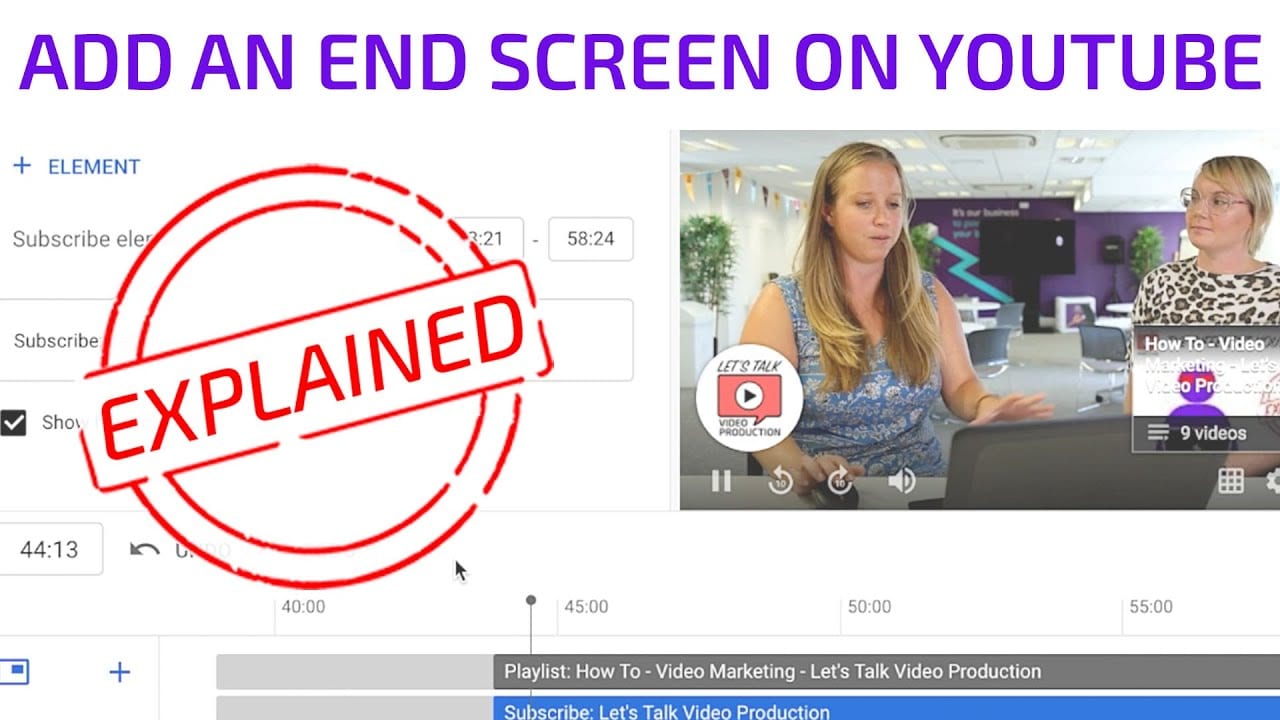
Choose a next step that fits the sermonA church sermon’s final seconds can offer a useful next step, but the ending should remain understandable on its own. Before adding a YouTube end screen, decide what a viewer would reasonably want next. A related sermon or the relevant series playlist may be more helpful than an unrelated recent upload. YouTube’s end-screen instructions describe elements added during the final five to twenty seconds of an eligible video. The video must be at least twenty-five seconds long, and end screens are unavailable for videos marked as made for kids. Check eligibility before planning an element. Do not change an audience designation just to gain a feature. Use the appropriate setting for the video, and plan another clear next step when end screens are unavailable. The church’s communication goal should fit the platform’s actual capabilities. Identify the destination before editing. Open the intended video or playlist, confirm its title and check that it is available to the audience you intend. An attractive thumbnail is not enough if it leads to the wrong sermon or a playlist that no longer makes sense. |
 |
Leave room for the ending and preview the layoutYouTube’s current workflow uses Studio, Content, the selected video, Editor and End screen. Choose the appropriate element and save the edit. Keep the volunteer’s authority to edit the church channel separate from the article’s general instructions; use the approved channel workflow. Watch the sermon’s final section before placing anything. Note closing words, on-screen names, useful references and any final action the speaker asks viewers to take. An overlay should not obscure the information needed to understand that ending. The YouTube creator guidance on hiding end screens reminds creators to design these elements as part of the whole video experience and avoid covering crucial visuals. It also explains that viewers can hide the end screen for the current video. The closing message therefore needs to work even when the overlay is dismissed. Choose a modest layout with a clear purpose. If a single relevant video answers the viewer’s likely next question, several competing prompts may add confusion. Explain the destination in the accompanying words without promising that every device or viewing context will display the element identically. Use the editor’s playback preview to inspect placement and timing. Then confirm the chosen destination again rather than relying on a template copied from another sermon. A reusable layout can carry a wrong selection forward if no one checks it. Avoid assuming an external website element is available to every channel. YouTube lists external linking as a Partner Program feature with additional requirements. A video or public playlist may fit the intended next step without relying on a feature the church has not verified. |
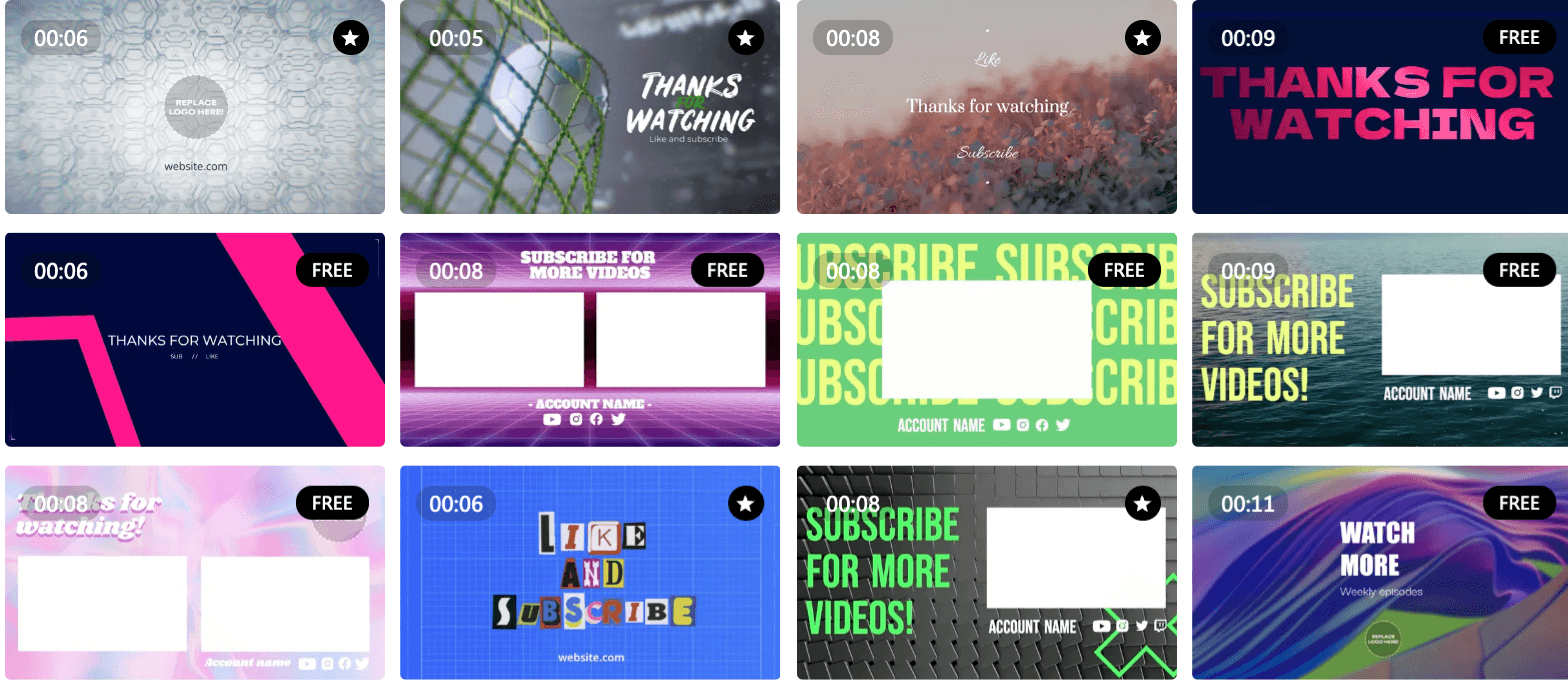 Example of YouTube end screens |
Check the saved result and maintain the destinationAfter saving, review the video’s ending in the relevant supported viewing context and exercise the element when it appears. Confirm that it opens the intended destination and that the destination still has the correct title and content. Record which video and device were checked. YouTube notes that end screens may not always appear or may display differently. If an element is absent, inspect the saved configuration and the platform’s viewing limitations before concluding the edit failed. Also confirm that the closing message remains useful without it. When a series changes, review older end-screen destinations along with the playlist. A link that worked at upload can later lead to an incomplete or inappropriate next step. Assign that review to someone who knows the intended viewing order. Our sermon playlist guide explains series organization, while our chapter timestamp guide covers navigation inside a video. Product instructions were checked October 7, 2026. Finish with an uncluttered ending, an accurate destination and a saved-result check that goes beyond the editor preview. |
0 Comments
Join the conversation
Be the first to comment
Share your thoughts above.