
Church Livestream Delay: Test YouTube Latency Before Sunday |
A rehearsal helps church media teams choose a delay setting that fits the service. |
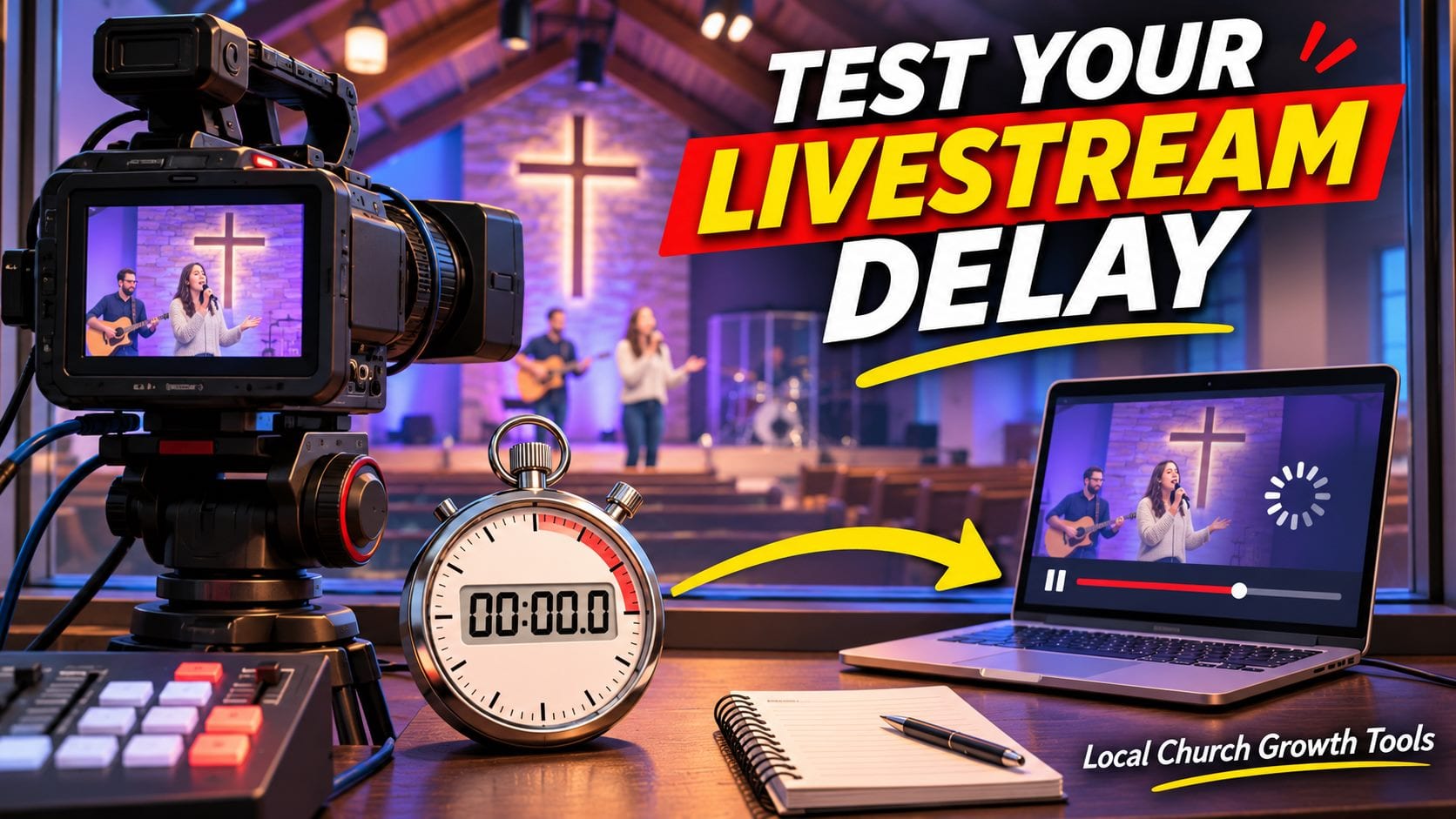
The person monitoring a church livestream can hear the sermon in the room while the same words are still making their way to viewers at home. That gap matters when a host asks the online congregation to respond, but a service that is mostly watched can tolerate more delay. Start with the kind of participation your church expects, then test the viewer experience before Sunday. Choose latency for the service you actually runYouTube’s latency guide describes three settings for encoder streams. Normal latency suits broadcasts without much interaction and gives the player more room to buffer ahead. If most viewers are watching worship and a sermon without a back-and-forth exchange, start there. Low latency is worth testing when a moderator occasionally asks the audience a question. Ultra-low latency is intended for more conversational streams, but it leaves less room for network trouble. Neither reduced-delay option supports 4K. YouTube does not expose the same selector for webcam and mobile streaming, so confirm the team is actually testing the encoder workflow before troubleshooting a missing setting. Rehearse from the viewer’s sidePick a rehearsal window and assign two people. One operates the encoder; the other opens the viewer page on a phone or laptop away from the booth. Use a test setup with visibility appropriate for the team. If you are unsure who should be able to watch, compare the unlisted and private sermon review options first. Have the operator say a short cue at a known time, then note when the second person hears it. Repeat several times during spoken audio and music. A single reading is useful as a baseline, but it cannot show how playback behaves over the full service. If practical, ask the remote tester to try a different internet connection so you are not evaluating only the church network. Note any interruptions or audio problems beside the delay measurement. YouTube’s encoder guidance recommends testing with audio and movement representative of the actual broadcast and watching the stream-health messages. Keep the encoder settings stable while comparing latency so the team can tell which change it is evaluating. Give the moderator a plan for the gapIf the service includes a welcome or a question for people watching at home, rehearse the exchange with the moderator. Ask the host to leave a pause and have the moderator signal when replies start arriving. A cue designed around the actual viewer delay can work better than shortening the buffer simply because a faster option exists. If the moderator needs access to Studio, review the church YouTube permissions guide before the rehearsal. Keep the task simple: know who operates the stream, who observes it as a viewer, and who answers chat. Record the setting and test results where next week’s volunteer can find them. Decide what counts as a passA workable result is a stream the viewer can follow without repeated stalls, with enough time for any planned exchange. If shorter delay makes playback less dependable, test normal latency again and adjust the host’s pauses instead. Recheck the Live Control Room settings before the next service, especially after changing the encoder or network. Write down the selected setting, the date tested, the viewer’s device, and the reason for the choice. That record gives the next operator a starting point and keeps the team from repeating the same experiment on Sunday morning. |
 Illustrative stock photo of a video camera on a tripod. Photo by Billy Freeman on Unsplash |
 Illustrative stock photo of a video production workstation. Photo by Amar Preciado on Pexels |
0 Comments
Join the conversation
Be the first to comment
Share your thoughts above.