
Church Email Subject Lines: Check the Preview Text Too |
Review church email subject lines with the inbox preview text. Use a clear pair, verify the draft and test what readers actually see. |
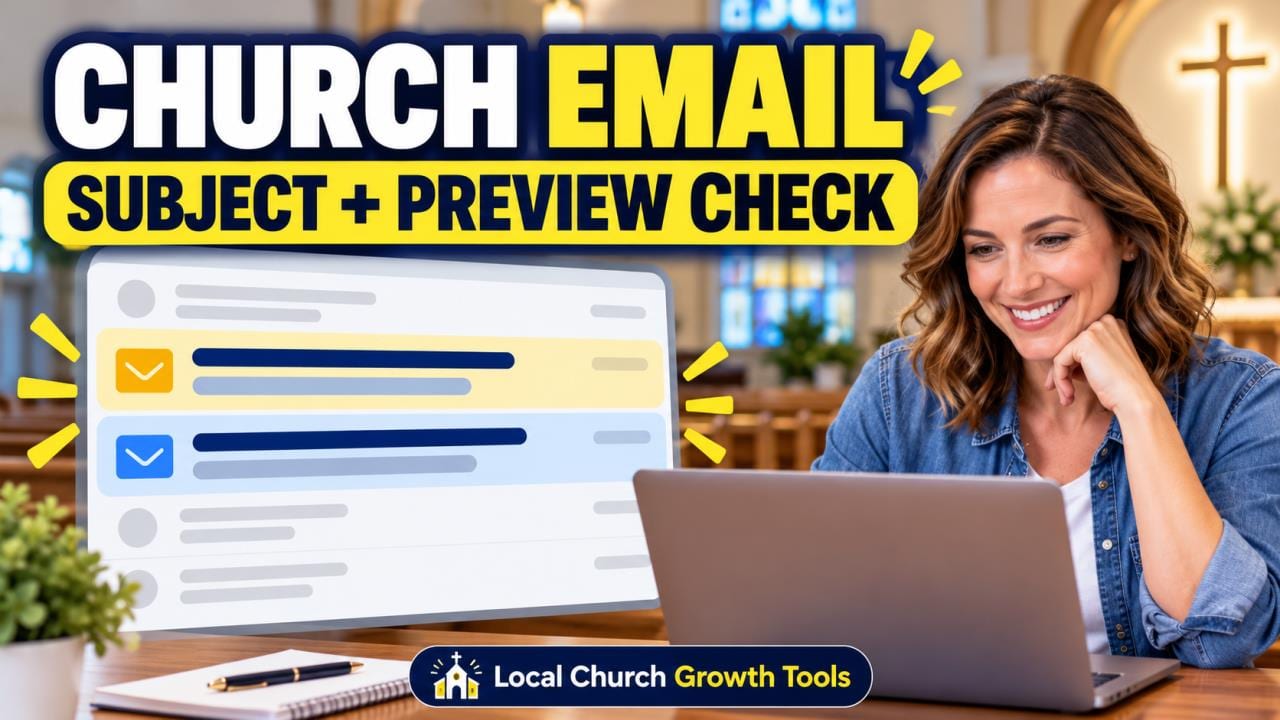
A church email subject line can be clear while the words beside it in the inbox still confuse readers. Preview text, sometimes called a preheader, is a separate part of the message's first impression. Give that small field an intentional review before approving the weekly newsletter.
Start with the real reader question. If the email's main purpose is volunteer orientation, the subject should identify that purpose and the preview should add the next useful detail. Avoid making both fields repeat a vague weekly-update label while the actual action remains hidden inside the message.
For example, a hypothetical subject might identify a Saturday volunteer orientation, while its preview explains that the email contains arrival and preparation details. Treat that as a writing pattern, not an announcement of a real event. Verify the actual date, location and registration status before putting any of them into a draft.
Keep the church's sender name recognizable, too. A useful subject-and-preview pair cannot repair an unfamiliar identity or an inaccurate promise. Assign one reviewer to compare all three visible elements with the approved message, so a last-minute edit does not leave mismatched information in the inbox. |
 Photo by RDNE Stock project on Pexels — Illustrative email-workflow photograph; not a screenshot of a church's subscriber data. |
Find the field in the actual draftMailchimp's subject and preview-text instructions place those fields in the Subject section of a regular draft email. The provider notes that these details cannot be changed after that regular email is sent. Other email types have different editing steps, so confirm the workflow for the item actually being prepared.
Campaign Monitor's preview-text documentation explains why leaving the field blank can produce an unintended result: email clients may pull text from the body instead. Navigation, boilerplate or an opening sentence could then appear where the team expected a useful introduction.
Write the most useful information first. Inbox space varies, and a carefully composed ending may be cut off on a smaller screen. Do not promise a universal character count that every subscriber will see. Read the shortened beginning by itself and ask whether it still makes sense.
Keep promotional urgency proportional to the real situation. A routine newsletter should not imitate an emergency to win attention. If a deadline matters, confirm it in the body and at the linked destination before describing it in the preview. The inbox promise should match what happens after the reader opens the message. |
 Photo by Debby Hudson on Unsplash — Illustrative church photograph; no congregation's email workflow is depicted. |
Review the inbox, then the messageUse the email provider's supported testing workflow with an approved internal test recipient. Campaign Monitor's testing guidance distinguishes browser previews from actual email-client rendering. It also notes limitations in tests involving personalization and dynamic content. A reassuring browser view alone does not establish every subscriber's result.
Inspect the sender, subject and preview together in the test inbox before opening the message. Then open it and follow the main action as a reader would. Record which app and device were checked, what appeared and whether any essential words were missing or replaced by stray content.
After that first-impression review, use our church newsletter mobile checklist for the opened message. Our unsubscribe-footer review guide covers a separate reader route that also needs attention before scheduling. These checks complement the preview review without replacing it.
If the team changes the subject, preview or underlying content, repeat the relevant test on the revised draft. Keep the approval note simple: the reviewed version, the reviewer and any unresolved issue. Clear inbox language is a small editorial habit that helps people understand what the church is actually asking of them. |
0 Comments
Join the conversation
Be the first to comment
Share your thoughts above.